Struggling to manage your time and stay on top of your tasks? Often feel overwhelmed by the amount of work you have to do? If so, you might benefit from using a weekly schedule template.
In this blog post, we will explain what a weekly schedule template is, what components it should have, when and who should use it, and what advantages and limitations it has.

What is a Weekly Schedule Template?
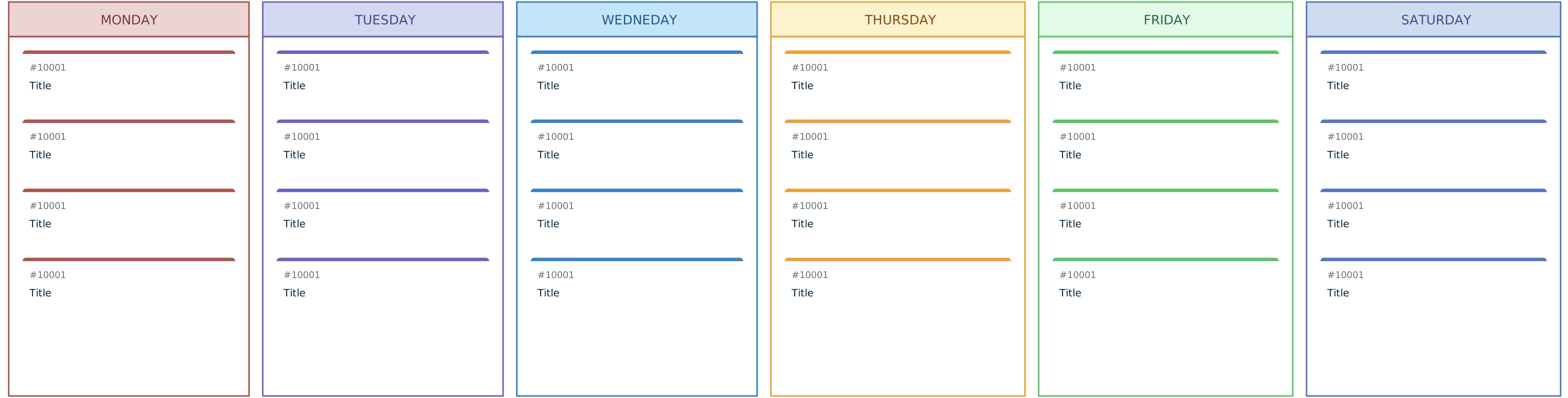
A weekly schedule template is a tool that helps you plan your week in advance and organize your activities according to your priorities, goals and deadlines. It can also help you track your progress, monitor your performance and improve your productivity.
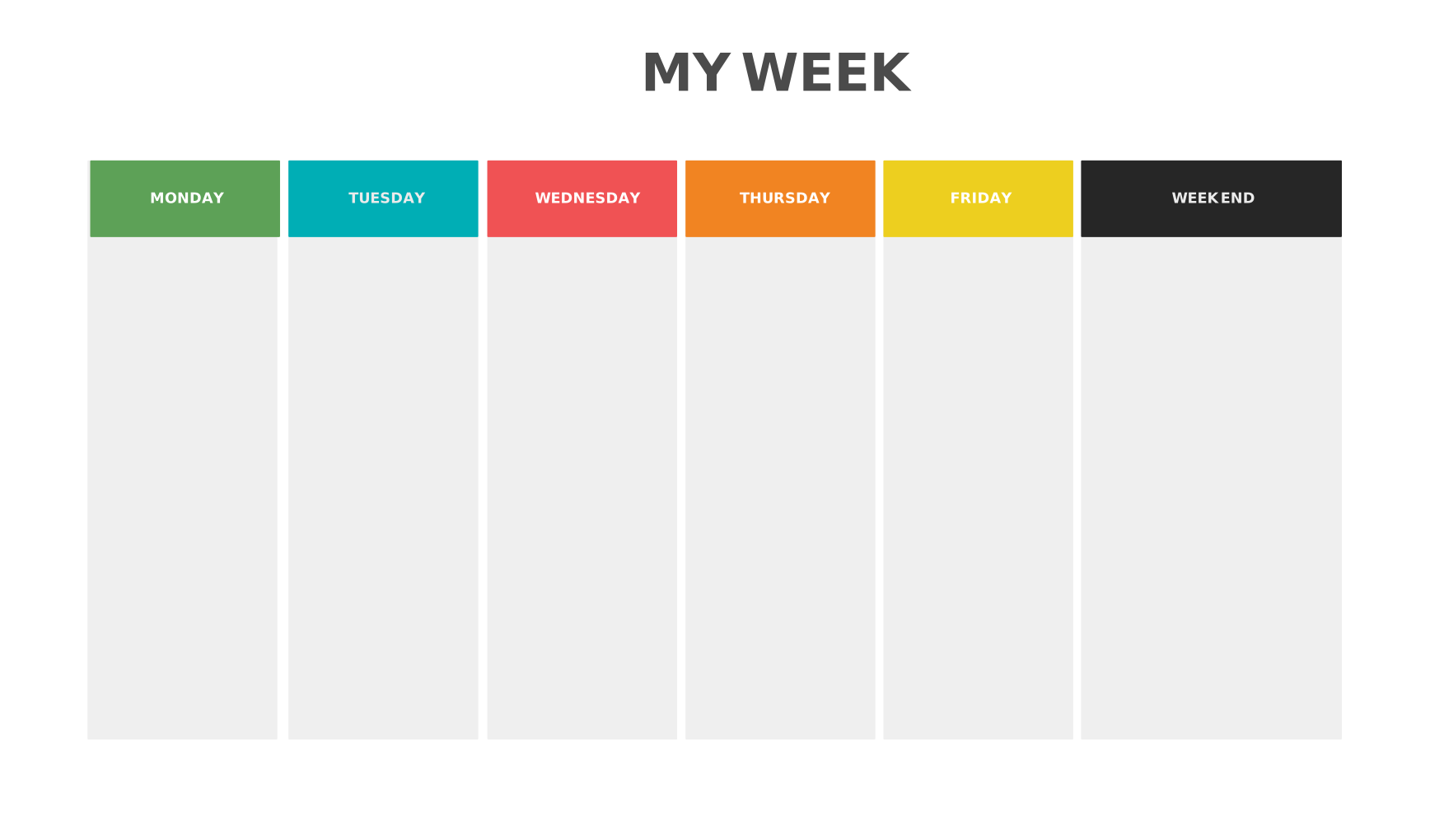
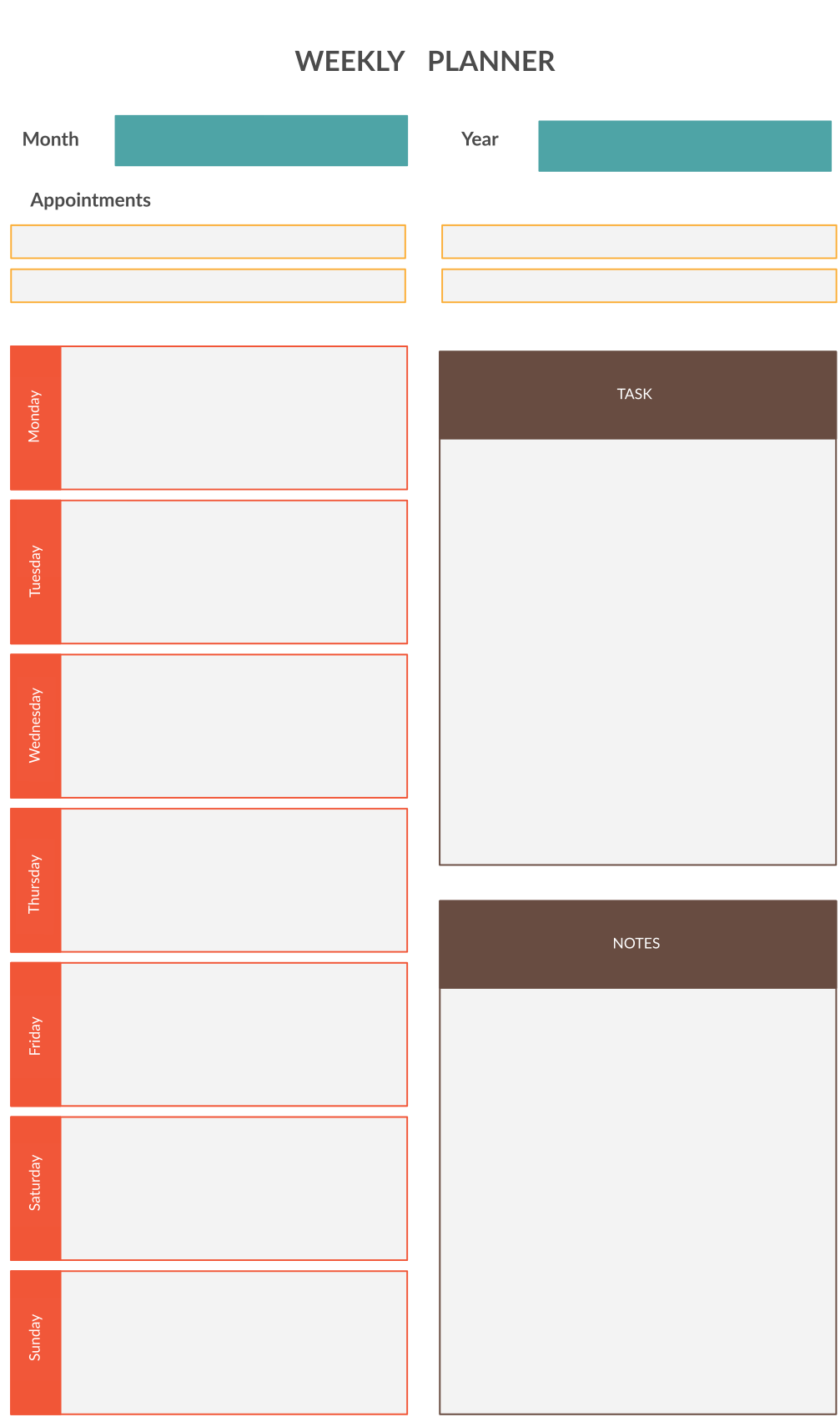
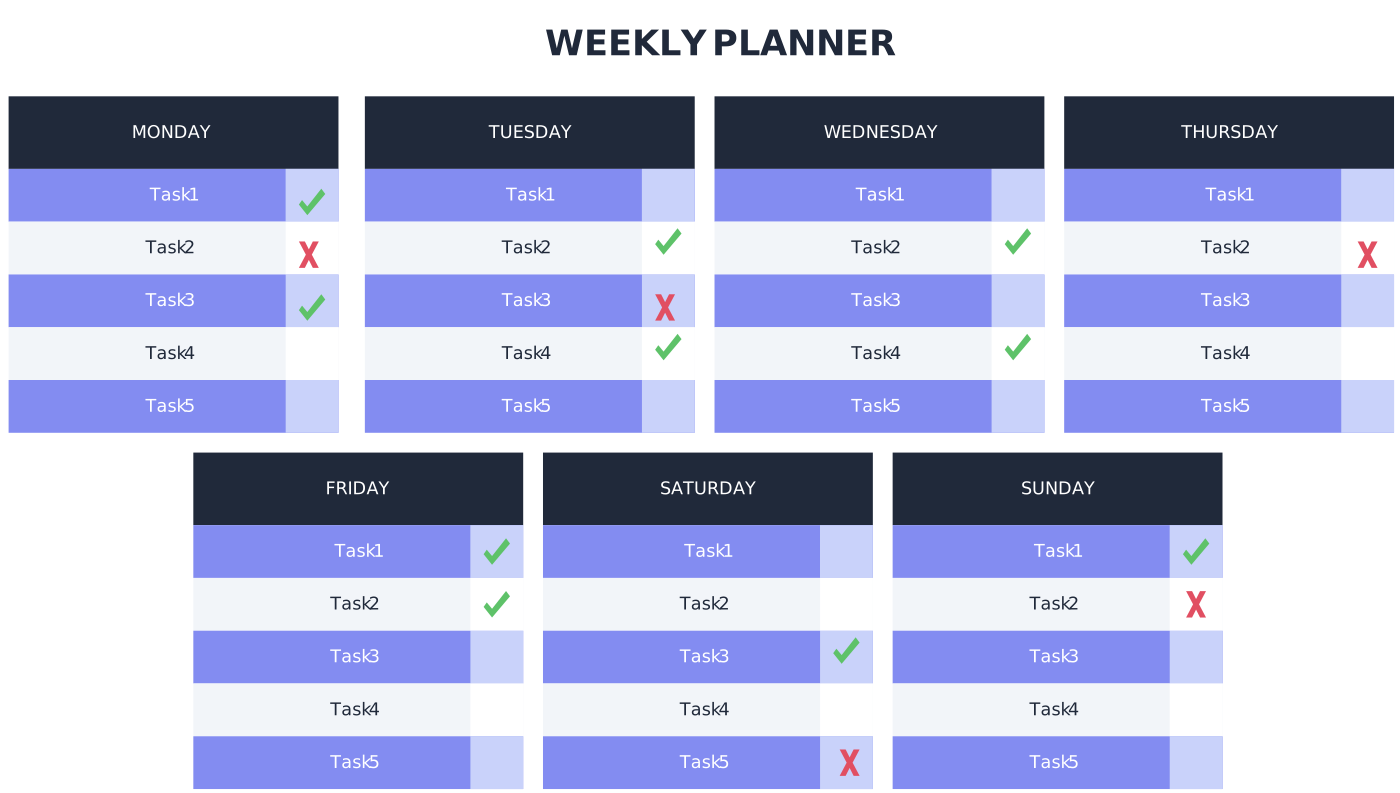
It contains a table or a chart with the days of the week and the time slots for each day. You can fill in your tasks, appointments, meetings, events and other activities for each day and time slot.
A weekly schedule template can be either digital or paper-based, depending on your preference and convenience. You can use a spreadsheet, a word processor, a calendar app, a planner or a notebook to create your own weekly schedule template. Alternatively, you can use an online tool like Creately to create a professional-looking and customizable weekly schedule template.
Components of a Weekly Schedule Template
A weekly schedule template should have the following components:
Days of the week: You can either use the standard Monday to Sunday format or start your week from any day that suits you best. For example, if you are a student, you might want to start your week from Sunday to align with the academic calendar.
Time slots: You can either use the standard 24-hour format or the 12-hour format with AM and PM indicators. You can also divide your day into different segments, such as morning, afternoon, evening and night. You should choose the time slots that match your lifestyle and work habits.
Tasks: These are the activities that you need to do or want to do during the week. They can be categorized into different types, such as work-related, personal, social, recreational, educational, etc. You should assign each task a priority level, a deadline and an estimated duration.
Color codes: These are optional but useful features that help you visualize your weekly schedule at a glance. You can use different colors to highlight different types of tasks, priority levels, deadlines or other criteria that are important for you.
Notes: These are optional but helpful features that help you add more details or information to your tasks. You can use notes to specify the location, the contact person, the resources needed or any other relevant information for each task.
When to Use a Weekly Schedule Template
You can use a weekly schedule template to:
Plan your work projects and assignments
Manage your personal goals and projects
Balance your professional and personal life
Organize your study schedule and assignments
Prepare for exams and tests
Coordinate your family activities and events
Arrange your social outings and meetings
Schedule your hobbies and interests
Allocate time for self-care and relaxation
Anyone who wants to improve their time management skills and optimize their productivity can use a weekly schedule template. Employees, managers, entrepreneurs, freelancers, students, teachers, parents, caregivers, and volunteers use weekly schedules to manage their work.
Advantages of Using a Weekly Schedule Template
Using a weekly schedule template has many benefits, it helps you:
Pan ahead and avoid procrastination
Prioritize your tasks and focus on the most important ones
Set realistic goals and expectations
Allocate sufficient time for each task and avoid overcommitting or underestimating
Track your progress and measure your results
Identify potential problems and risks and take preventive actions
Cope with stress and anxiety
Improve your work quality and performance
Achieve a better work-life balance
Limitations of a Weekly Schedule Template
Using a weekly schedule template also has some drawbacks, such as:
It can be time-consuming and tedious to create and update
They are somewhat rigid and inflexible to accommodate changes or emergencies
It can be unrealistic or impractical to follow strictly
It can be demotivating or discouraging if you fail to meet your targets or deadlines
It can be overwhelming or distracting if you have too many tasks or too much information
Create a Weekly Schedule Template with Creately
Creately is an online diagramming and visual collaboration tool that allows you to create and share various types of diagrams, including weekly schedule templates. With Creately, you can:
Choose from a range of ready-made weekly schedule templates or create your own from scratch
Customize your weekly schedule template with different colors, fonts, shapes, icons and images
Add, edit, delete or rearrange your tasks and notes easily with drag-and-drop and inline editing features
Collaborate with your team members or stakeholders in real-time and get instant feedback and suggestions
Export or print your weekly schedule template in various formats, such as PDF, PNG, JPEG or SVG
Plan Your Week Effectively
A weekly schedule template is a useful tool that can help you plan your week effectively and efficiently. It can help you organize your tasks, manage your time, achieve your goals and improve your productivity. However, it also has some limitations that you need to be aware of and overcome.
To create a weekly schedule template, you can use any tool that works for you, such as a spreadsheet, a word processor, a calendar app, a planner or a notebook. Alternatively, you can use an online tool like Creately to create a professional-looking and customizable weekly schedule template.