Family Tree Creator
Create a Personalized Family Tree in Minutes
Create a family tree without getting stuck on layout or design. Start with what you know, build each branch as you go, and create a family tree that’s ready to share, print, or present. 100% free - no download or account needed to start.
- Start faster with templates, or build your own tree from scratch
- Build each branch with easy shapes, connectors, and flexible layouts
- Add photos, notes, stories, and records to keep family details together



 Diagramming Visual Collaboration Org Chart


How to Make a Family Tree with Creately?
Start with a template or blank canvas
Choose a family tree template when you want a quick starting point, or use a blank canvas when you need full control over the layout.
Add family members
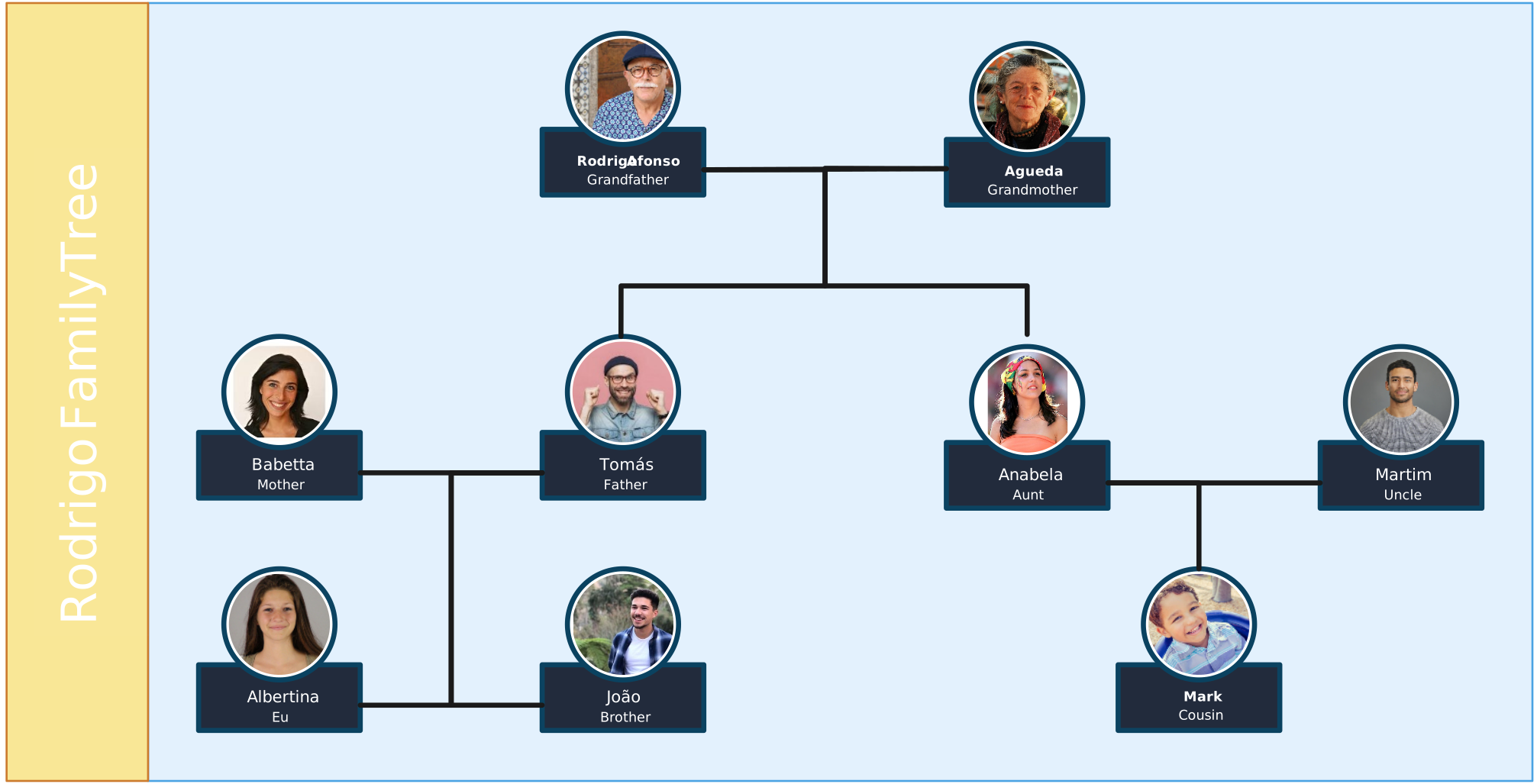
Add parents, children, siblings, partners, grandparents, and extended relatives. Include names, photos, dates, or short details where needed.
Connect relationships
Use connectors to show how each person is related. Arrange family members by generation so the tree is easy to follow as it grows.
Customize and add context
Change colors, shapes, fonts, and layout styles to match your purpose. Add notes, stories, links, or records to keep important family details connected.
Share, export, or keep updating
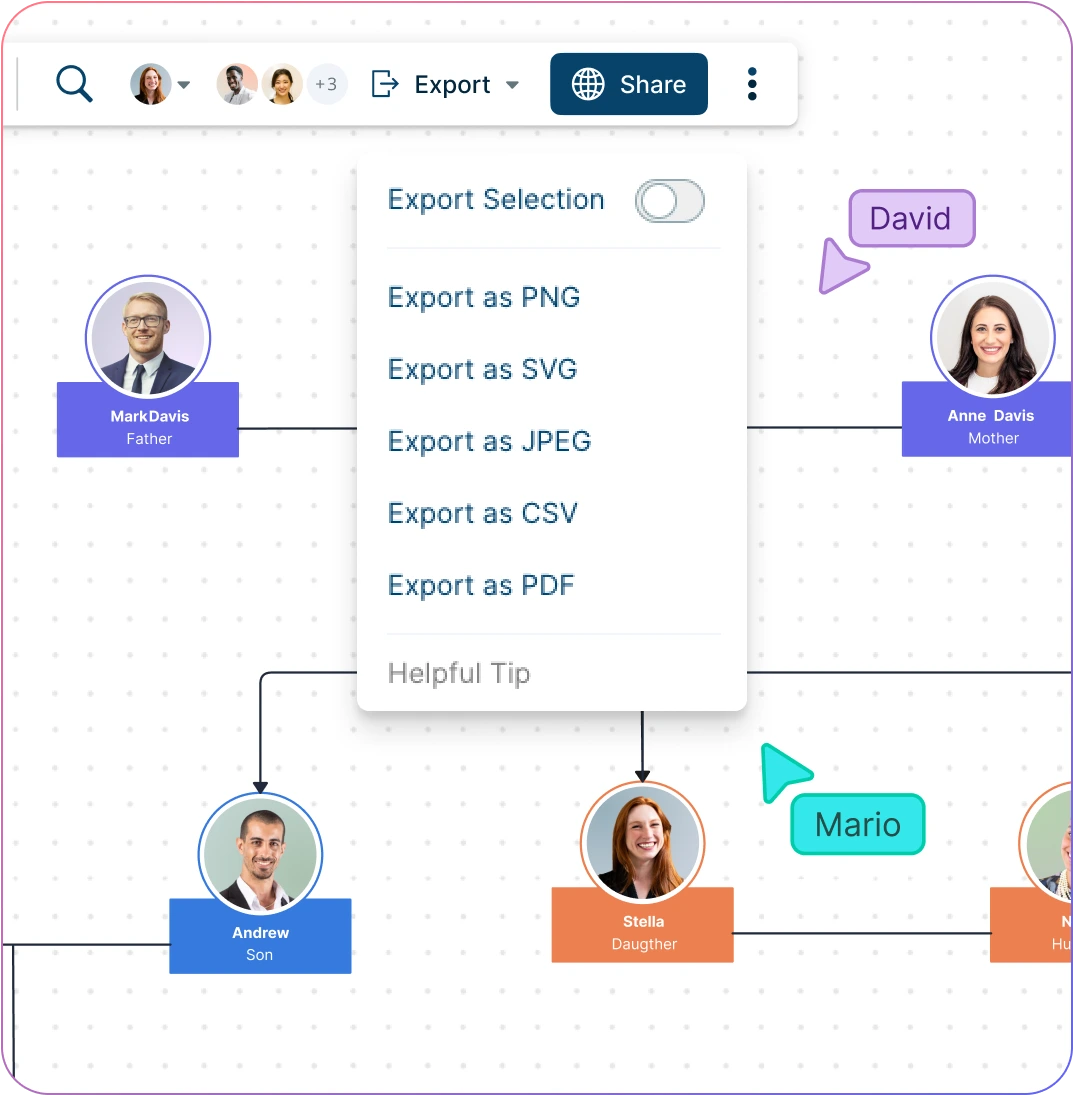
Invite family members, classmates, or collaborators to review and add missing details. Share the family tree or export it for printing, presentations, or family records.
Watch the quick video walkthrough to see how to create a family tree in Creately, add family members, connect relationships, customize the layout, and share or export your finished tree.
Free Family Tree Templates to Start Fast
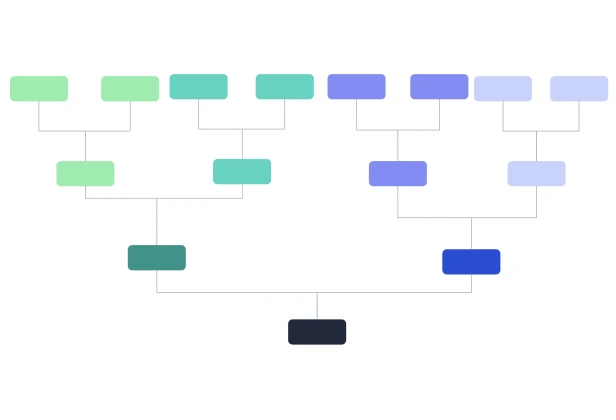
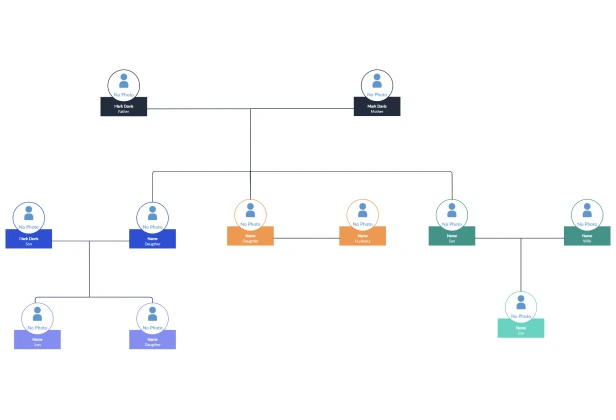
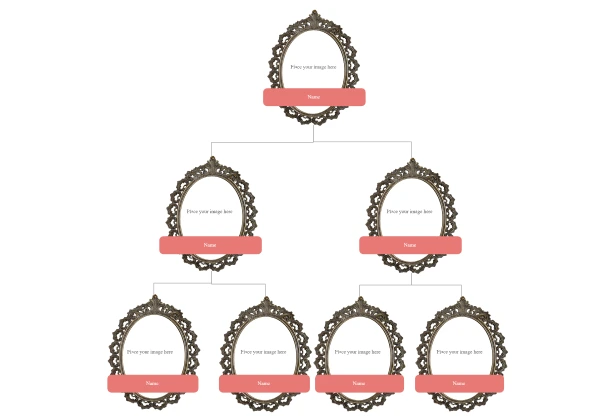
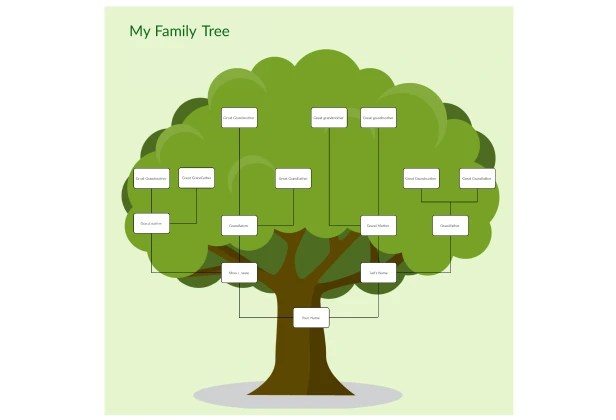
Visualize Complex Family Relationships the Easy Way
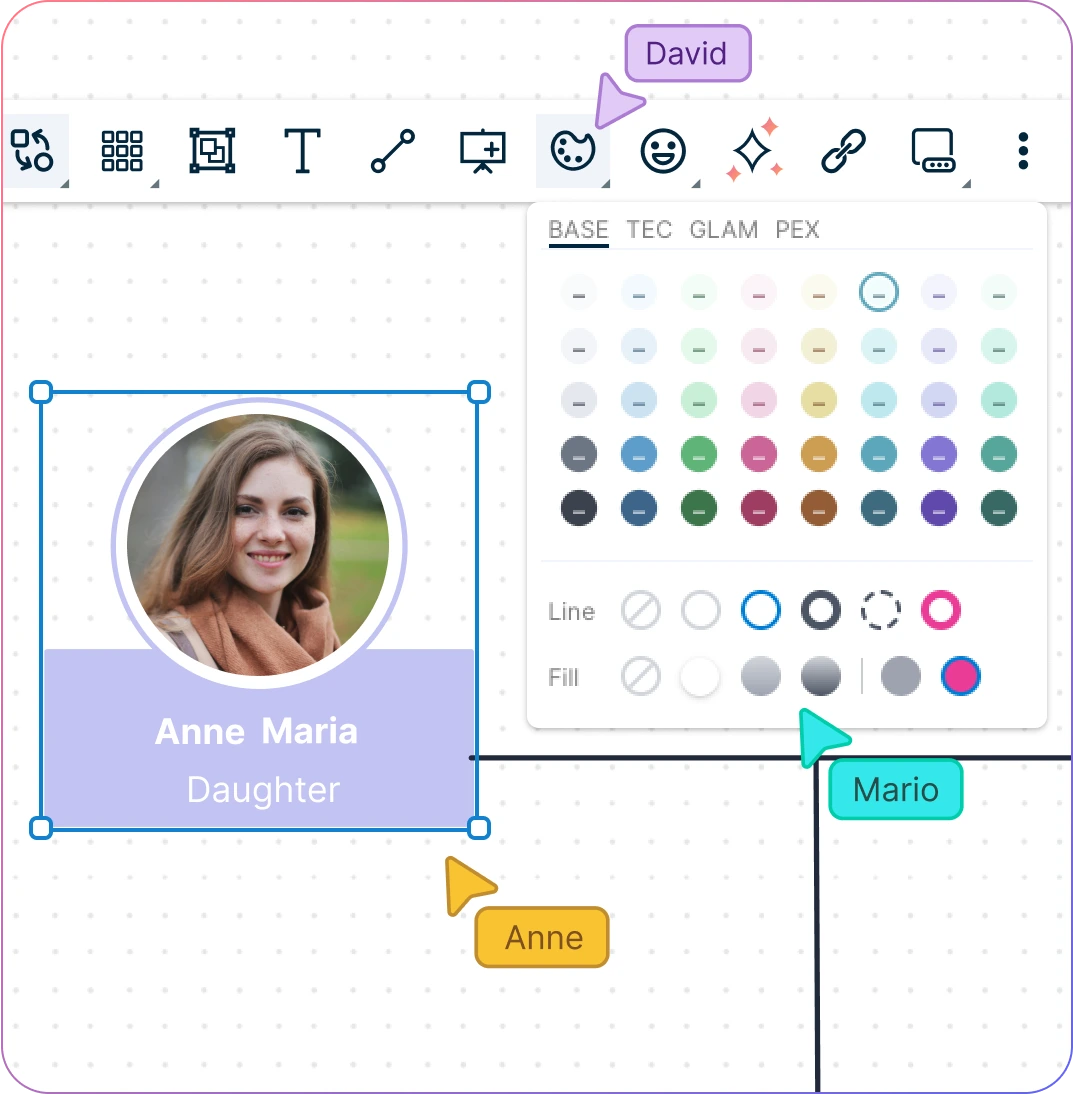
Family trees can get messy fast as more relatives, branches, and generations are added. Start with a template, add each relationship step by step, and organize the tree in a layout that stays easy to follow as it grows.
Start faster with editable family tree templates.
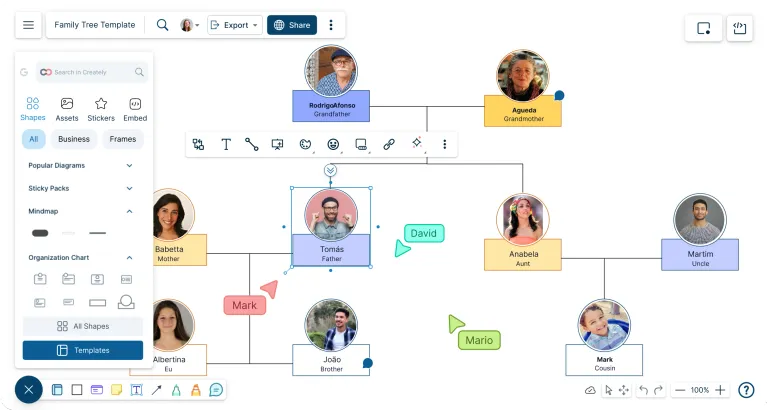
Add relatives quickly with Plus Create and simple connectors.
Arrange multi-generation trees on an infinite, zoomable canvas.
Customize colors, fonts, shapes, and layouts to match your family record
Keep Family Details Connected to the Right People
Names, dates, photos, stories, and records often sit in different places. Keep those details attached to the right family members so the tree stays organized without crowding the main visual.
Attach photos, documents, records, and reference files to relevant family members.
Add notes, dates, places, stories, and sources without filling the tree with long text.
Use links to connect family archives, research sources, shared folders, or supporting documents.
Search the workspace to quickly find people, branches, notes, or saved details in larger trees.
Complete the Family Tree With Help From Others
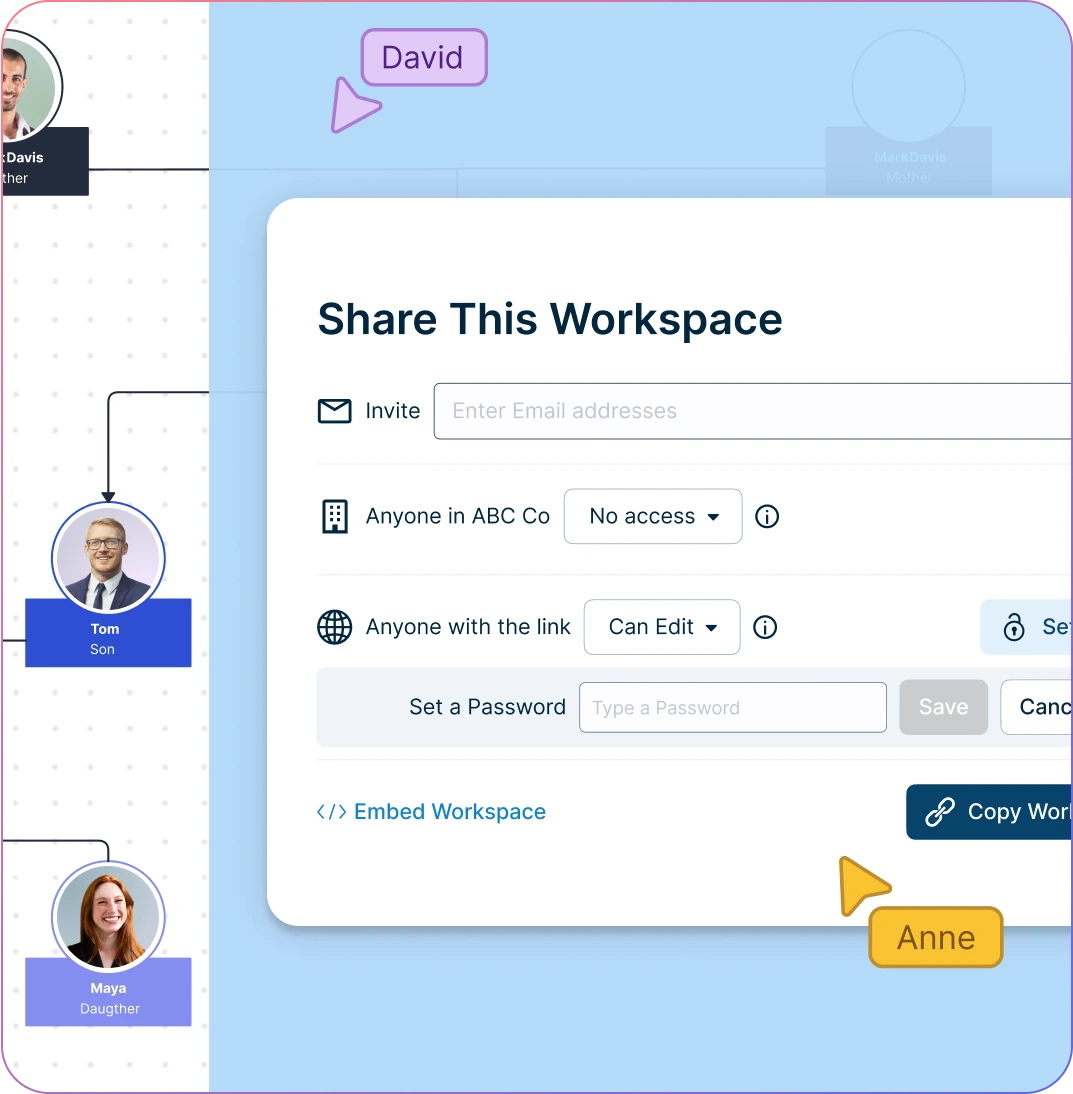
One person may not know every relationship, date, photo, or family story. Invite relatives, classmates, students, teachers, or research partners to review the tree and help fill in what is missing.
Share the family tree workspace with view, comment, or edit access.
Work together in real time when building or reviewing the tree.
Use comments and @mentions to ask questions, confirm details, or discuss uncertain relationships.
Keep feedback directly on the tree so updates are easier to review and apply.
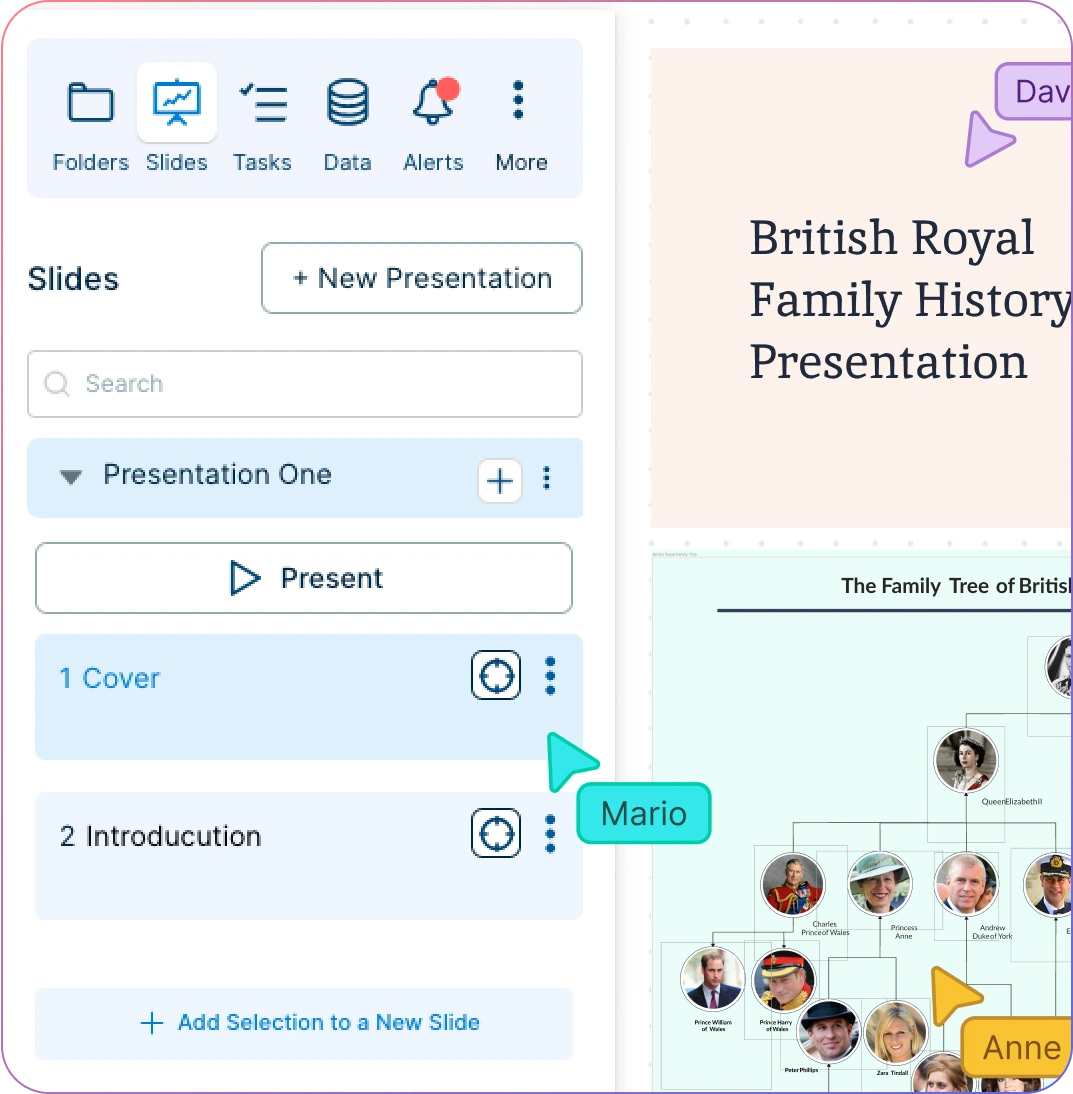
Turn Your Family Tree into Something You Can Present, Print, or Keep
A family tree is often made for more than just mapping relationships. Turn it into a polished visual for school projects, family records, genealogy research, presentations, websites, or keepsakes.
Use frames or focused sections to present one branch, generation, or family line at a time.
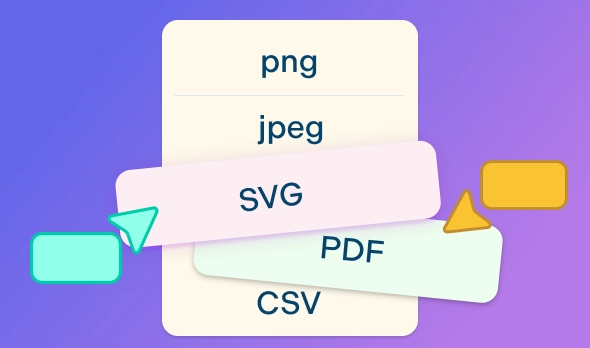
Export your family tree as a PDF, PNG, SVG, or JPEG for printing, sharing, or adding to documents.
Share your family tree with a link or embed it on a website, page, or shared resource.
Add genogram, ecomap, or custom shapes when you need to show more detailed family or relationship context.
What Can You Build With Creately’s Family Tree Builder?
- Ancestry Family Trees:
Trace a person’s parents, grandparents, great-grandparents, and earlier generations. Use this when you want to explore where your family comes from and organize what you know about your ancestors.
- Multi-Generation Family Trees:
Show several generations in one view, from older relatives to younger family members. Use this for larger family records, genealogy projects, or family history presentations.
- Simple Family Trees:
Create a small family tree with parents, children, siblings, and grandparents. This works well for beginners, young students, quick assignments, or anyone starting with immediate family.
- Photo Family Trees:
Add photos to make the family tree more personal and easier to recognize. Use this for keepsakes, family reunions, classroom displays, or printed family tree posters.
- Family History Charts:
Combine names, dates, locations, stories, and supporting notes in one visual chart. Use this when you want the family tree to do more than show relationships.
- School Project Family Trees:
Create a clean, easy-to-understand family tree for classroom assignments. Students can use templates, add photos or labels, and export the final tree for submission or presentation.
- Printable Family Tree Posters:
Design a polished family tree that can be exported and printed. Use this for family events, gifts, wall displays, genealogy records, or personal keepsakes.
- Extended Family Trees:
Map aunts, uncles, cousins, in-laws, stepfamily members, and other relatives beyond the immediate family. Use this when you want to show how different branches connect.
- Family Relationship Charts:
Focus on how people are related rather than only showing ancestry. Use this to clarify cousin relationships, blended families, adoption, remarriage, or extended family connections.
- Family Timelines:
Place important family events, such as births, marriages, moves, graduations, and anniversaries, alongside your family tree. Use this when you want to show both relationships and the story behind them.
Popular Use Cases for Visualizing Family History
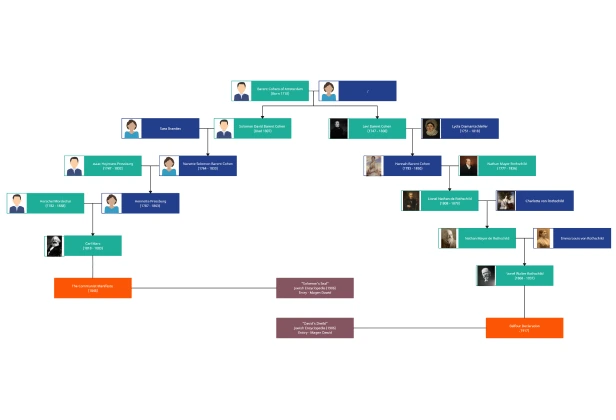
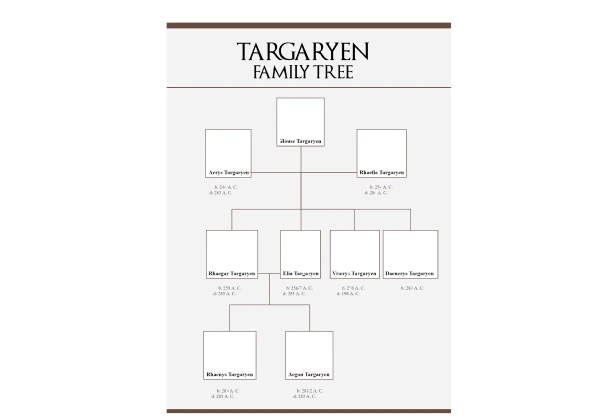
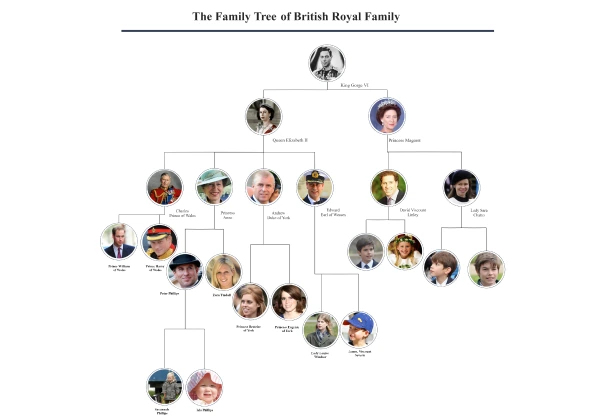
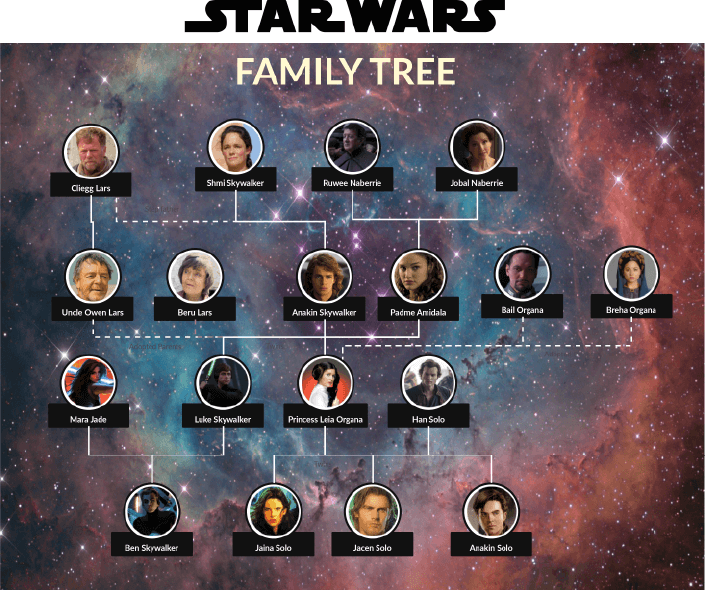
FAQs About the Family Tree Builder
What are Creately’s family tree creator pricing plans?
- Free Plan — $0/month for basic family tree creation and collaboration
- Starter & Team Plans — $8/month or $5/month billed annually
- Business Plan — $149/month or $89/month billed annually
Annual billing helps you save more while unlocking advanced collaboration, workspace management, and enhanced family tree features. You can compare all available plans and features on the Creately Pricing Page.
How can you create family trees faster?
Are there templates for different family tree use cases?
Can teams collaborate on family trees?
Can I add notes, data, and files?
Can I share, present, or export family trees?
What is a family tree?