State Diagram Maker
Easily Create State Machine Diagrams
Map how systems move between states, respond to triggers, and handle exceptions in a clear visual model that is easy to understand, review, and share.
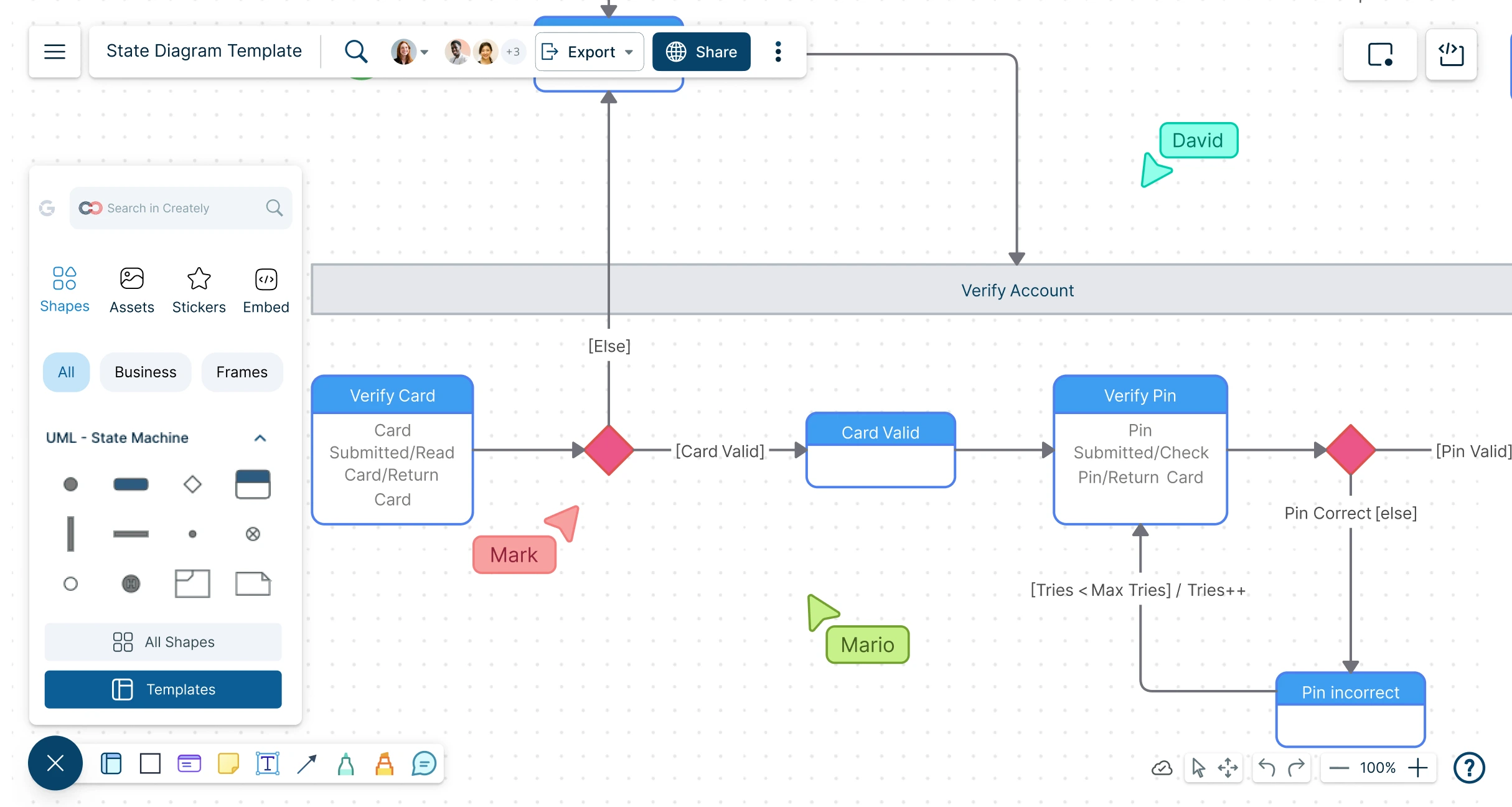
- Extensive shape library with UML and state diagram shapes
- Customizable templates to quickly start any project
- Seamless real-time collaboration with teams from any location



 Diagramming Visual Collaboration Org Chart


How to Use Creately’s State Machine Diagram Tool?
Start With a Template or Blank Canvas:
Open a Creately workspace and choose a customizable state machine diagram template, or start from a blank canvas.
Add States and Transitions:
Use UML state diagram shapes to add states, start and end nodes, and transitions. Label each connector to show what triggers the move from one state to another.
Organize the Diagram Clearly:
Arrange states, group related sections, and use labels or notes to make the system behavior easy to follow.
Add Context Where Needed:
Attach notes, links, files, or extra details to explain conditions, exceptions, assumptions, or business rules without cluttering the diagram.
Collaborate, Review, and Share:
Invite teammates to comment or edit in real time, manage access levels, and export or share the final diagram for development, testing, documentation, or presentations.
Watch this quick walkthrough to see how to create a state machine diagram, use UML state shapes and connectors, map states and transitions, add notes for context, and share your diagram with others.
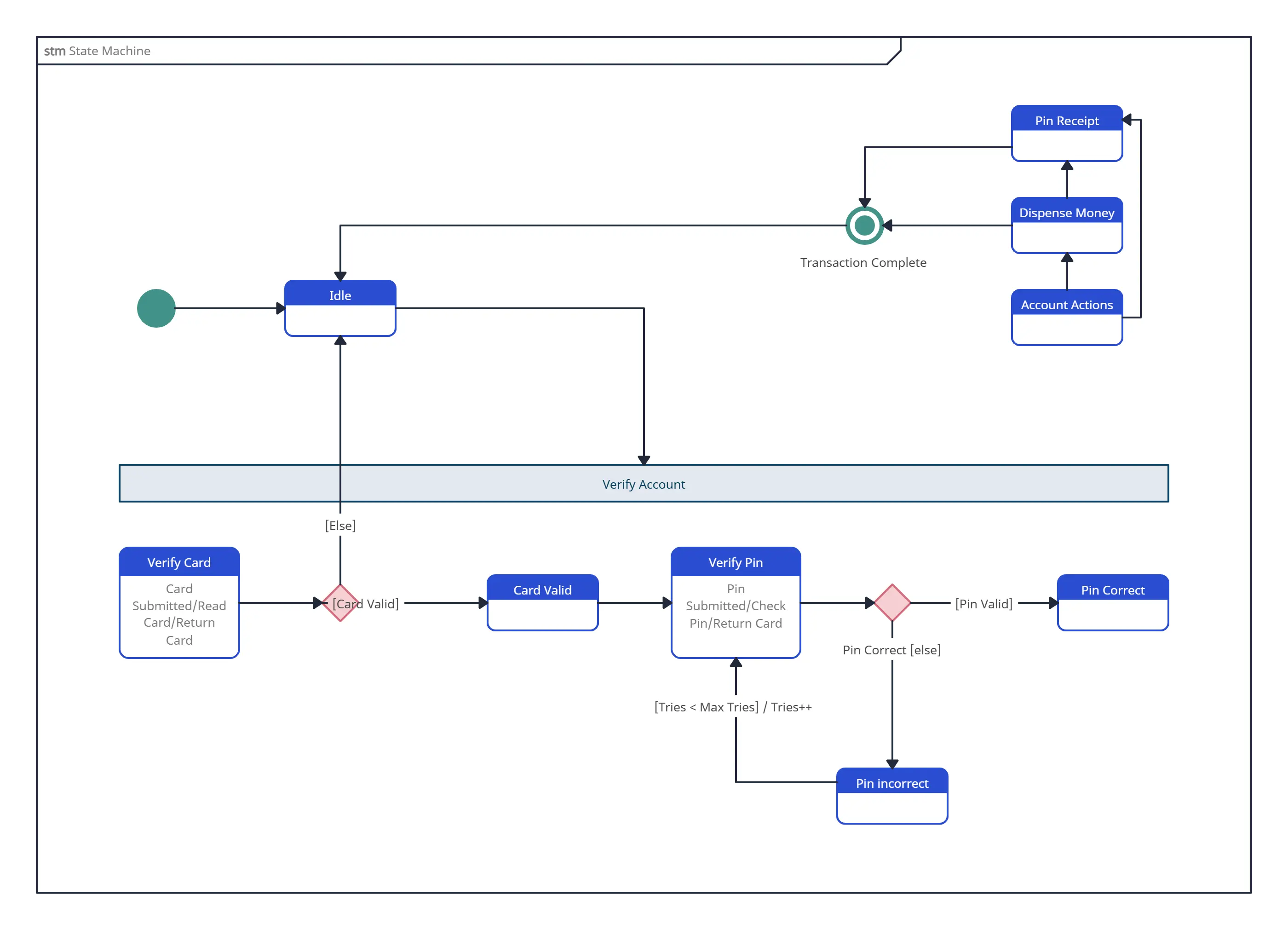
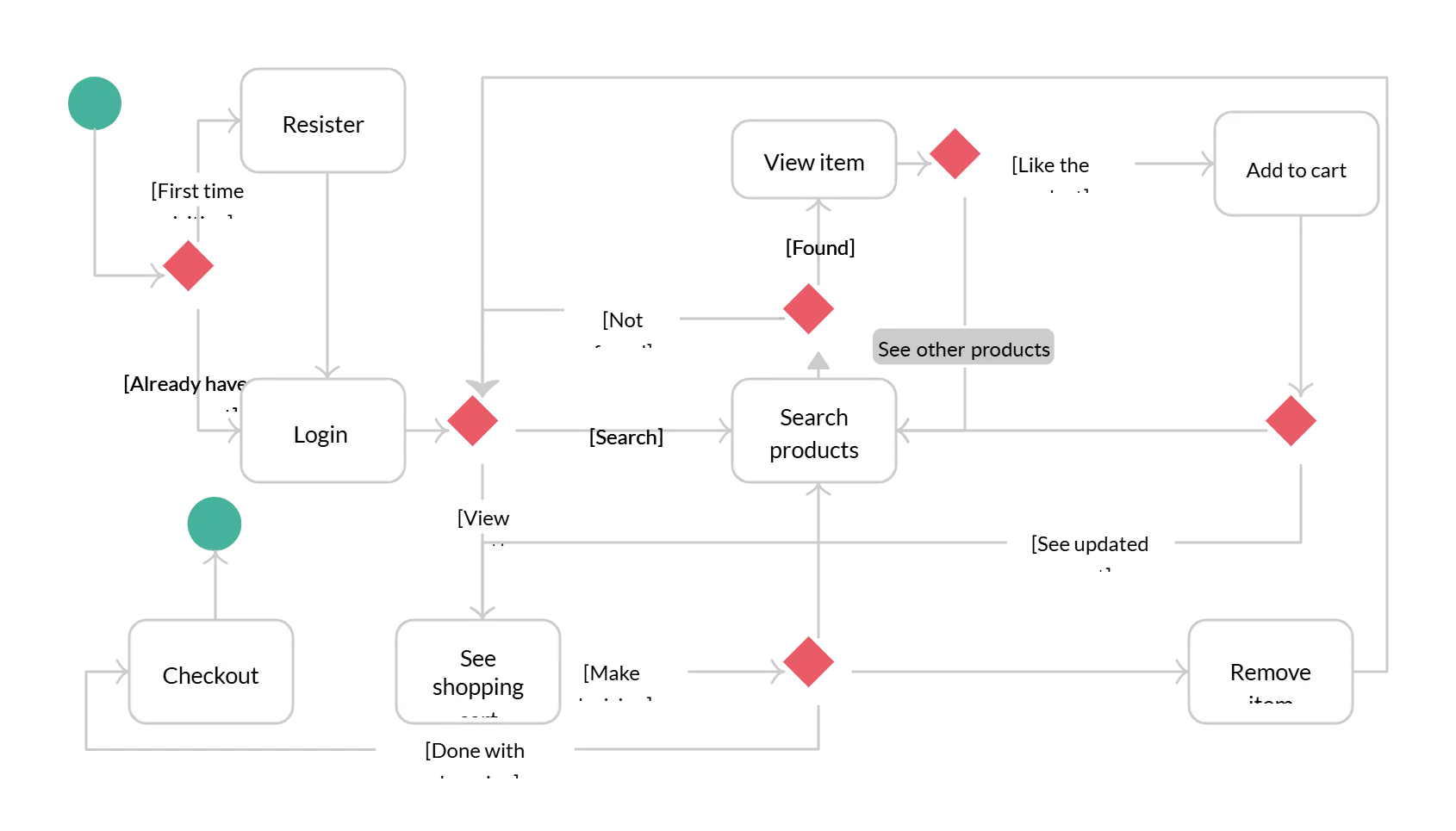
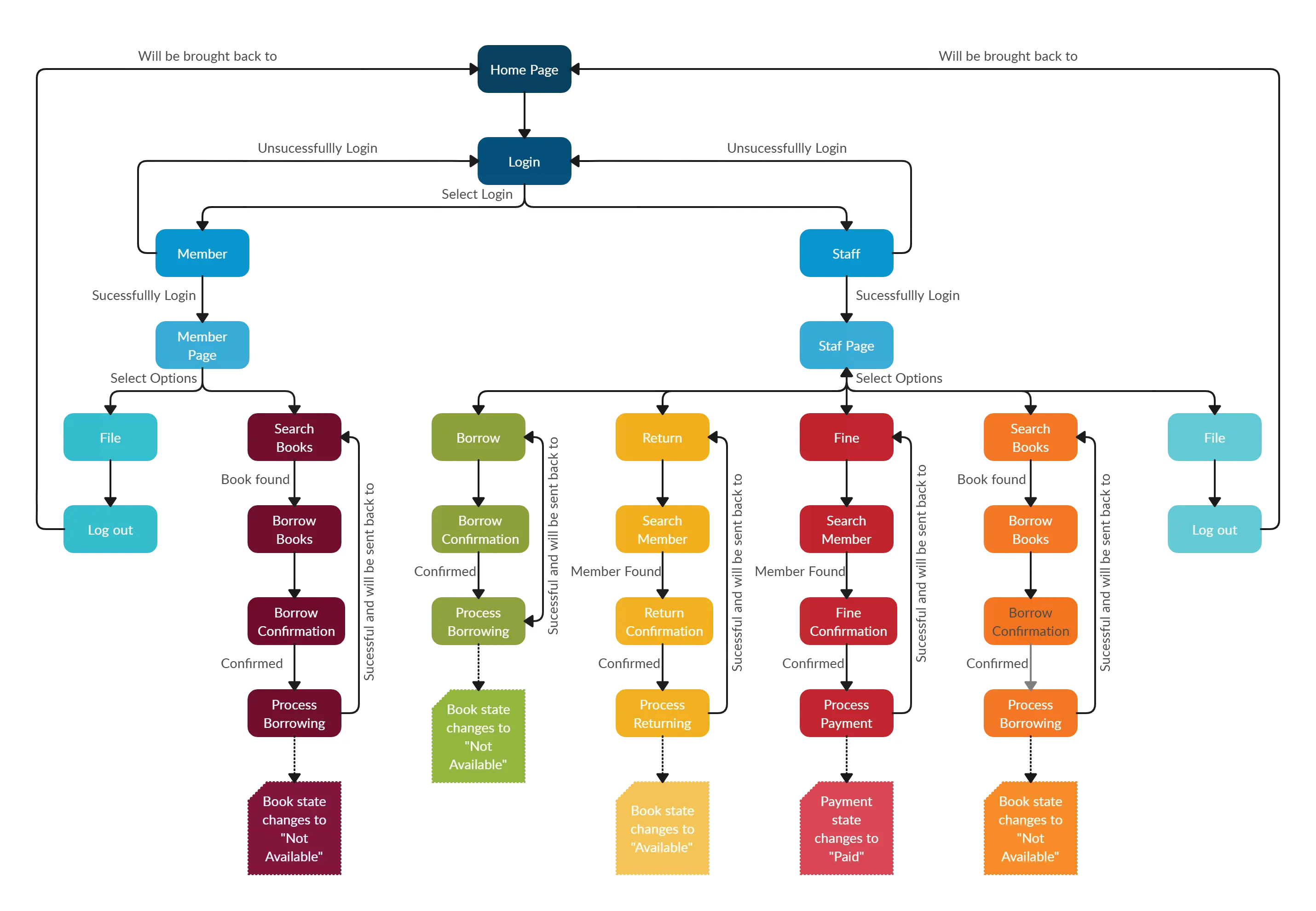
Create State Machine Diagrams in Minutes with These Free Editable Templates
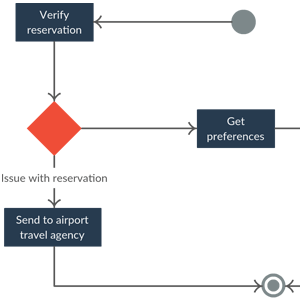
Turn Scattered Behavior Rules Into a Clear Diagram
Bring states, triggers, conditions, and exceptions into one visual model so teams can understand the logic before building, testing, or documenting it.
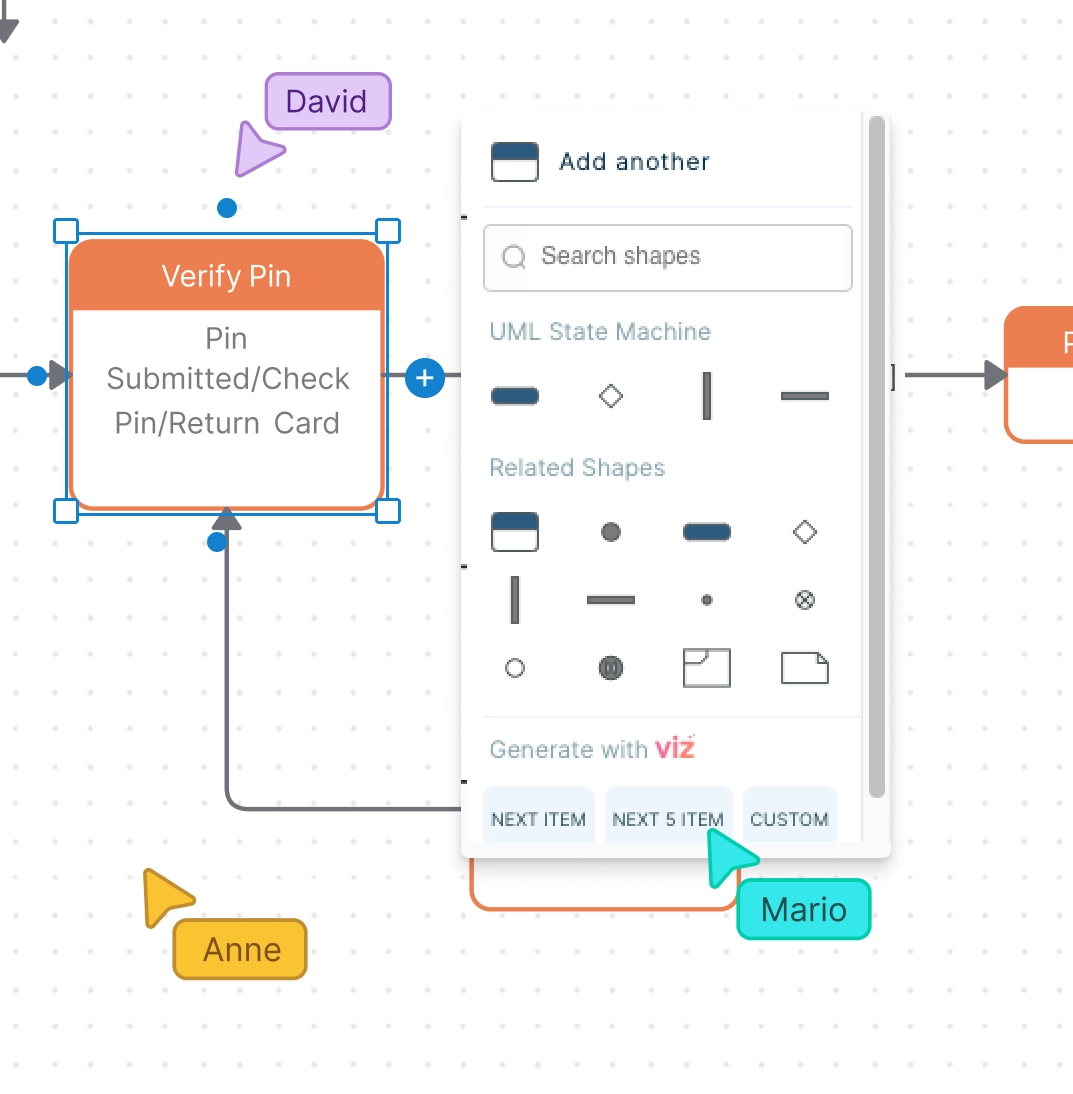
Start with editable state machine diagram templates or build from a blank canvas.
Use UML state symbols, start nodes, end nodes, transitions, smart connectors, and styling tools to model behavior clearly.
Organize large or complex diagrams on an infinite canvas with space to expand, group, and refine your logic.
Help Teams Review Behavior Before It Becomes Code
Give developers, product managers, QA testers, analysts, and stakeholders a shared view of how the system should behave.
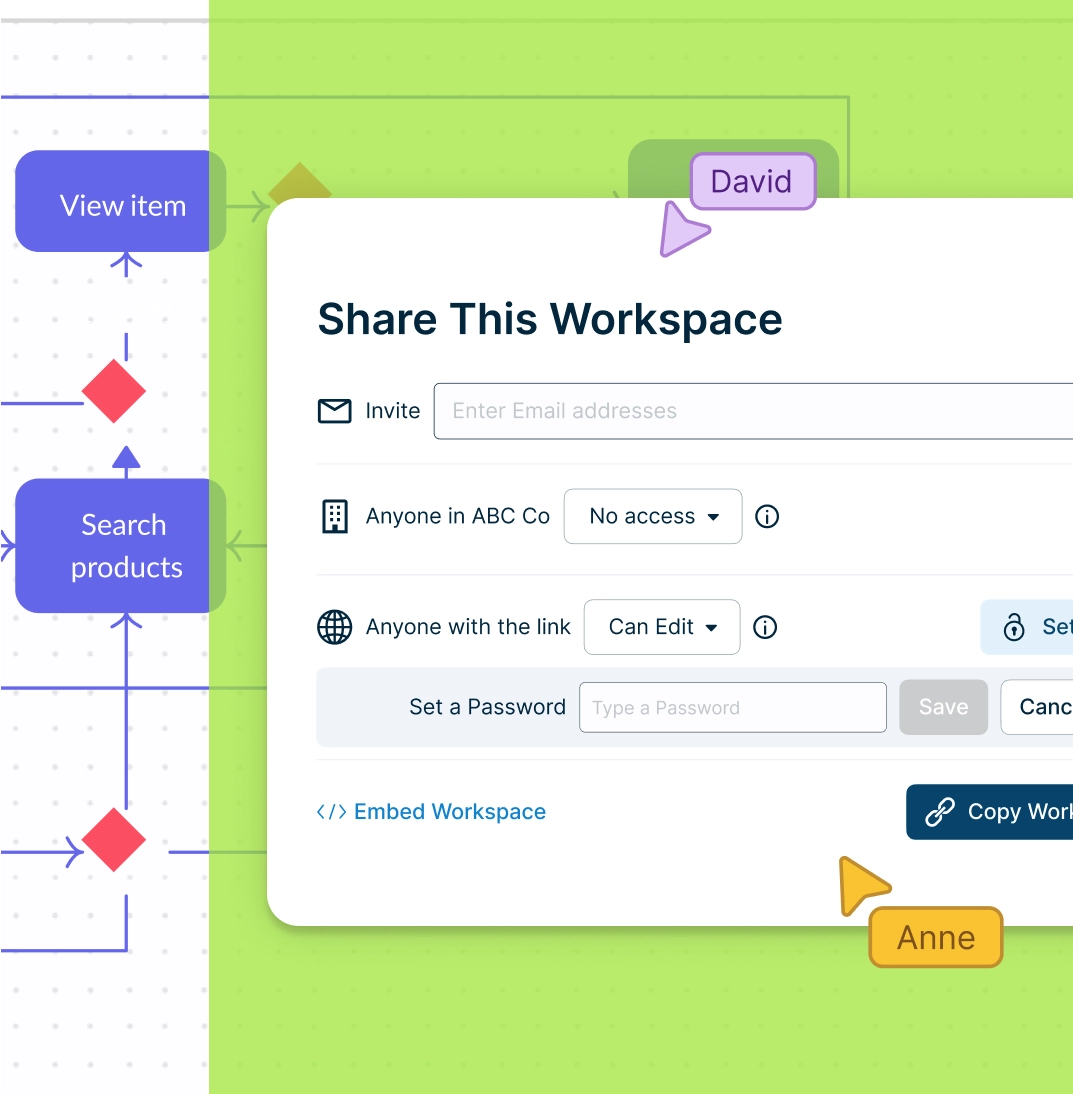
Collaborate in real time with shared editing, live cursors, comments, and @mentions.
Discuss unclear transitions, missing states, guard conditions, and exception paths directly on the diagram.
Set access levels for viewers, reviewers, and editors so the right people can contribute securely.
Keep Rules, Notes, and Context Connected to the Right State

Keep the diagram readable while storing business rules, assumptions, and supporting details close to the right state or transition.
Add notes, links, files, images, shape data, and custom properties to capture details behind each state or transition.
Use frames, grids, or structured areas to organize multiple state diagrams, related workflows, or system views on the same canvas.
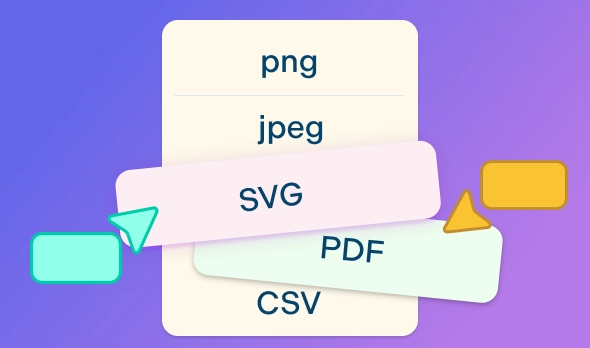
Export diagrams as PDF, PNG, SVG, or JPEG, or share them with a secure link for reviews and documentation.
What Can You Create With Creately’s State Machine Diagram Tool?
- UML State Machine Diagrams:
Model software behavior using states, transitions, triggers, guard conditions, start nodes, and end nodes.
- State Diagrams for Software Systems:
Show how an application, feature, object, or service changes state based on user actions, system events, or business rules.
- Workflow State Diagrams:
Map how tasks, approvals, documents, orders, tickets, or requests move through different statuses.
- Product and Feature Behavior Models:
Help product managers, developers, and QA teams align on how a feature should behave before it is built or tested.
- QA and Test Planning Diagrams:
Use state diagrams to identify valid paths, invalid transitions, edge cases, errors, retries, and exception flows.
- Educational State Machine Examples:
Create simple diagrams for teaching UML, software design, finite state machines, and system behavior.
FAQs About Creately's State Diagram Maker
What are Creately’s state diagram maker pricing plans?
- Free Plan — $0/month for basic state diagram creation and collaboration
- Starter & Team Plans — $8/month or $5/month billed annually
- Business Plan — $149/month or $89/month billed annually
Annual billing helps you save more while unlocking advanced collaboration, workspace management, and enhanced state diagram features. You can compare all available plans and features on the Creately Pricing Page.
How can you create state diagrams faster?
Are there templates for different state diagram use cases?
Can teams collaborate on state diagrams?
Can I add notes, data, and files?
Can I share, present, or export state diagrams?
What is a state machine diagram?