Operating Model Canvas
Build Better Operating Models, Faster
Quickly visualize and align your organization’s structure, processes, and capabilities with Creately’s interactive operating model canvas template.
- Start instantly with customizable operating model design templates
- Drag, drop, and link key elements like org charts, KPIs, and process maps
- Co-design, comment, and iterate in real time with your team
Over 10 Million people and 1000s of teams already use Creately
Explore Free Operating Model Canvas Templates to Get Started
Templates That Flex to Fit Your Strategy
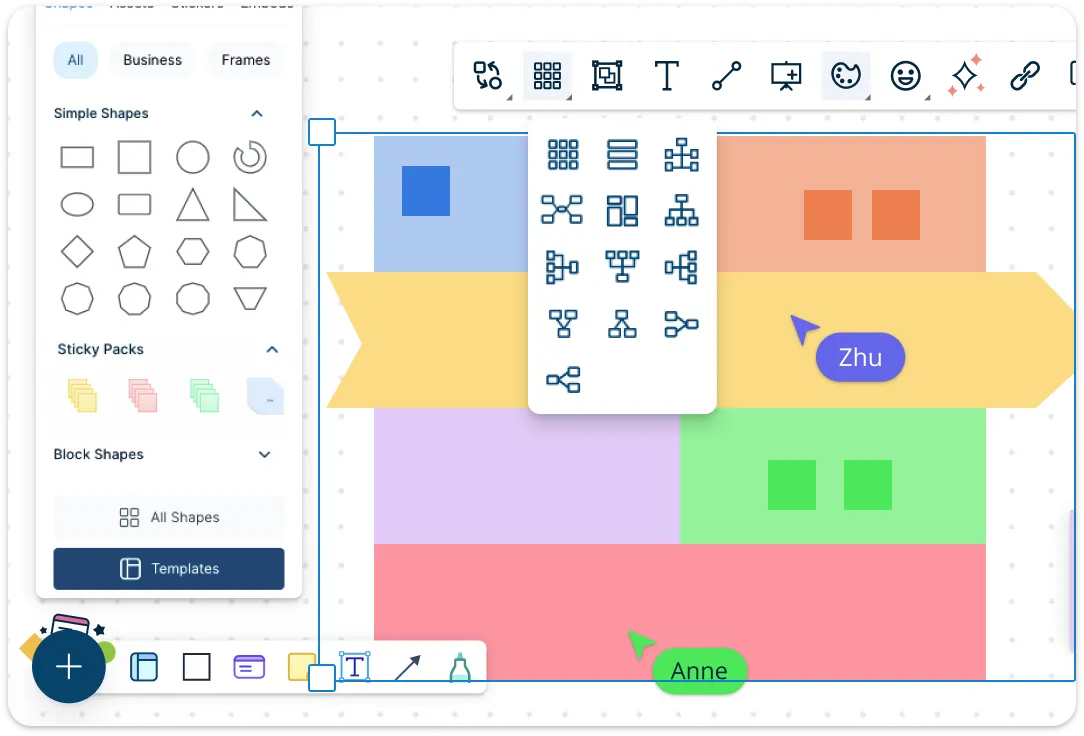
Start with professionally designed operating model templates and shape them to match your unique goals. Quickly map out key elements like processes, structure, systems, and customers—all in one visual canvas with easy drag-and-drop tools and industry-standard shape libraries. Whether you’re working on a high-level operating model design template or a deep-dive capability map, everything is fully customizable to suit your business context.
Make a Multi-Dimensional Operating Model Canvas
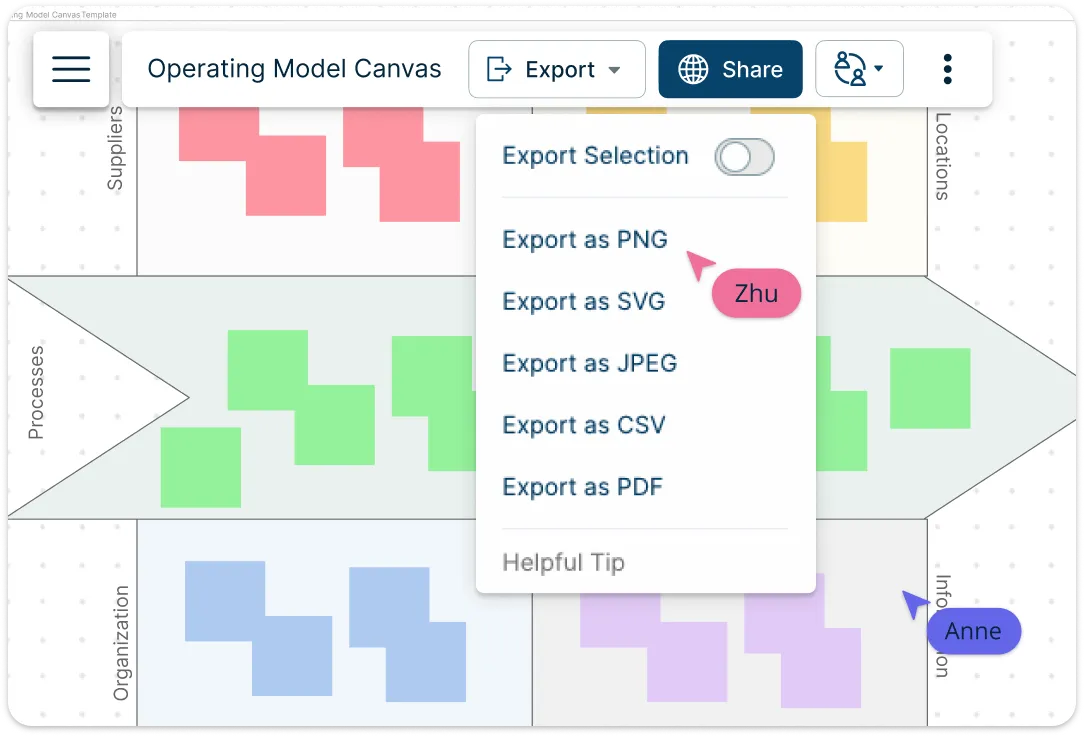
Enhance your data by adding layers of context. Deep-dive into the details with the notes panel for data-heavy insights, and use version history to track how your strategy evolves. Attach documents and link supporting resources directly into your canvas, centralizing documentation. Use color-codes or tags to track status, implementation, and critical paths. Embed org charts, process maps, and KPIs into your operating model canvas to give full context and visibility. Present directly from Creately, export to PDF or PNG, or share as an interactive link. Perfect for presentations, analysis, or aligning stakeholders around a shared strategy.
Collaborate in Real Time, Wherever You Are
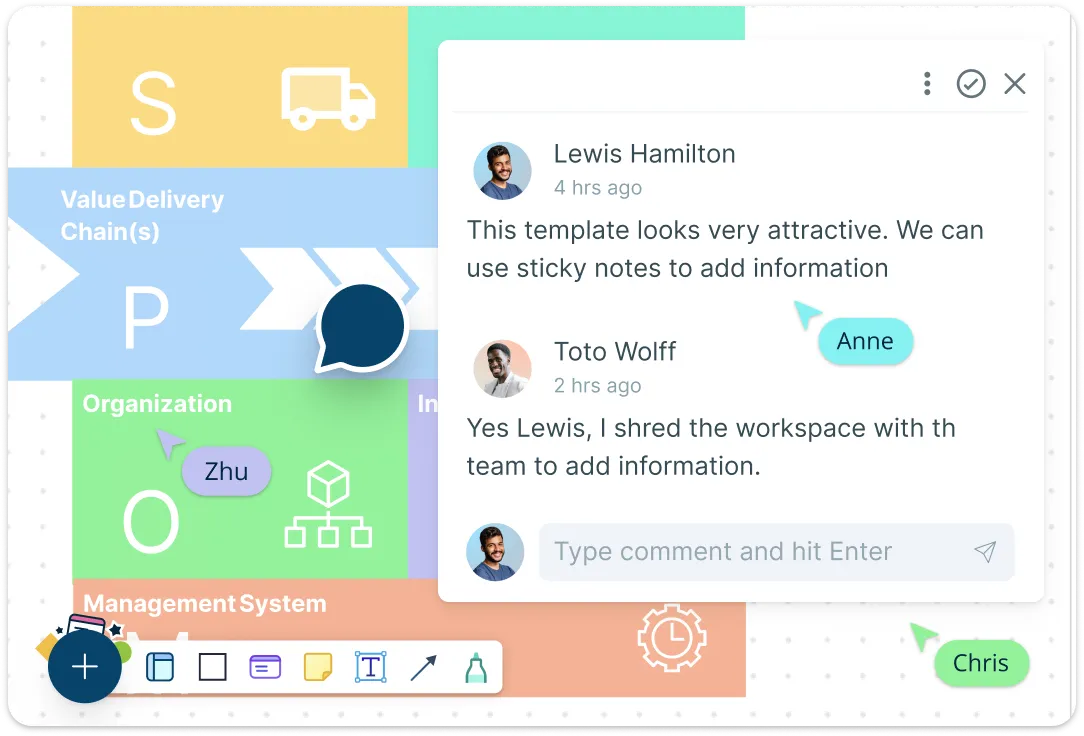
Work together on your operating model diagram with Creately’s real-time collaboration tools. Invite teammates to co-edit live, assign tasks and actions directly within the canvas, and manage progress using built-in task boards and timelines. Leave contextual comments, use @mentions for clear communication, and track changes instantly. Whether aligning leadership or working with cross-functional teams, Creately keeps everyone in sync—eliminating email chaos and boosting productivity.
What Is the Operating Model Canvas?
The operating model canvas is a visual tool that is used to translate a strategy into operational choices. It gives a high-level overview of the current operations to the heads of operations and helps them design the detailed work processes. It’s an important step between strategy and the decisions that need to be made to create a functioning organization.
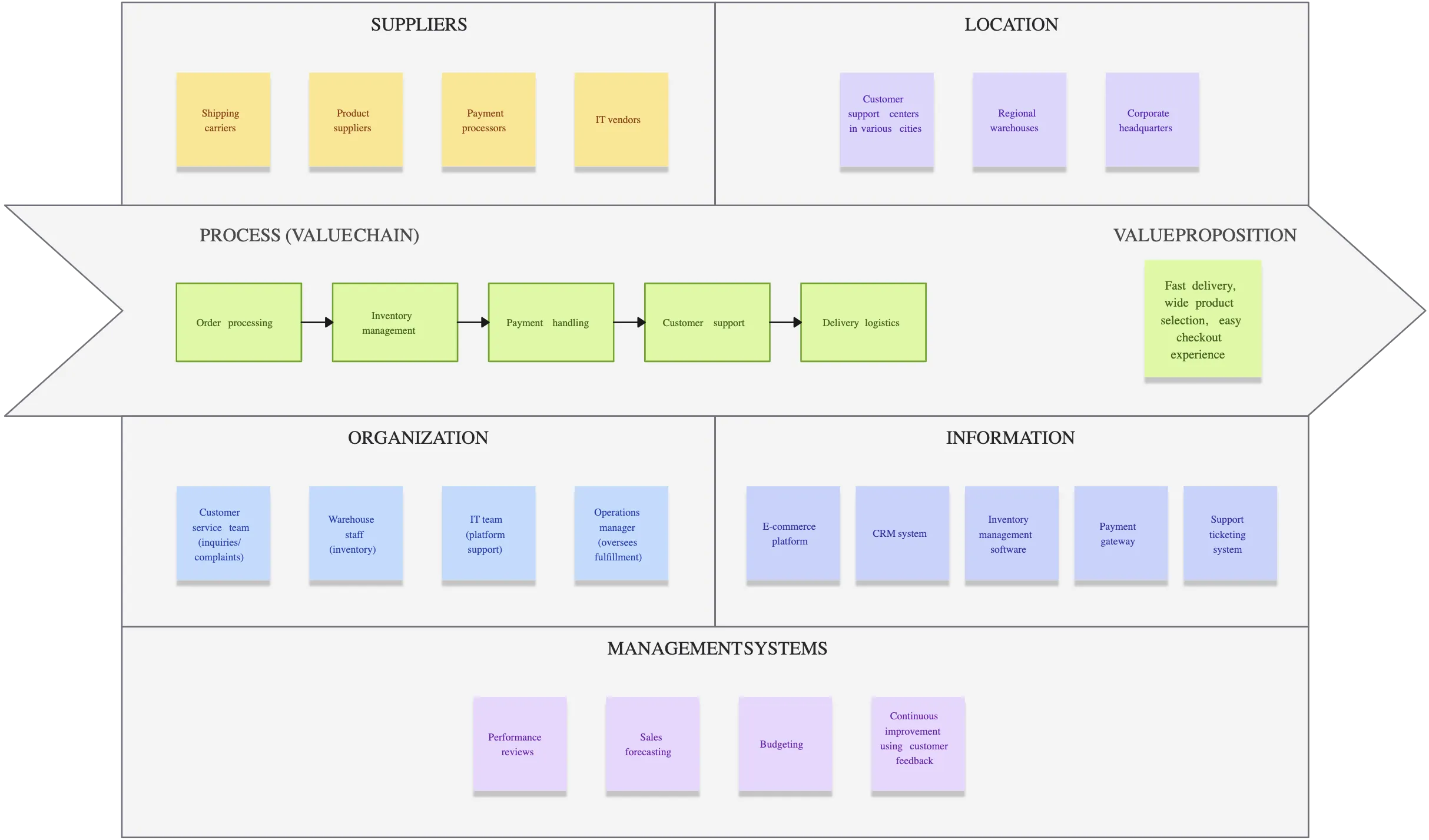
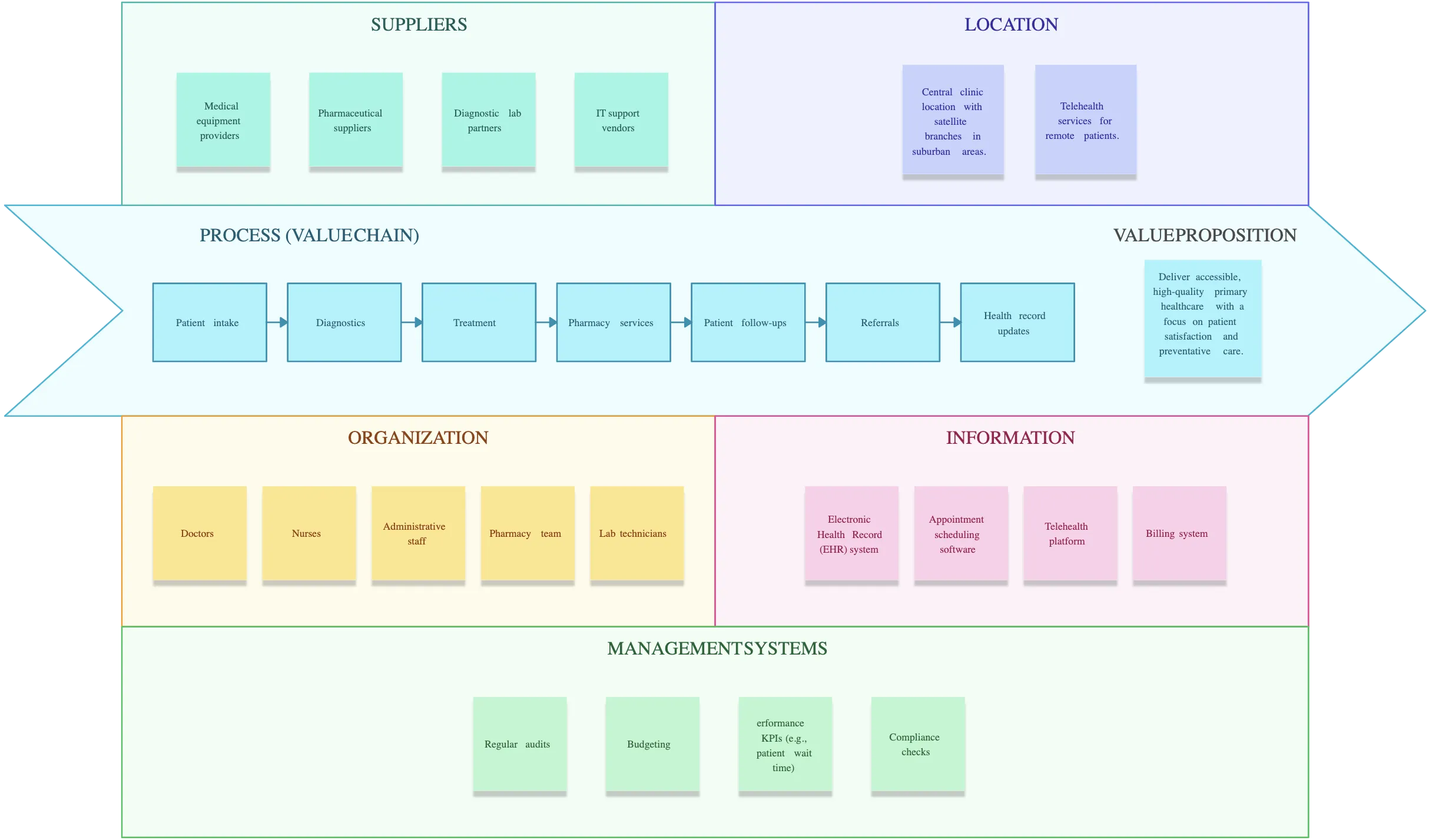
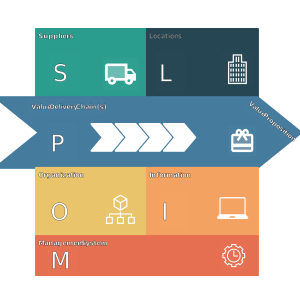
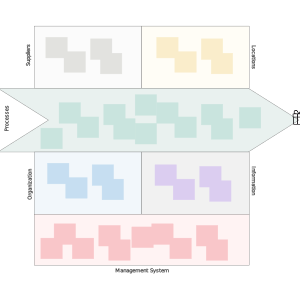
The operating model can be a one-page document or span to include over 100 pages. On the other hand, it is a one-page model that focuses on the mnemonic POLISM (Processes, Organization, Locations, Information, Suppliers, and Management system).

How to Create an Operating Model Canvas in Creately
Launch Creately and Open a Workspace:
Sign in to Creately and open a new workspace to get started. Instead of building from scratch, use our operating model canvas maker to browse our library of professionally designed layouts. Simply select an operating model canvas template that fits your industry.Visualize Your Core Components:
Start mapping the structure of your business using our intuitive diagramming tools. Use drag-and-drop shapes to define your core processes, organizational structure, and location logistics. Effectively visualize how value flows from suppliers to customers, ensuring every operational pillar is identified and optimized.Enrich with Context and Data:
Use the notes panel to add detailed documentation for each section, from management systems to IT infrastructure. Include links and multimedia directly to shapes to connect your canvas to live KPIs or external resources. Use color-coding and tags to categorize different workstreams or highlight high-priority dependencies.Brainstorm and Refine with Your Team:
Invite your colleagues to the canvas collaborate in real time with multiple cursors. Use digital sticky notes for rapid-fire ideation and contextual comments to debate structural changes without leaving the app. Ensures that your business operating model template reflects the reality of those executing it.Review, Present, and Sync:
Use the presentation mode to walk stakeholders through the strategy directly within Creately. You can export your final operating model diagram as a high-resolution PDF or PNG, or share a secure interactive link for ongoing alignment. As your business scales, simply return to the workspace to update your canvas, keeping your operations agile and always in sync.
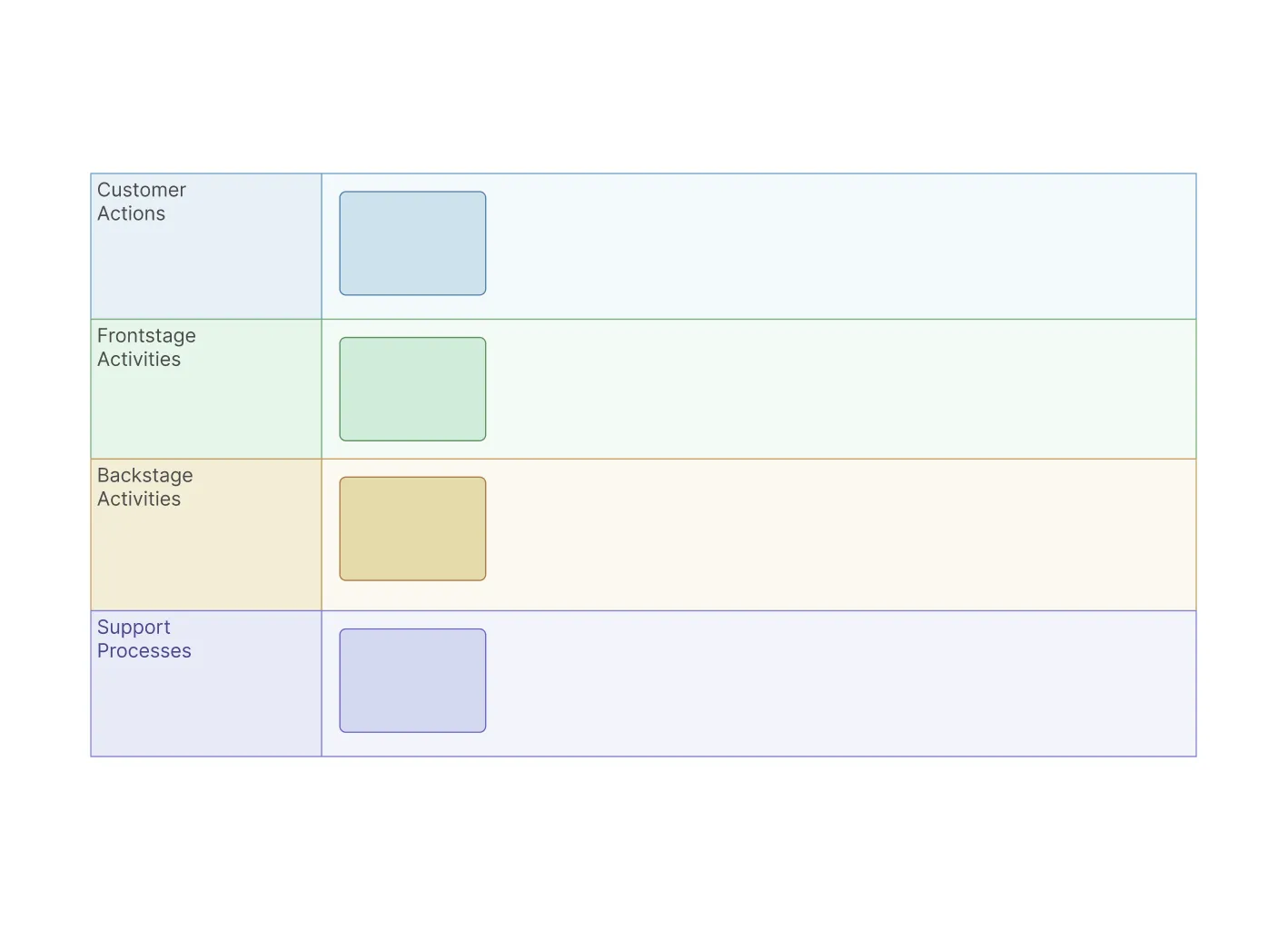
Visualize Your Strategy with These Free Operating Model Canvas Examples
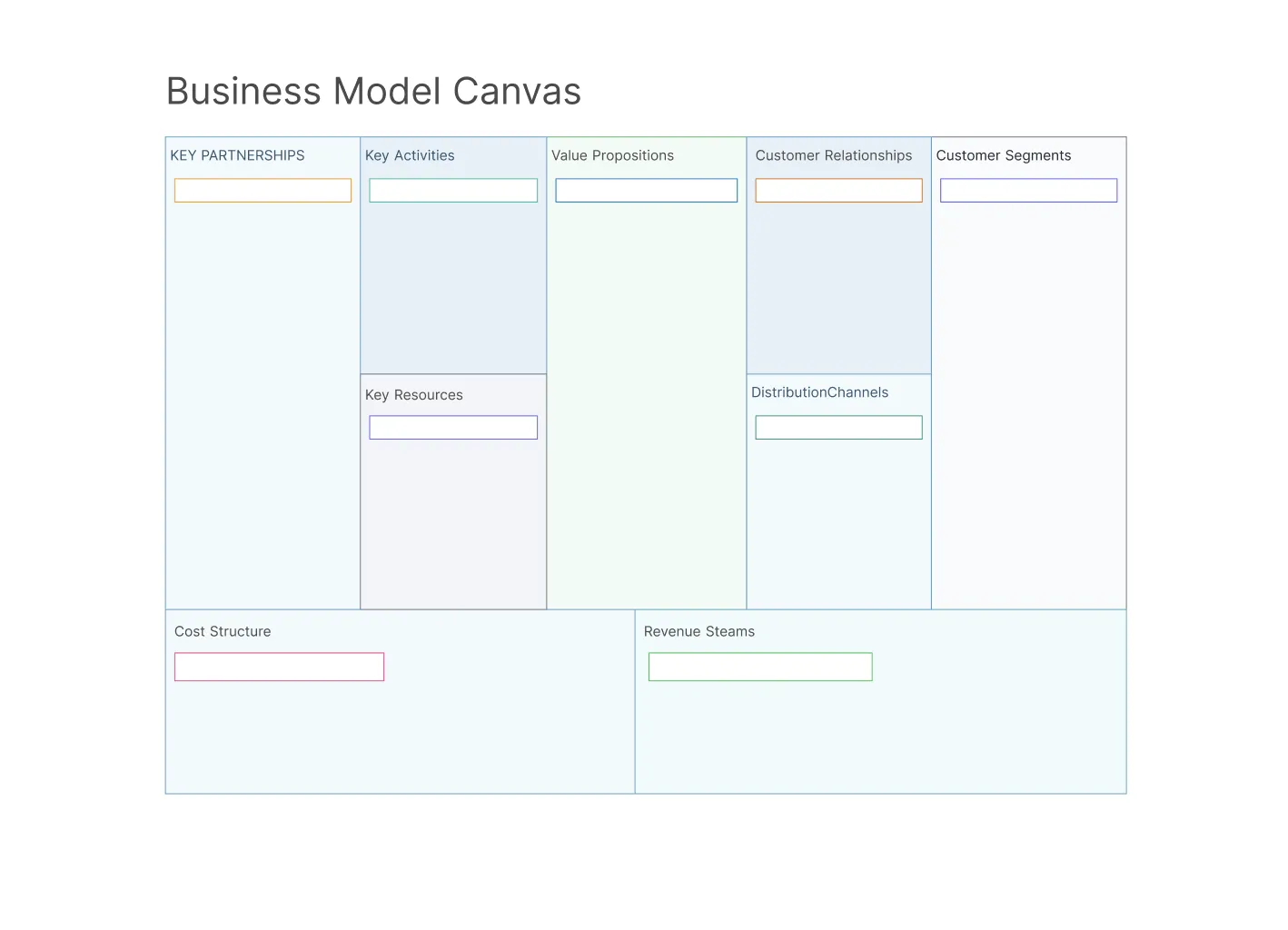
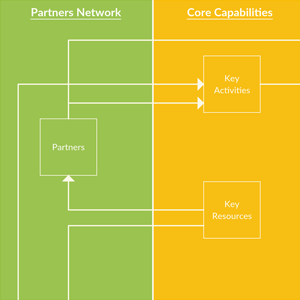
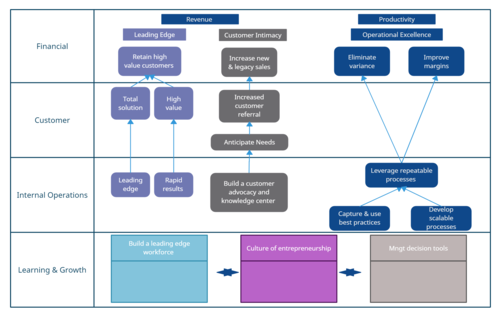
FAQs About the Operating Model Canvas
What are Creately’s operating model canvas pricing plans?
- Free Plan — $0/month for basic operating model canvas creation and collaboration
- Starter & Team Plans — $8/month or $5/month billed annually
- Business Plan — $149/month or $89/month billed annually
Annual billing helps you save more while unlocking advanced collaboration, workspace management, and enhanced operating model canvas features. You can compare all available plans and features on the Creately Pricing Page.
How can you create operating model canvases faster?
Are there templates for different operating model canvas use cases?
Can teams collaborate on operating model canvases?
Can I add notes, data, and files?
Can I share, present, or export operating model canvases?