The best org chart software can make it easy to create and update your chart as your team grows and changes. In this list, we’ll cover some of the best org chart software for making organizational charts online. We’ll discuss features, pricing, and use cases to help you find the right fit for your business needs.
Comparison of the Best Org Chart Software
Here’s a quick overview of the 10 best organizational chart software for 2026.
| Tool | Documented focus | What to confirm |
|---|---|---|
| Creately Atlas | Reviewed CSV imports, people and positions, scenarios | Plan availability and field access |
| Organimi | Custom fields for organization-specific information | Current plan and required workflow |
| PingBoard | Org charts for reporting relationships | Current plan and required workflow |
| Microsoft Visio | Organization chart shapes with names, titles, and pictures | Current plan and required workflow |
| SmartDraw | Org-chart templates and reporting-line layouts | Current plan and required workflow |
| Lucidchart | Data imports and linking for org visualizations | Current plan and required workflow |
| Canva | Editable organizational chart templates | Current plan and required workflow |
| ChartHop | Org chart and people analytics | Current plan and required workflow |
| Draw.io | Org-chart shapes and connectors | Current plan and required workflow |
| Orgvue | Model organizational structures | Current plan and required workflow |
Essential Features to Look for in Org Chart Software
Compare organizational chart software against the features your team needs to build, maintain, and share its structure.
Easy to use interface - The best org chart software should have an intuitive and simple interface that is easy to navigate, allowing users to easily create and edit org charts.
Shape library - The software should have a wide selection of org chart shapes to visually represent different roles and departments.
Ability to customize - The best org chart software should allow users to customize the appearance of org charts, including changing shapes, colors, fonts, and layouts. This ensures org charts look professional and match company branding.
Integration with other tools - The tool should integrate with other tools the organization uses like HR systems, project management software, and collaboration tools. This allows data to sync and streamlines processes.
Real-time collaboration - Multiple users should be able to work on org charts simultaneously in real time in the best org chart program. This enables teams to quickly update charts as the organization changes.
Free templates - The best software should include free org chart templates for different industries that can help you get started quickly without designing from scratch. Templates save time and provide proven chart structures.
Security - It must have security features like role-based access controls and data encryption to ensure org charts are only seen by authorized users.
Flexible export features - It should have the ability to export the org chart in image file types or PDF to share internally or with clients.
Auto-generating org charts - The best org chart program should offer auto-generation features that build charts automatically from existing data sources, such as spreadsheets or HR databases. Check how imports are validated and refreshed, since generating a chart does not guarantee live updates from its source.
Filtering and Multiple Views - The best org chart tools offer ability to use the central org chart data to generate other views of the organization based on aspects like departments, regions, functions etc.
Top Organizational Chart Software for Teams
1. Creately
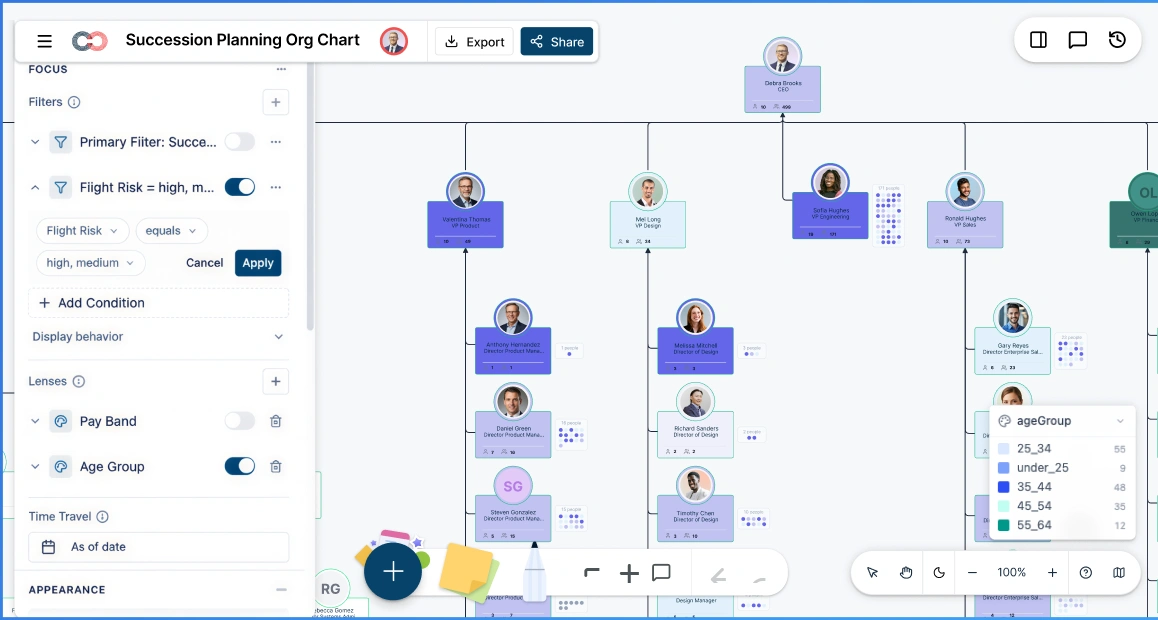
Creately’s org chart software helps teams build, update, and share org charts online. Its AI features help you map imported data, find people, and explore your org chart with natural-language questions. Teams can maintain their current structure, keep vacant positions visible, and compare proposed changes in scenarios as the company grows.
Features
- Drag-and-drop org chart builder with ready-made org chart templates
- Import CSV exports from Excel or your HRIS, with AI-assisted column mappings you can review before import
- Auto-layout that organizes reporting lines into a clean hierarchy after import
- AI assistant for natural-language questions and actions (search, filters, highlights, focus views)
- Data-rich org charts with 201 built-in data fields across 15 field packs to support deeper people, position, and workforce insights beyond basic org charts
- Multiple views for large orgs, including department-focused views and “focus” mode to isolate one team
- One-click visual views (ex: span of control, tenure, flight risk) using color-coding and heatmaps
- Scenario planning for reorganizations with tracked change comparisons (so you can review what changed before applying it)
- Advanced security with a 6-tier data sensitivity model (more granular than basic role-based access), plus role-based permissions and read-only share links
- Export org charts as PNG, SVG, and PDF, plus export org data to CSV
Pros
- Easy to get started, especially if your org data already lives in a spreadsheet (export to CSV for import)
- AI reduces manual work by assisting with import setup and helping you find/filter people on the org chart
- Department views make it easy to share a focused org chart with managers and stakeholders
- Good option if you want org charts plus additional people insights as you scale
- Flexible tool if you need org charts plus other diagrams and team visuals
- Search-based / criteria-based views are great for larger orgs that need specific views
- Custom styling options help match your company’s formatting and presentation needs
Cons
- Online tool, so requires internet connection
- Some advanced features only available with paid plans
- No mobile app version currently available
Pricing
- Free - Workspace plan with usage limits
- Starter/Team - Confirm current Workspace pricing and included features
- Business - Confirm Workspace pricing and Atlas feature availability
- Enterprise - Request a quote for your org-data and planning requirements
2. Organimi
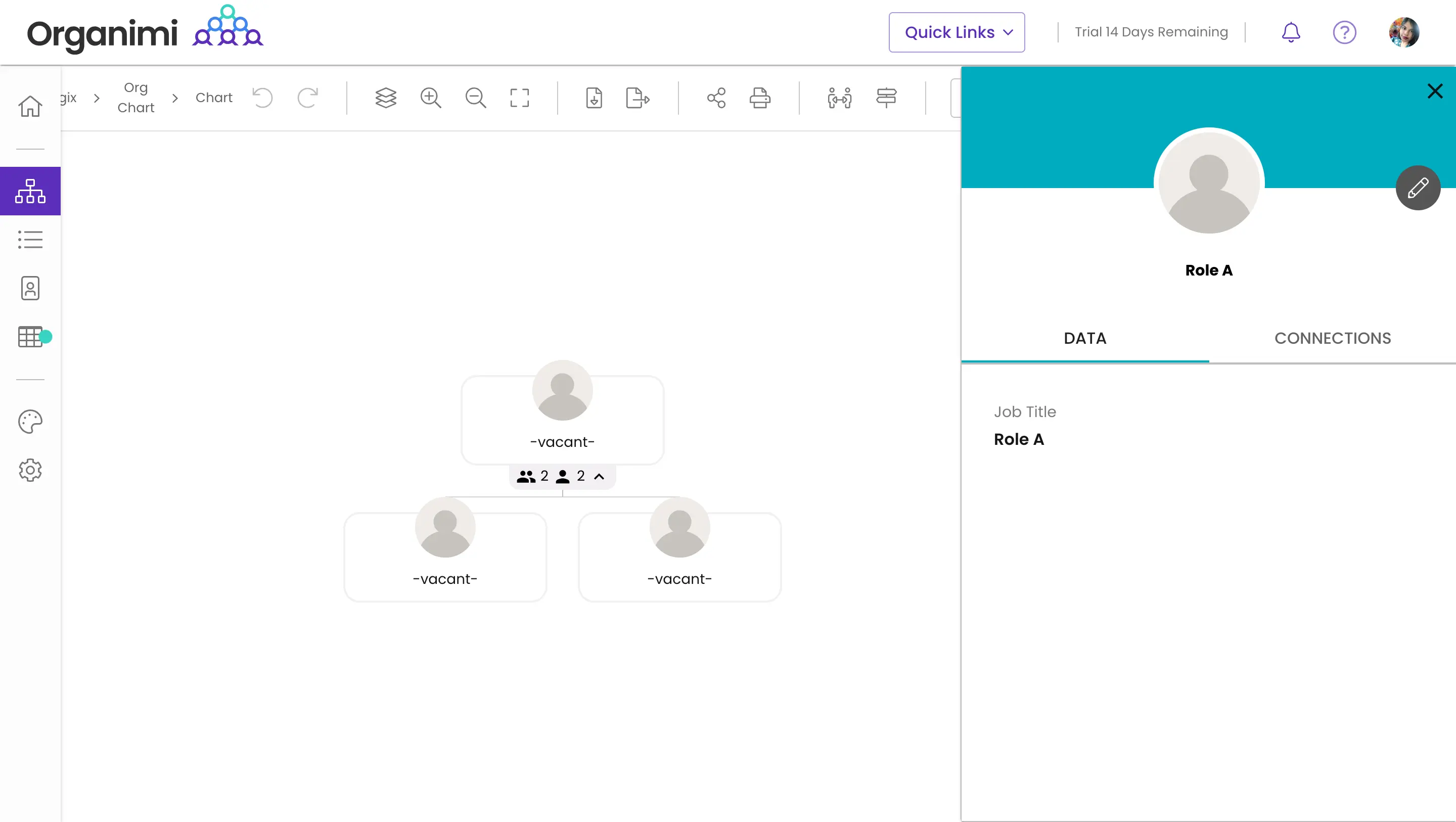
Organimi supports traditional, matrix, and governance charts with custom fields and data imports.
Features
- Custom fields for organization-specific information
- Chart, directory, and photoboard views
- PDF, PPTX, and PNG exports
Pros
- Useful when charts and employee directories are required together
Cons
- Confirm history retention, sensitive-field permissions, and the integrations included in your plan
Pricing
- Confirm current pricing, billing terms, and included features with the vendor before purchasing.
3. PingBoard
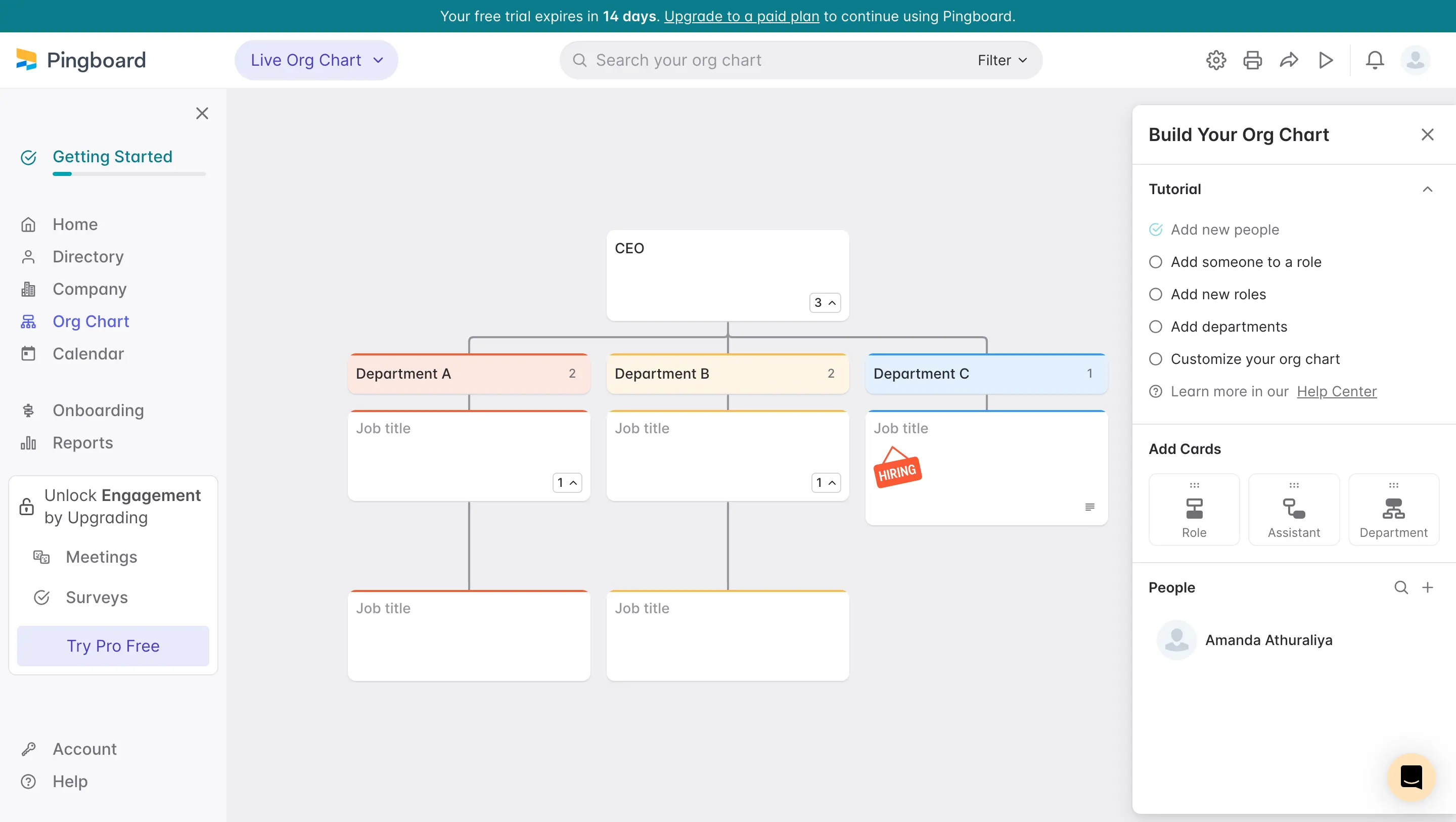
PingBoard provides org charts and employee directory workflows through Workleap Pingboard.
Features
- Org charts for reporting relationships
- Employee profiles and directory navigation
Pros
- Useful for locating colleagues and understanding reporting lines
Cons
- Check the current Pingboard package, integration behavior, and sharing settings
Pricing
- Confirm current pricing, billing terms, and included features with the vendor before purchasing.
4. Microsoft Visio
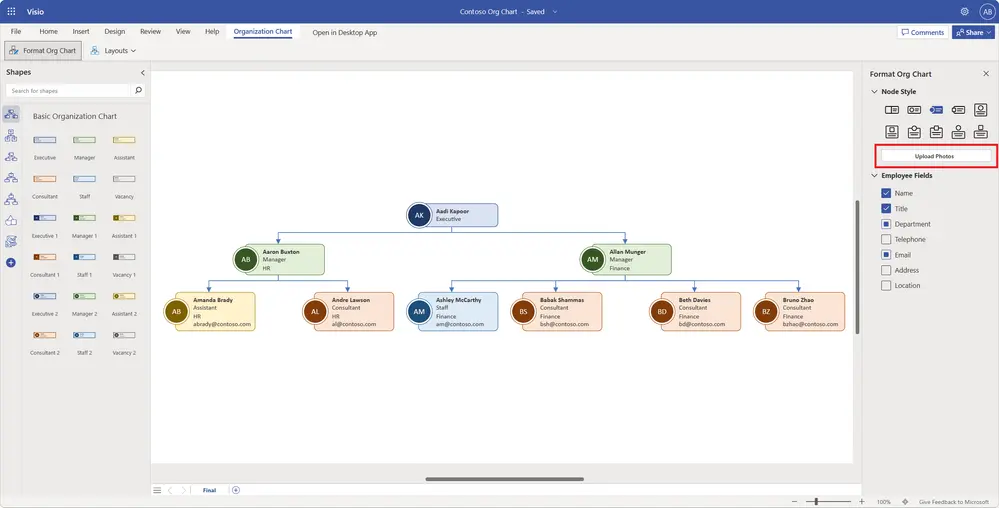
Microsoft Visio supports org charts built with shapes or employee data.
Features
- Organization chart shapes with names, titles, and pictures
- Organization Chart Wizard for supported data-driven workflows
- Layout and spacing controls
Pros
- Useful for teams already working with Visio diagrams
Cons
- Check the web or desktop edition and license required for your chosen workflow
Pricing
- Confirm current pricing, billing terms, and included features with the vendor before purchasing.
5. SmartDraw
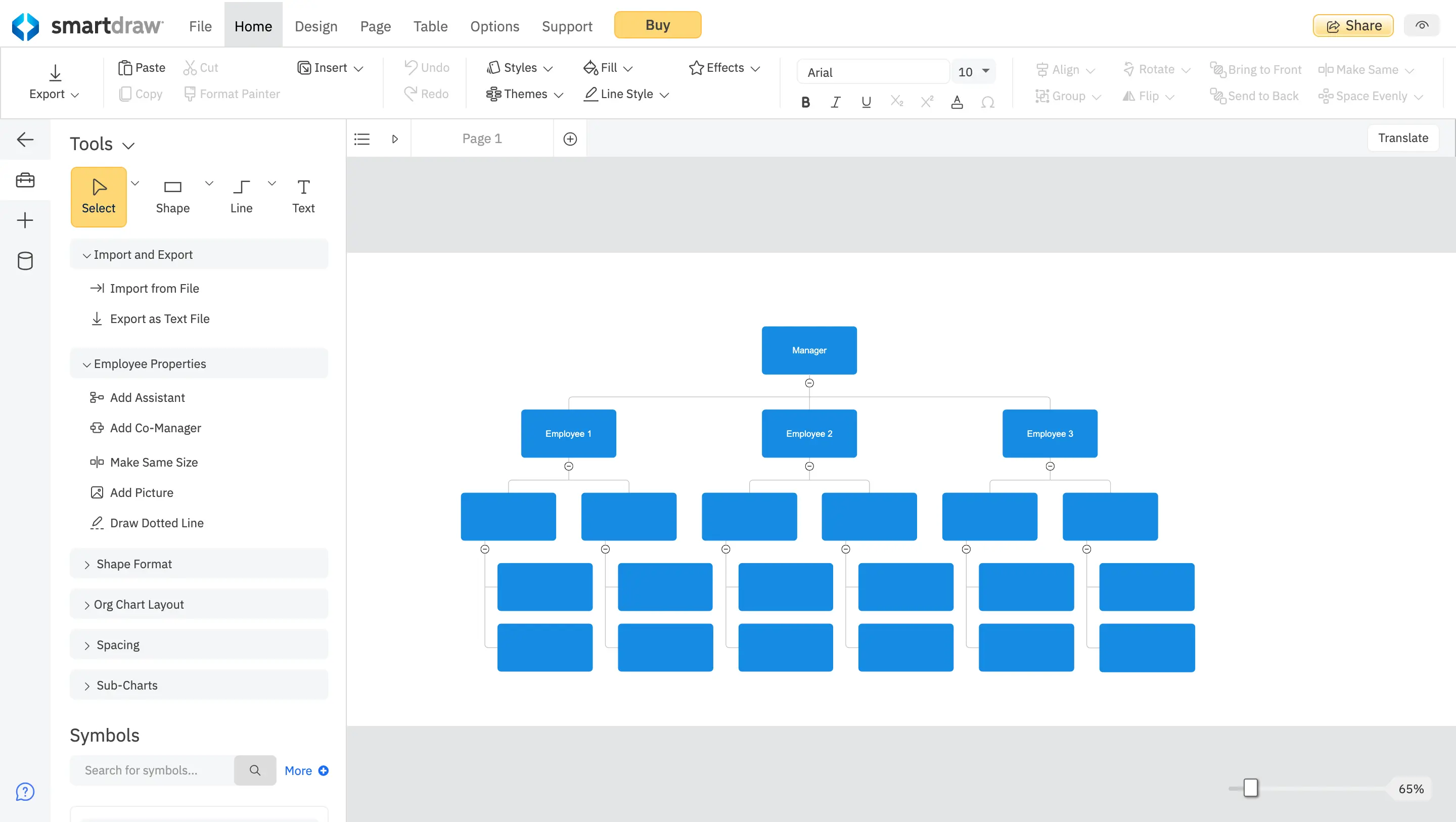
SmartDraw provides org-chart templates and automatic chart formatting.
Features
- Org-chart templates and reporting-line layouts
- Formatting tools for building and updating diagrams
Pros
- Useful for teams creating org charts alongside other diagrams
Cons
- Test your required import, collaboration, and export workflow on the current plan
Pricing
- Confirm current pricing, billing terms, and included features with the vendor before purchasing.
6. Lucidchart
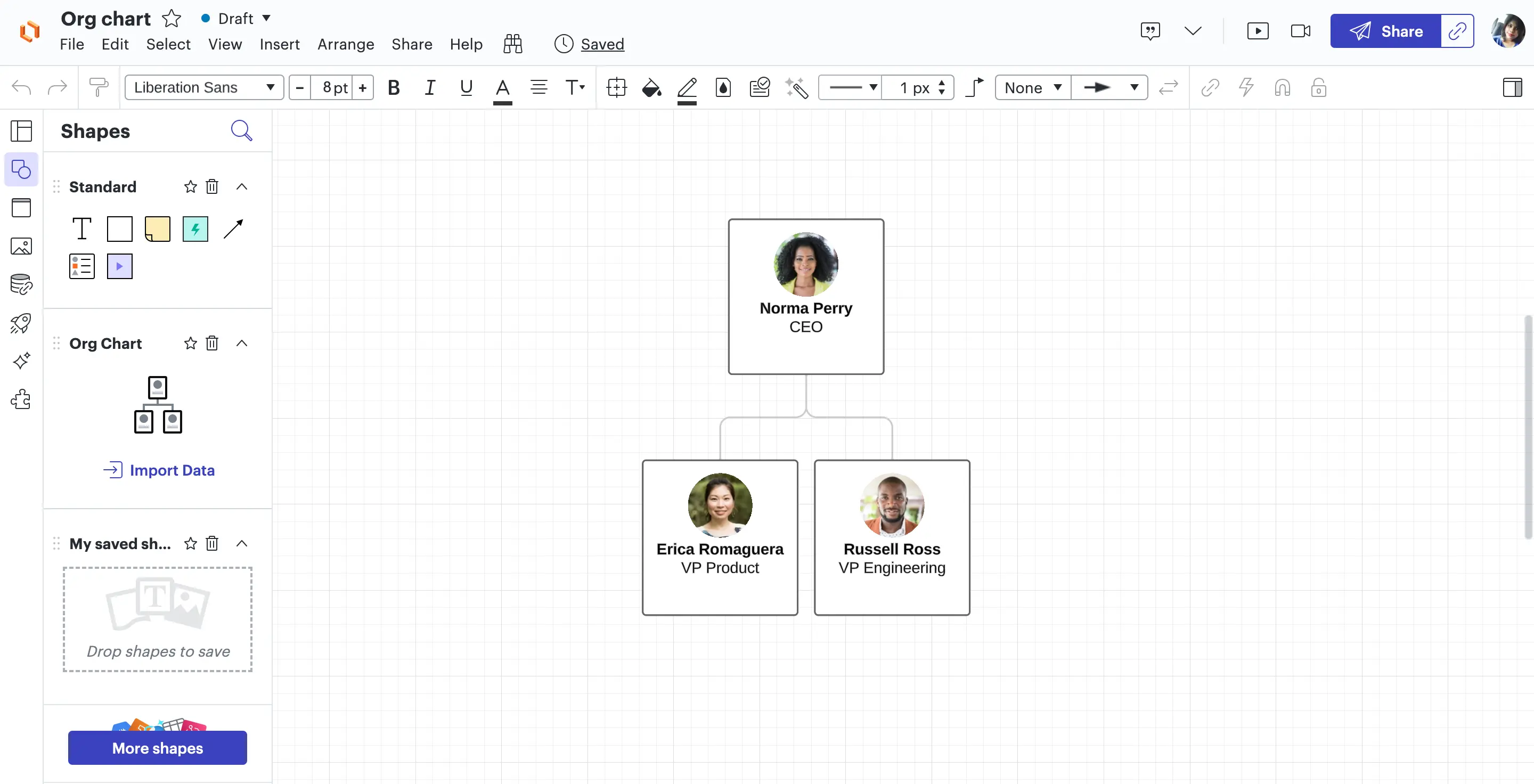
Lucidchart supports org and team planning through data imports, data linking, and group views.
Features
- Data imports and linking for org visualizations
- Real-time collaboration on diagrams
- Conditional formatting for visual analysis
Pros
- Useful when org charts are part of a wider diagramming workflow
Cons
- Confirm field-level access, retained history, and evidence-export requirements before using sensitive audit data
Pricing
- Confirm current pricing, billing terms, and included features with the vendor before purchasing.
7. Canva
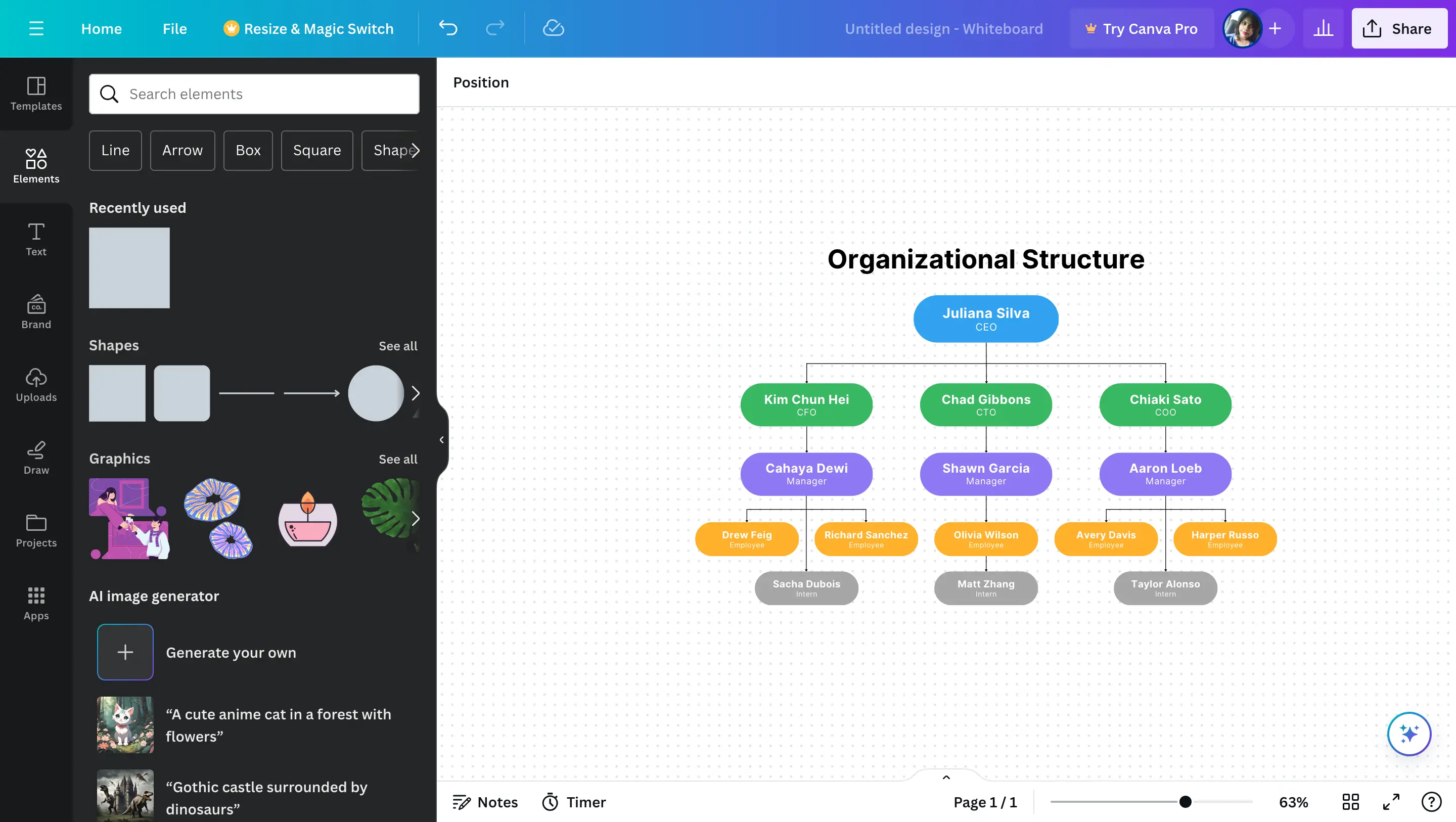
Canva provides organizational chart templates on its online whiteboard.
Features
- Editable organizational chart templates
- Visual editing for team structures
Pros
- Useful for presenting a team structure visually
Cons
- Test your data-maintenance and permission requirements rather than assuming a template is an HR system
Pricing
- Confirm current pricing, billing terms, and included features with the vendor before purchasing.
8. ChartHop
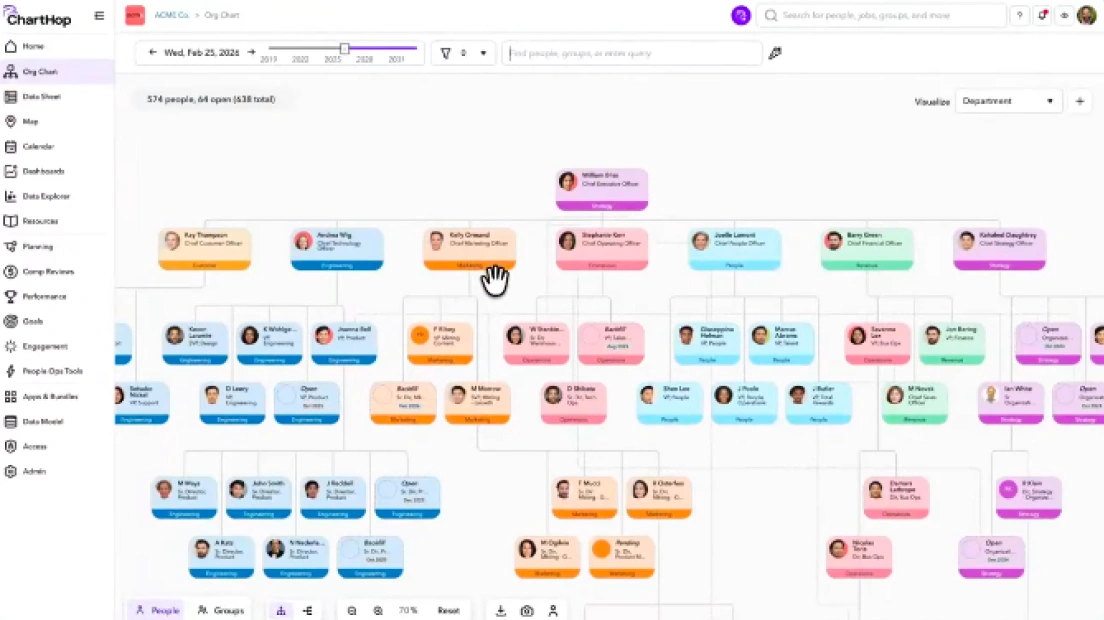
ChartHop combines org visualization, people analytics, and AI insights, with additional planning modules.
Features
- Org chart and people analytics
- AI insights across workforce data
- Headcount planning available through the relevant module
Pros
- Useful when people analytics and planning are part of the evaluation
Cons
- Confirm module costs, data connections, implementation support, and history requirements for your use case
Pricing
- Confirm current pricing, billing terms, and included features with the vendor before purchasing.
9. Draw.io
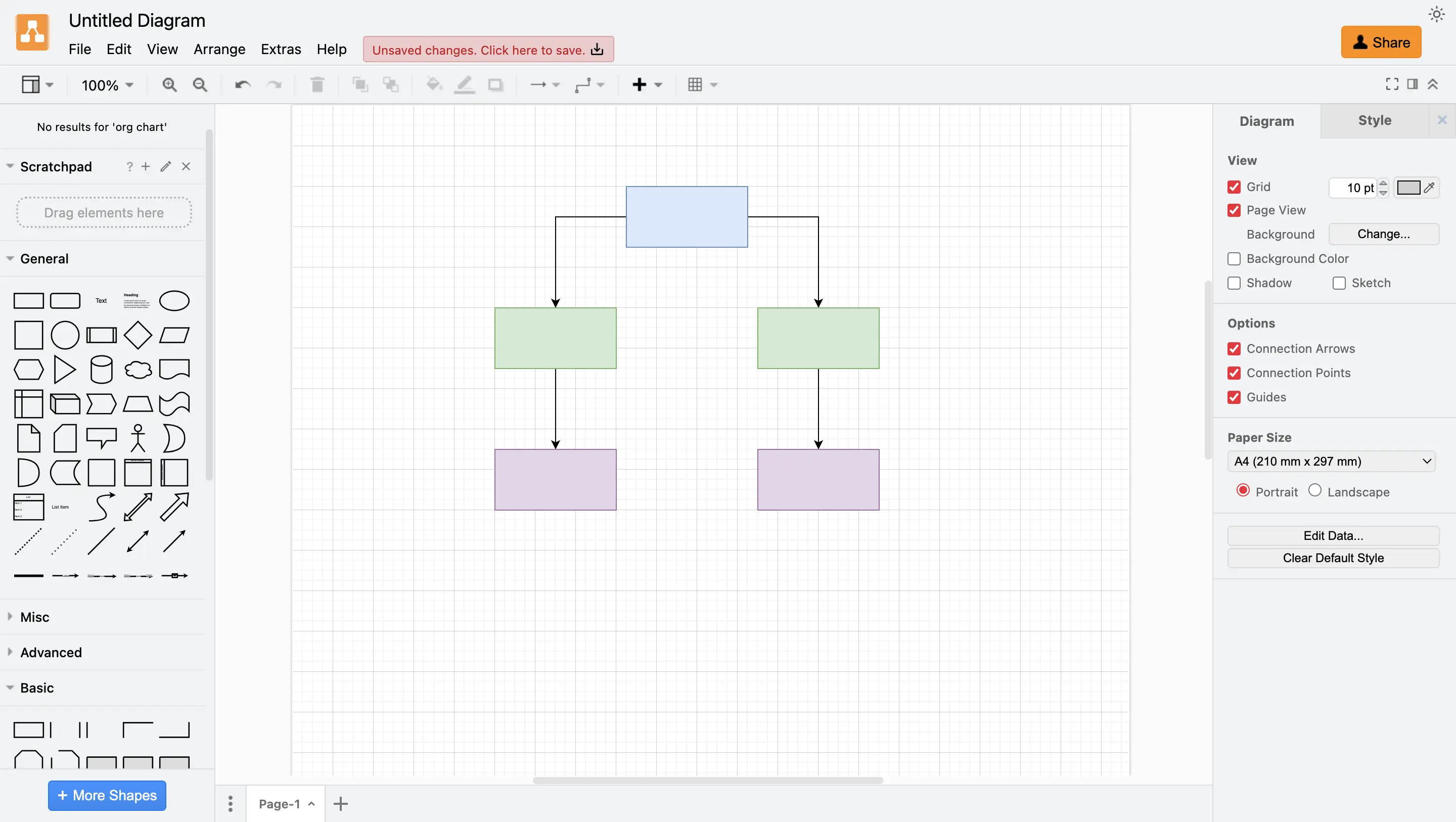
Draw.io supports org charts using shapes, connectors, and tree layouts.
Features
- Org-chart shapes and connectors
- Tree layouts for reporting structures
Pros
- Useful for maintaining a visual reporting diagram
Cons
- Define how employee records, access controls, and updates will be managed outside the diagram
Pricing
- Confirm current pricing, billing terms, and included features with the vendor before purchasing.
10. Orgvue
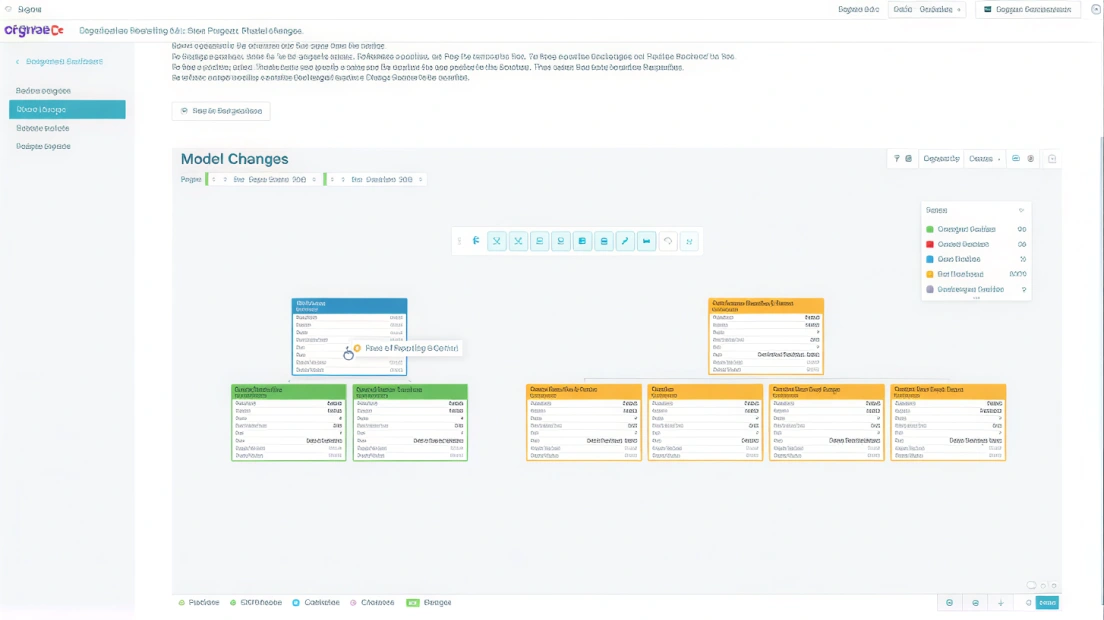
Orgvue supports organizational design and workforce modeling.
Features
- Model organizational structures
- Compare organizational design options
Pros
- Useful when evaluating proposed organizational changes
Cons
- Confirm the data preparation, access controls, implementation, and pricing required for your project
Pricing
- Confirm current pricing, billing terms, and included features with the vendor before purchasing.
Picking the Best Org Chart Software that Suits Your Needs
The best org chart software depends on how complex your org is and how often it changes. Creately supports teams starting with templates or reviewed CSV imports, with AI assistance for mappings, search, filters, and insights. It also stands out with department-focused views and scenario planning for “what-if” org changes.
If you want a dedicated org chart tool, Pingboard and Organimi are strong options, while Lucidchart and SmartDraw are good picks if you want org charts as part of a broader diagramming suite. For HR teams that need org charts plus people analytics and planning, ChartHop is a strong platform option, and for enterprise org design and workforce modeling at scale, Orgvue is a solid choice. For simple, lightweight charting, draw.io works well, especially for more technical teams.
FAQs about the Best Org Chart Tool
What organizational chart creator brands are known for affordable pricing?
Which organizational chart creators are recognized for being reliable and easy to use?
What is the difference between org chart software and HRIS?
Can org chart software do succession planning?