This guide walks you through exactly how to create a process map in PowerPoint, step by step, without overcomplicating things. It also covers the common limitations you’ll run into as your process grows, and introduces a more flexible alternative for building and sharing process maps faster. Along the way, you’ll find free templates to help you get started with less setup and more clarity.
Creating a clear, professional SWOT analysis in PowerPoint can feel simple at first, until layouts start shifting, text boxes misalign, and your slide becomes hard to read. This guide walks you through everything you need to know, from building a SWOT diagram step by step to understanding the common challenges that come with PowerPoint’s manual formatting. After you’ve mastered how to present a SWOT analysis in PowerPoint, we’ll explore a better alternative and free templates that make the process faster, cleaner, and more presentation-ready.
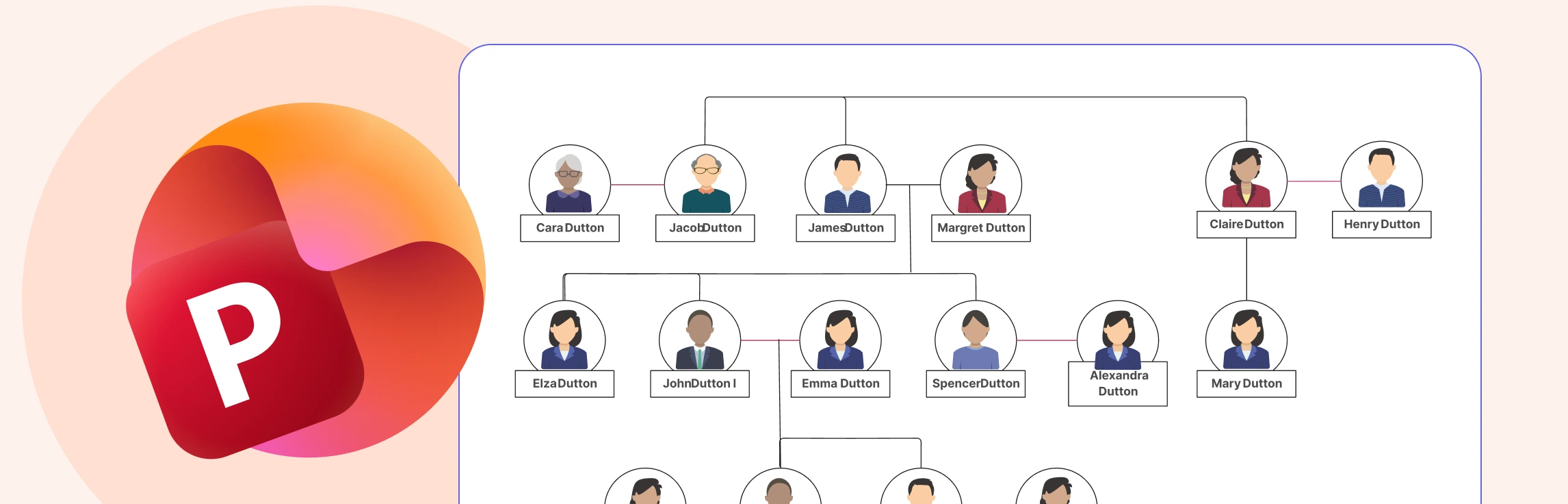
If you’re exploring how to make a family tree in PowerPoint, you’re likely looking for a straightforward way to map out your family history using software you already have access to. PowerPoint can create simple, structured diagrams, but it does require manual setup and adjustments as your tree grows. In this guide, you’ll learn the step-by-step process, understand the limitations you may run into, discover an alternative option and free templates that can help you build a clear, organized family tree with less effort.
This guide shows you how to draw a mind map in PowerPoint in a clear, approachable way, helping you turn scattered ideas into a structured visual. You’ll get a quick overview of what a mind map is, learn the step-by-step process to build one using PowerPoint, understand where the tool starts to feel challenging, and explore an easier alternative. By the end, you’ll feel confident organizing your ideas into a mind map that’s clean, clear, and presentation-ready.
If you’re wondering ‘how to do a timeline in PowerPoint’, then this guide is for you. Keep reading to discover how to insert a timeline in PowerPoint with step-by-step instructions, understand its limitations and why Creately is the best alternative.