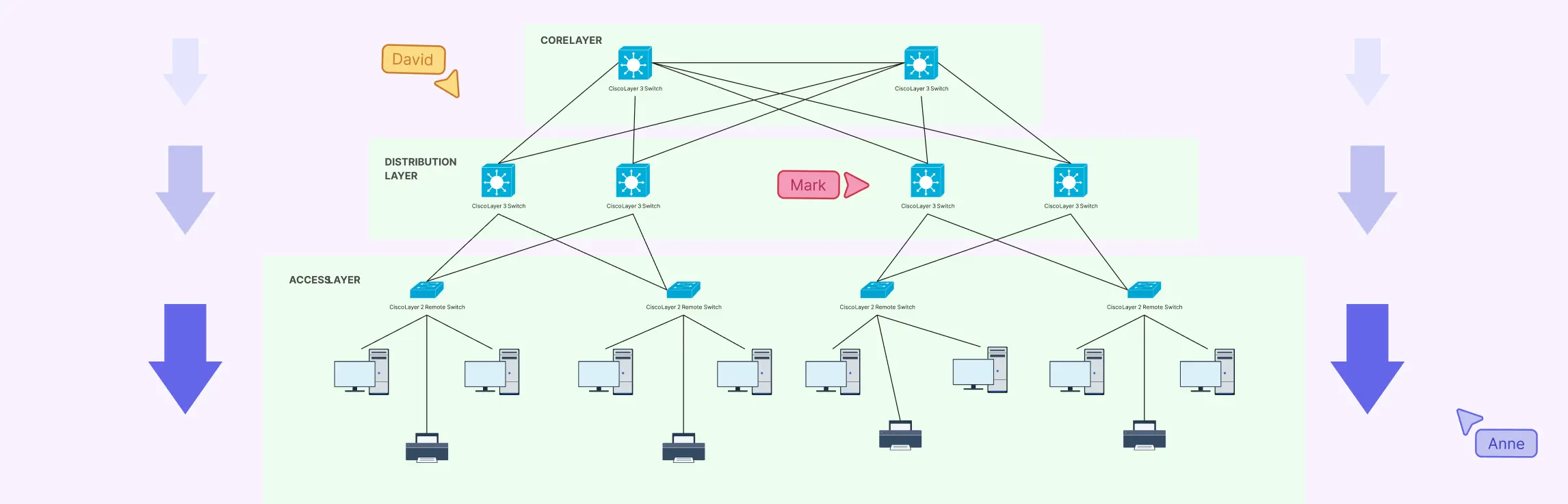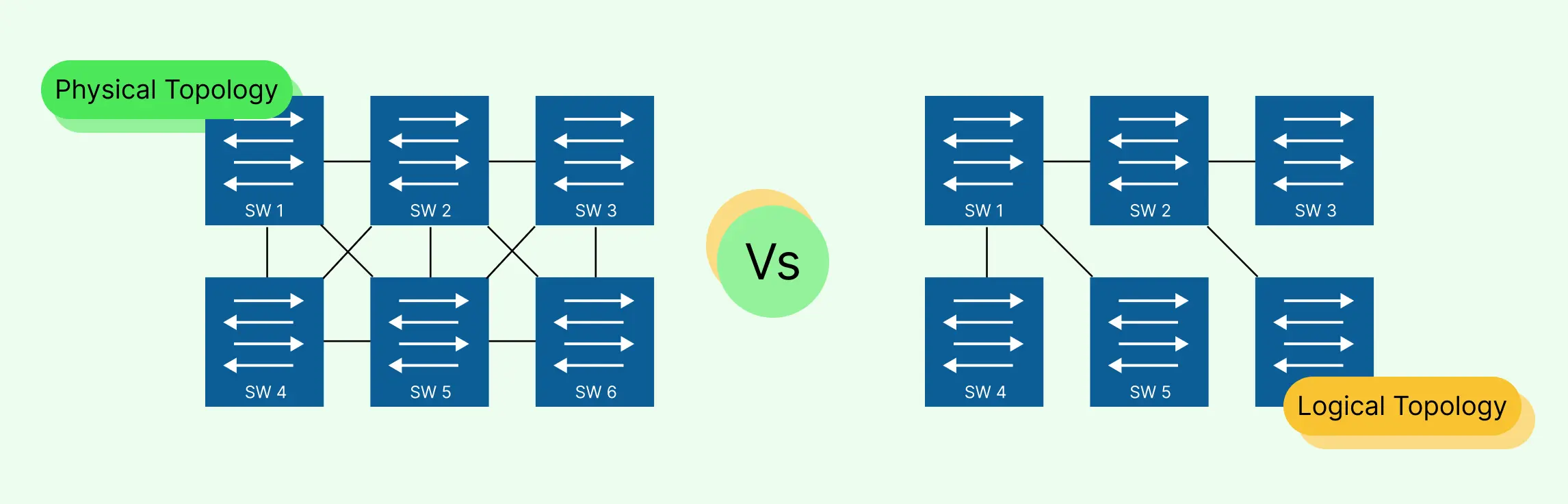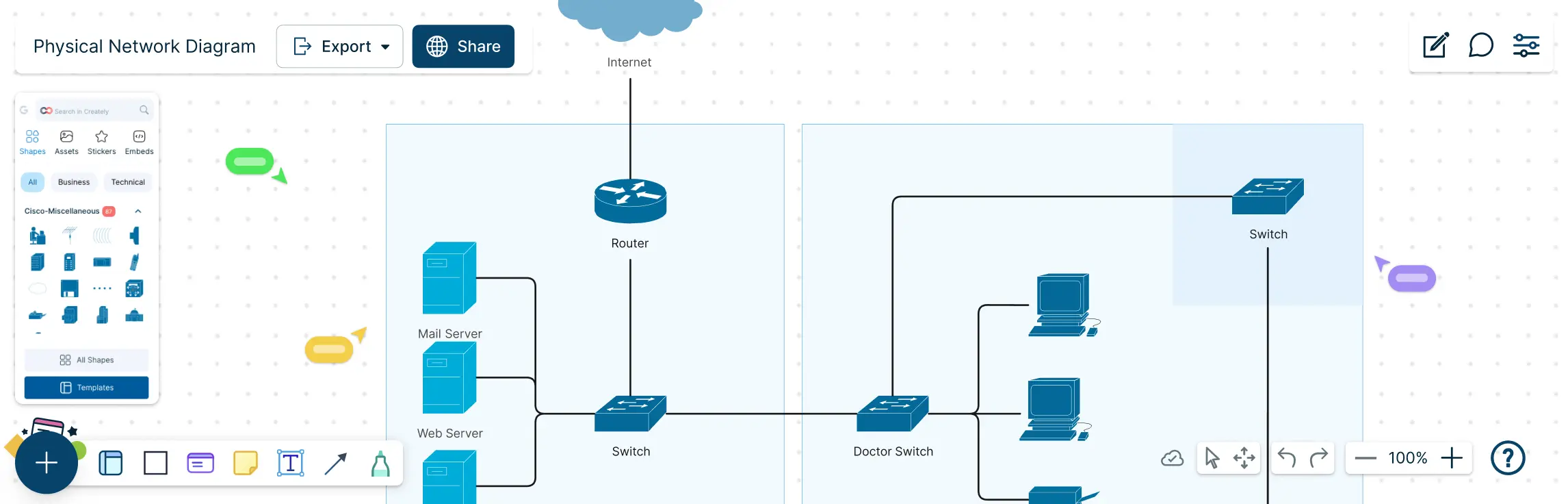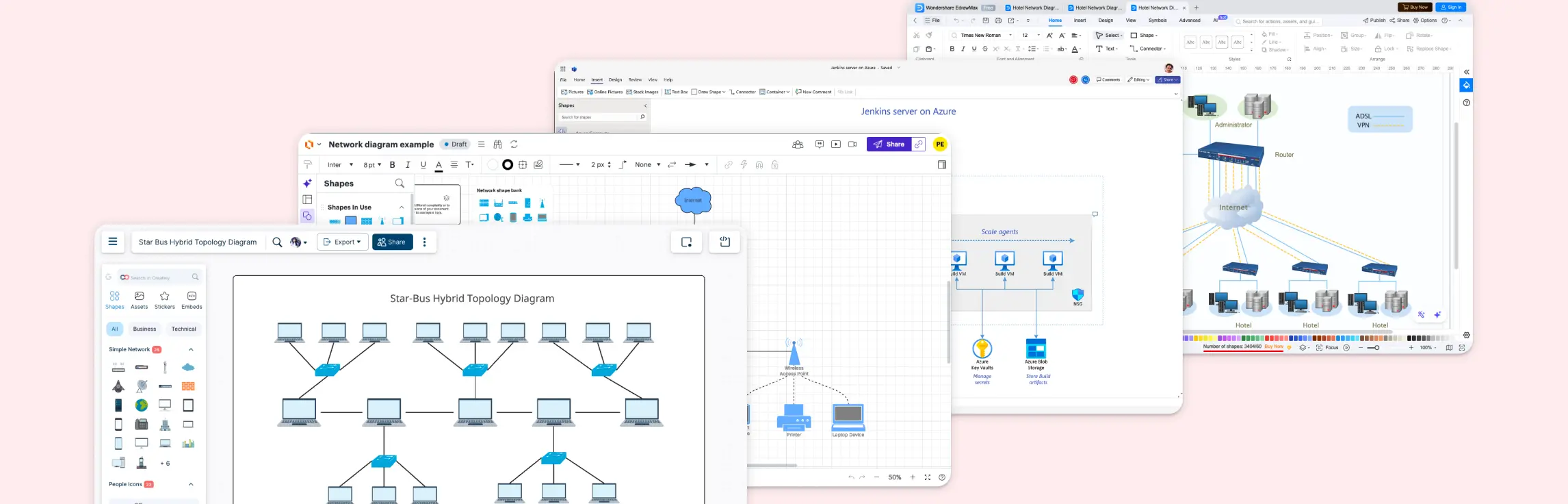
Ever stared at a diagram full of tangled notes trying to make sense of your network setup? The right network diagram software can turn that chaos into clarity. In this guide, we’ll walk you through the best network diagram software, so you can pick the solution that brings structure, speed, and visual clarity to your workflow.
A Quick Overview of the Best Network Diagram Tools
Here’s a side‑by‑side comparison of the best software for network diagrams. This table breaks down each tool against the key criteria like ease of use, collaboration, performance, etc. Ratings are on a scale of 1–5 (higher is better) to help you see strengths and weaknesses at a glance.
| Criteria | Creately | Microsoft Visio | Lucidchart | draw.io (diagrams.net) | SmartDraw |
| Diagramming & Visualization | 4.5 / 5 | 5 / 5 | 4.5 / 5 | 4.3 / 5 | 4.6 / 5 |
| Ease of Use & Interface | 4.5 / 5 | 3.8 / 5 | 4.2 / 5 | 4.2 / 5 | 3.9 / 5 |
| Collaboration & Sharing | 5 / 5 | 4.0 / 5 | 4.7 / 5 | 3.8 / 5 | 3.8 / 5 |
| Integration with Other Tools | 4.2 / 5 | 4.5 / 5 | 4.5 / 5 | 3.5 / 5 | 4.0 / 5 |
| Performance & Scalability | 4.3 / 5 | 4.6 / 5 | 4.4 / 5 | 4.1 / 5 | 4.2 / 5 |
| Security & Permissions | 4.2 / 5 | 4.7 / 5 | 4.4 / 5 | 4.0 / 5 | 4.1 / 5 |
| Pricing & Value | 4.6 / 5 | 3.9 / 5 | 4.3 / 5 | 4.8 / 5 | 3.8 / 5 |
| Overall Rating | ⭐ 4.5 / 5 | ⭐ 4.3 / 5 | ⭐ 4.4/ 5 | ⭐ 4.3 / 5 | ⭐ 4.1 / 5 |
| Best For | Modern teams & collaboration | Enterprise & technical diagrams | Teams & real‑time collaboration | Free network diagrams & open‑source users | Automated, feature‑rich diagrams |
What to Look for in the Best Network Diagram App
Choosing the right tool can feel overwhelming with so many options out there. The best network diagram software should simplify complex network structures, save time, and make collaboration effortless. Here’s what to focus on when comparing software.
Diagramming & Visualization Capabilities
Your software should make it easy to create clear, professional network diagrams. Look for pre-built shapes, intuitive drawing tools, auto-layouts, and the ability to customize icons so your network maps are accurate and visually appealing.
Ease of Use & Interface
A great tool shouldn’t slow you down. The best software to create network diagrams is intuitive, with drag-and-drop functionality, ready-made templates, and a clean interface that makes designing networks fast and frustration-free.
Collaboration & Sharing
Modern teams need to work together seamlessly. Look for real-time editing, commenting, and easy sharing options so everyone can stay on the same page without messy email threads or file version confusion.
Integration with Other Tools
Your network diagram software should fit smoothly into your workflow. Integration with cloud storage, project management apps, or IT tools makes importing, exporting, and automating diagrams easier than ever.
Performance & Scalability
Even small networks can grow complex quickly. The best network diagram software should handle large diagrams without lag and scale with your team’s needs, whether you’re designing a single office or an enterprise network.
Security & Permissions
Sensitive network data requires careful protection. Look for tools with role-based access, encryption, and secure sharing options to keep your network diagrams safe while collaborating.
Pricing & Value
Cost shouldn’t compromise quality. Whether you’re searching for the best free network diagram software or a paid solution, the software should provide excellent value through robust features, flexibility, and ongoing support.
1. Creately
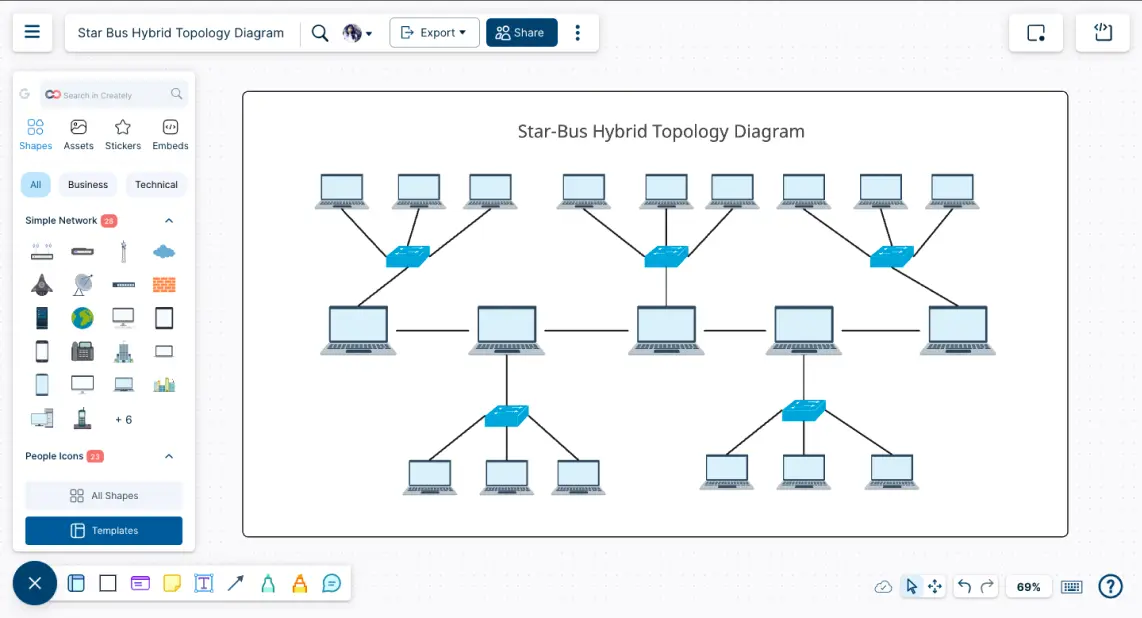
Creately is a versatile and powerful network diagram software designed to make complex network designs simple and visually clear. With its intuitive interface, extensive template and shape libraries, and collaboration features, it helps teams create professional network diagrams quickly without the usual frustration of scattered workflows. It’s ideal for network engineers, devops teams, and anyone who values clarity and speed in visual thinking.
Key Features for Network Diagrams
Intuitive and Easy-to-Use Interface: Creately’s drag-and-drop interface makes creating network diagrams effortless, even for beginners. Users can focus on designing networks instead of struggling with the tool itself.
Template Library: It offers a rich library of pre-built network diagram templates, enabling users to start projects quickly and maintain consistency across diagrams.
Comprehensive Shape Libraries: From routers and switches to cloud icons and firewalls, Creately includes all essential network symbols, making detailed and accurate diagrams easy.
Easy Customization Options: Shapes, colors, and layouts can be customized effortlessly, giving users the flexibility to match diagrams to their style or organizational branding.
Online Collaboration for Teams: Multiple team members can edit diagrams in real time, leave comments, and provide feedback, reducing version chaos and improving workflow efficiency.
Export to Common Formats: Diagrams can be exported in PNG, PDF, SVG, or Visio formats, making sharing and presenting seamless.
Integrations: Creately integrates with popular tools like Google Drive, Slack, and Confluence, allowing network diagrams to fit naturally into existing workflows.
Visual Quality & Style: High-quality visuals with crisp lines, modern styling options, and consistent design elements make diagrams professional and easy to read.
Smart Connectors: Intelligent connectors automatically adjust when shapes are moved, keeping diagrams neat and reducing manual adjustments.
Version History: Track changes and revert to previous versions, giving teams confidence when experimenting or iterating on designs.
Linked Documentation: Users can link additional information, notes, or resources directly to diagram elements, enhancing context and understanding.
Data-Linked Visuals: Creately allows importing data to automatically generate network diagrams, saving time and minimizing errors for complex networks.
Pros
- Extremely user-friendly, even for non-technical users
- Real-time collaboration and commenting for teams
- Extensive template and shape libraries
- High-quality visuals with smart connectors
- Flexible export and integration options
- Data-linked diagrams for faster workflows
Cons
- Some advanced features require a paid plan
- Requires an internet connection. No desktop or offline version
- Can take time to explore all templates and integrations fully
Pricing*
- Free Plan - $ 0
- Personal - $ 5 /month per user
- Business - $ 89 / month paid annually for unlimited users
- Enterprise - Custom pricing
*Pricing as of January 2026
Verdict
Creately is one of the best network diagram software options for teams and individuals who want clarity, speed, and professional results. Its intuitive interface, rich templates, real-time collaboration, and data-linked visuals make it a standout choice. Whether you’re searching for the best free network diagram software or a comprehensive paid solution, Creately combines power and simplicity to help modern teams design networks efficiently and beautifully.
2. Microsoft Visio
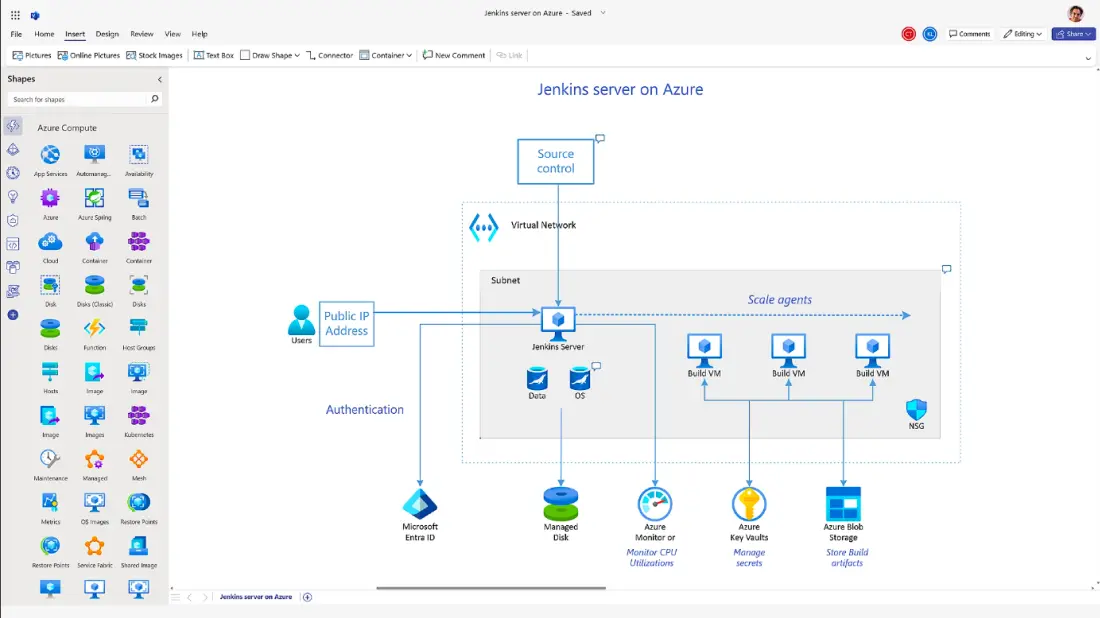
Microsoft Visio is one of the most established network diagram tools on the market, known for its deep feature set and tight integration with the wider Microsoft ecosystem. It offers an extensive library of templates and shapes for network diagrams, flowcharts, org charts, and more, making it suitable for businesses that already rely on Microsoft’s suite of productivity tools.
Key Features for Network Diagrams
Extensive Template & Shape Libraries: Visio includes thousands of templates, stencils, and shapes that help users craft detailed network layouts, from basic local area networks to complex IT infrastructures.
Data-Linked Diagrams: Users can link diagrams to live data sources like Excel, SharePoint, or SQL databases to create dynamic visuals that update as the underlying data changes.
Collaboration & Sharing Tools: Visio supports real-time co-authoring and sharing via OneDrive or Microsoft Teams, allowing teams to work together and comment on diagrams seamlessly.
Integration with Microsoft 365: Because Visio is part of the Microsoft ecosystem, it integrates closely with Word, Excel, PowerPoint, and Teams—letting users embed diagrams into documents or presentations with ease.
Customizable Connectors & Formatting: A variety of connectors, lines, and formatting options help users illustrate relationships between network elements clearly and professionally.
Web & Desktop Versions: Visio offers both a web-based app and a full desktop version (with Plan 2), allowing teams to work online or offline depending on their needs.
Pros
- Very comprehensive diagramming tools and shape libraries.
- Excellent compatibility with other Microsoft products.
- Can handle data-linked, dynamic visuals.
- Collaboration features via Microsoft Teams and OneDrive.
- Suitable for large enterprises already embedded in Microsoft’s ecosystem.
Cons
- Can have a steep learning curve, especially for beginners.
- Pricing is relatively high compared to free or lightweight alternatives.
- Full functionality often requires the higher-tier Plan 2 subscription.
- Some users find the web version limited compared to the desktop app.
- Connectors and certain UI elements aren’t always as intuitive as in newer diagram tools.
Pricing*
Microsoft Visio doesn’t have a free tier, but it offers subscription-based plans:
- Microsoft 365 - Visio included
- Visio Plan 1 - $5 per user per month
- Visio Plan 2 - $15 per user per month
*Pricing as of January 2026
Verdict
Microsoft Visio remains a strong contender among the best network diagram software, especially for enterprise teams already using Microsoft 365. Its extensive library of shapes, deep integrations, and data connectivity make it ideal for complex, data-driven diagrams. However, its higher cost, learning curve, and sometimes outdated interface can make it less appealing for teams seeking the best software for network diagrams that’s intuitive, modern, and cost‑effective compared with newer alternatives like Creately.
3. Lucidchart
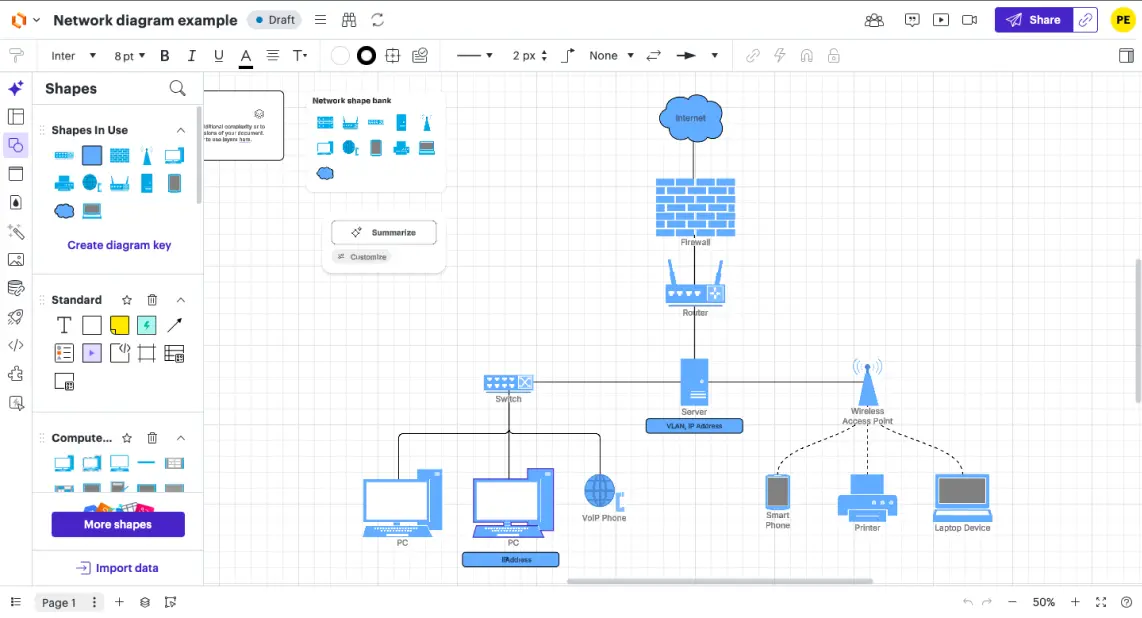
Lucidchart is a popular browser‑based diagramming tool used by individuals and teams to create professional visuals, including workflows, flowcharts, and network diagrams with ease. It blends intuitive drag‑and‑drop editing with real‑time collaboration and a rich set of templates, making it one of the go‑to options when evaluating the best software for network diagrams.
Key Features for Network Diagrams
Drag‑and‑Drop Diagramming: Lucidchart’s intuitive editor helps users build network diagrams quickly with a minimal learning curve, making it accessible for both beginners and experienced diagrammers.
Extensive Templates & Shape Libraries: It offers hundreds of professional templates and thousands of shapes that support network diagram creation for diverse environments and standards.
Real‑Time Collaboration: Team members can edit diagrams simultaneously, leave comments, and share feedback live—perfect for teams needing synchronized visual planning.
Integration Ecosystem: Lucidchart connects with popular productivity platforms like Microsoft 365, Google Workspace, Jira, Slack, and more, helping diagrams flow naturally into your wider workflow.
Revision History & Versioning: Track changes over time and revert to earlier versions when needed, making diagram iteration safer and more transparent.
Data Linking & Import/Export: Import data sets to automate parts of your diagram creation and export visuals to common formats, aiding presentation and documentation.
Visio Compatibility: If you’re migrating diagrams from Microsoft Visio, Lucidchart supports import and export of Visio files, helping preserve existing work.
Pros
- Easy to use with a gentle learning curve for new users.
- Free version available to start diagramming at no cost.
- Strong collaboration features for teams.
- Extensive templates and integrations for flexible workflows.
- Works entirely in the browser—no installation needed.
Cons
- Free tier is limited in functionality and shape count, making it less ideal as the best free network diagram software for long‑term use.
- Requires an internet connection—no fully offline desktop app.
- Some users report performance slowdowns with very large or complex diagrams.
- Advanced features (like robust integration and versioning) may require higher‑tier plans.
Pricing*
- Free Plan – $ 0
- Individual – $ 9 / month per user
- Team – $ 10 / month per user (minimum users apply)
- Enterprise – Custom pricing
*Pricing as of January 2026
Verdict
Lucidchart is one of the preferred network diagram software thanks to its ease of use, strong collaboration, and rich feature set. It’s particularly effective for teams that need to co‑create and share diagrams across tools like Slack, Microsoft 365, or Jira. However, its limitations in the free tier and reliance on internet access can make it less compelling than alternatives like Creately for users seeking more generous free features or smoother performance with complex diagrams. Overall, Lucidchart remains a solid choice for both individual diagrammers and collaborative teams.
4. draw.io
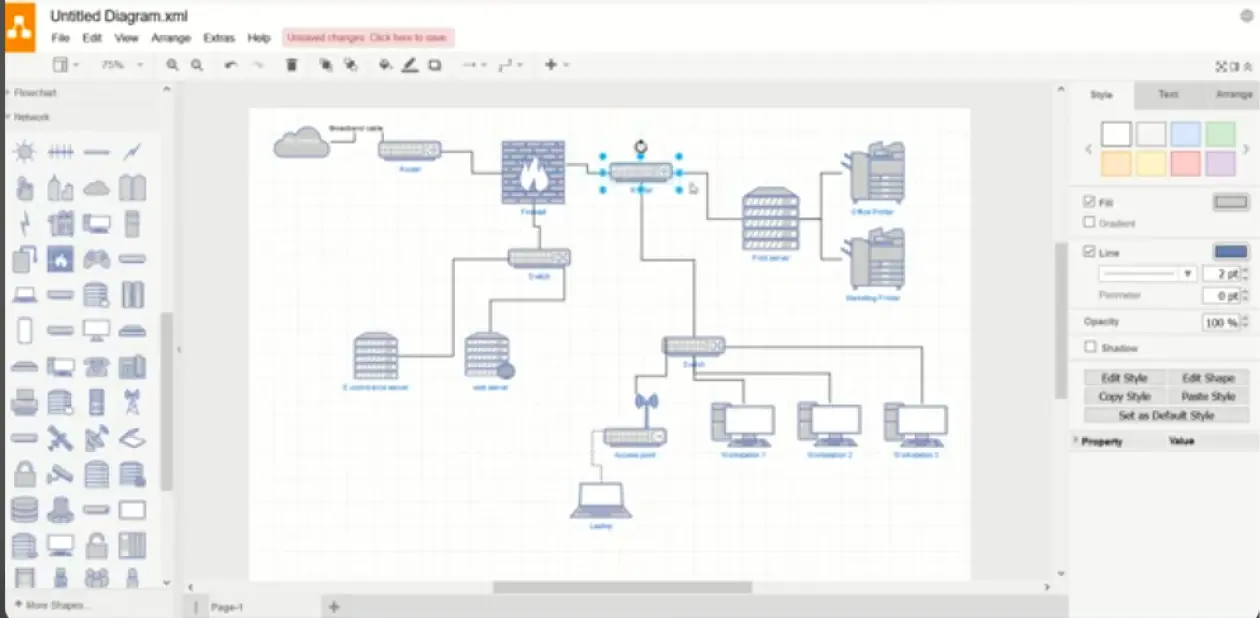
draw.io, now more commonly known as diagrams.net, is a free and open‑source network diagram drawing software that’s used by individuals, students, and professionals alike for its simplicity and cost‑free access. Whether you’re sketching out simple network layouts or more technical infrastructure diagrams, this tool delivers solid functionality without requiring a paid subscription, making it one of the best free network diagram software options out there.
Key Features for Network Diagrams
No‑Cost, Open‑Source Design: draw.io is completely free and open source, giving users full access to diagramming tools without subscription barriers or licensing costs, ideal for budget‑conscious teams and solo creators.
Drag‑and‑Drop Diagramming: A straightforward drag‑and‑drop interface lets users quickly build network diagrams, flowcharts, and architecture layouts with a minimal learning curve.
Integration with Cloud Storage: You can save diagrams directly to Google Drive, OneDrive, Dropbox, or local storage, making collaboration and file management flexible and secure.
Rich Shape Library: draw.io offers a wide variety of shapes and symbols that support technical diagrams, including network components, system architecture, and more.
Export to Common Formats: Finished diagrams can be exported as PNG, JPG, PDF, SVG, and other formats for sharing or documentation purposes.
Real‑Time Collaboration via Storage: When used with shared drives (like Google Drive), multiple users can collaborate on the same file, though native online co‑editing isn’t as seamless as cloud‑native tools.
Pros
- Completely free with no feature paywalls.
- Works in any browser and offers desktop access.
- Integrates with major cloud storage services.
- Good range of shapes and templates for network and system diagrams.
- Community‑supported with a strong open‑source ecosystem.
Cons
- Interface can feel dated and less intuitive compared to newer tools.
- Limited templates and styling options compared with premium alternatives.
- Performance can lag on very large or complex diagrams.
- Real‑time collaboration isn’t built‑in and depends on cloud storage workflows.
Pricing*
- Free Plan – $ 0
- Advanced - $37/month
*Pricing as of January 2026
Verdict
draw.io unquestionably earns a spot among the best free network diagram software available, particularly when cost is a priority. Its no‑cost access, broad compatibility, and ability to export in multiple formats make it a powerful choice for creating network diagrams without subscription fees. However, for teams seeking deep collaboration features, advanced automation, or a more modern, intuitive workflow, other tools may deliver a smoother experience with richer built‑in capabilities. In short, draw.io is excellent for budget‑aware users and open‑source lovers, but others might prefer a more guided and collaborative environment.
5. SmartDraw
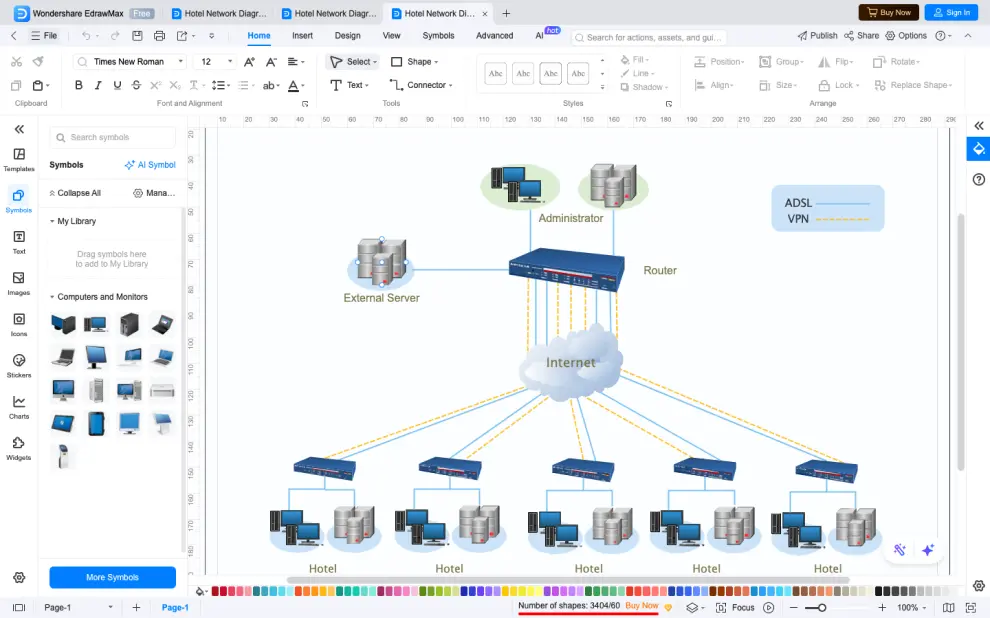
SmartDraw is a long‑standing diagramming tool that helps teams build professional network diagrams, flowcharts, floor plans, org charts, and more with a focus on versatility and automation. It’s designed to appeal to businesses that want rich template libraries and broad integrations, but it carries a different balance of power and simplicity compared with newer, cloud‑native tools in the best network diagram software space.
Key Features for Network Diagrams
Extensive Template & Symbol Library: SmartDraw provides thousands of pre‑built templates and a massive library of shapes for network diagrams, architecture plans, and technical visuals to help you start with a strong foundation.
Automated Formatting & Diagram Layouts: Intelligent formatting automatically adjusts and aligns elements as you work, making diagrams look neat and professional with minimal manual cleanup.
Integration with Popular Tools: It integrates with platforms like Microsoft Office, Google Workspace, Confluence, and Jira so network diagrams can live alongside documents, collaboration spaces, and project workflows.
Cloud Access & Platform Flexibility: SmartDraw runs in the browser and syncs with cloud storage, giving teams access from anywhere with internet connectivity.
Data‑Driven Diagramming: You can import data from external sources to automate parts of your diagram creation, reducing manual effort and improving accuracy.
Export Options & Presentation‑Ready Output: Diagrams can be exported in formats like PDF and PowerPoint for easy sharing in meetings, reports, and presentations.
Collaboration & Sharing: Although not as real‑time as some competitors, shared folders and cloud syncing support team access and collaborative workflows.
Pros
- Large library of templates and symbols for network and other diagram types.
- Integrates with major productivity platforms like Microsoft Office and Google Workspace.
- Automated layout and formatting saves time when building complex visuals.
- Cloud‑accessible diagrams and cross‑device flexibility.
- Flexible exports for documentation and presentations.
Cons
- Pricing can be higher than alternatives—particularly for smaller teams or individuals.
- Some users report that collaboration features are less smooth than tools designed for real‑time teamwork.
- UI and overall experience can feel less modern compared with newer diagramming tools.
- Performance can lag with very large or complex diagrams.
Pricing*
- Individual – $ 10.95 / month per user (billed annually)
- Team – $ 9.95 / month per user (billed annually, 3‑user minimum)
- Enterprise – Custom pricing
*Pricing as of January 2026
Verdict
SmartDraw is a capable contender among the best software for network diagrams, especially for users who value extensive templates, automated layout, and integration with workplace productivity tools. It’s robust for drafting professional visuals and can serve well in structured corporate settings. However, its pricing, collaboration limitations, and comparatively dated interface may make it less appealing for teams looking for the most intuitive, real‑time diagramming experience. For those seeking a more modern and fluid tool that still delivers power and collaboration with minimal friction, alternatives like Creately may offer a smoother, more cost‑effective workflow.
Wrapping Up: Choosing the Best Network Diagram Software
At a Glance
After comparing the top network diagram tools across diagramming capabilities, collaboration, templates, integrations, and pricing, here’s a quick snapshot of which tool works best for different users:
Best Overall: Creately
Combines an intuitive drag-and-drop editor, extensive network shape libraries, rich templates, real-time collaboration, version history, and integrations, making it the most versatile and cost-effective choice for modern teams.
Best for Enterprises: Creately / Microsoft Visio
Visio offers advanced features and deep Microsoft 365 integration for large organizations, while Creately provides a simpler, more collaborative alternative for teams that want enterprise-level control without complexity at much lower cost.
Best for Cloud Collaboration: Creately / Lucidchart
Both excel at real-time editing, commenting, and cloud-based workflows, making team collaboration seamless and efficient.
Best Free: Creately Free Plan / draw.io (diagrams.net)
draw.io delivers strong diagramming features completely free, while Creately’s free plan offers a better modern interface, large collection of starter templates, and many collaboration options for individuals or small teams.
Best for Automated Layouts & Templates: Creately / SmartDraw
SmartDraw offers intelligent formatting and large template libraries, but Creately also provides smart connectors, automatic alignment, and customizable templates that make network diagramming faster and more visual.
Choosing the best network diagram software can transform how you visualize, plan, and manage complex networks. With an intuitive interface, rich templates, smart connectors, and real-time collaboration, the right tool makes creating professional network diagrams faster, clearer, and more efficient. Whether you’re a beginner or part of a team, using a versatile diagramming solution helps turn network complexity into visual clarity and actionable insights.