Hierarchy Chart Maker
Quickly Visualize Hierarchies
Quickly build and visualize your hierarchies with Creately hierarchy chart maker. Get clear, actionable insights into your team's structure in no time.
- Multiple free hierarchy chart templates for you to get started quickly
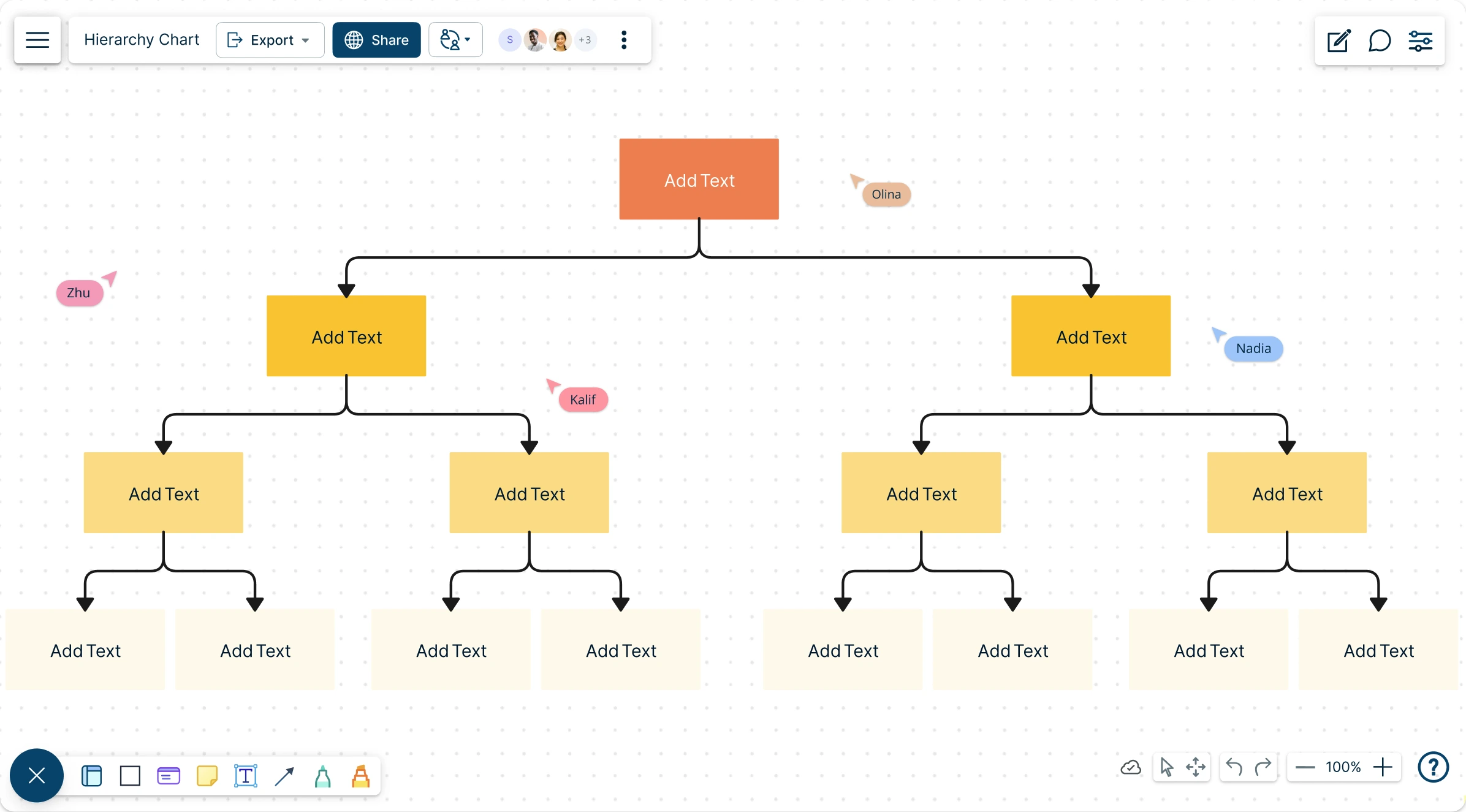
- Real-time collaboration to connect with multiple participants
- Quickly export as PNG, SVG, or PDF for sharing and publishing with hierarchy chart maker
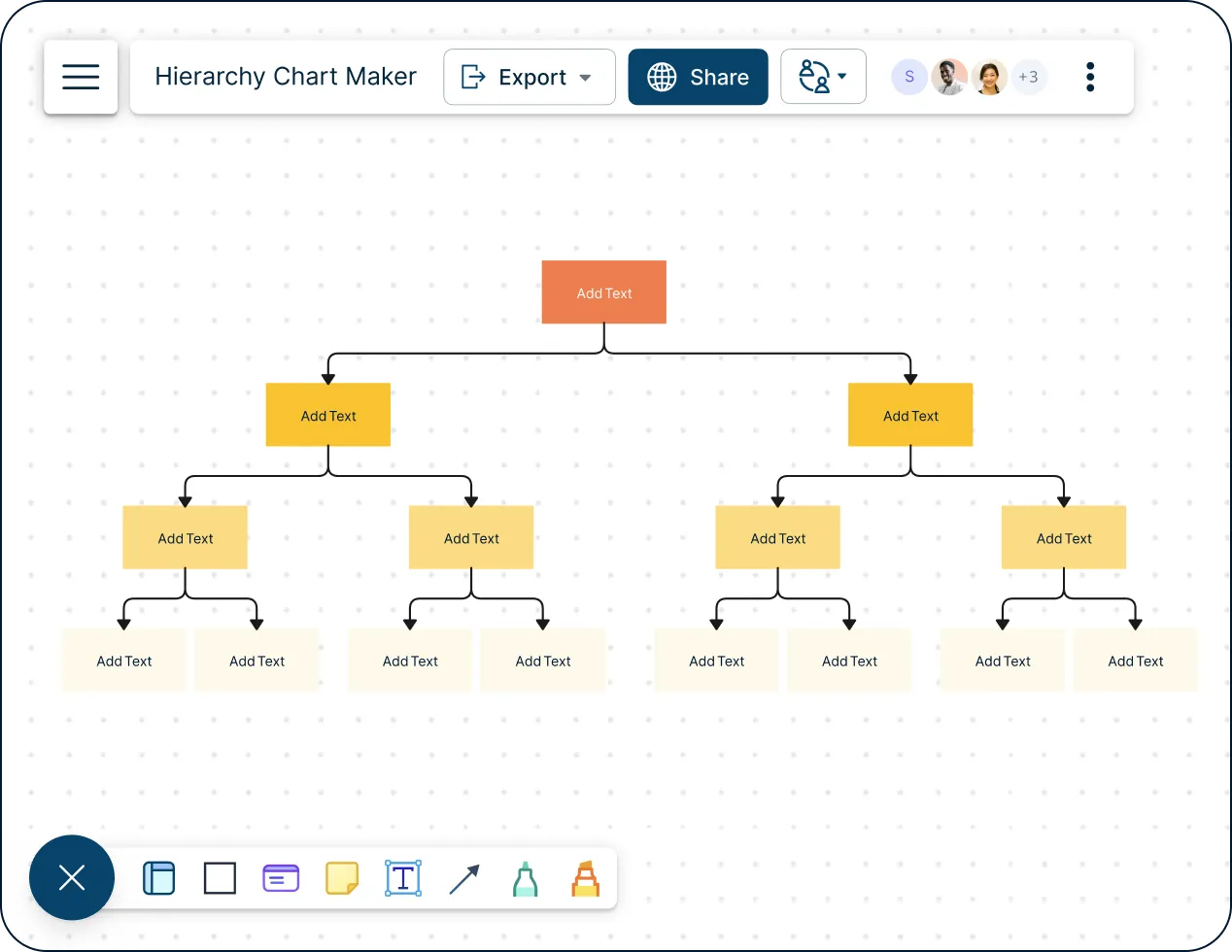
- Multiple free hierarchy chart templates for you to get started quickly
- Real-time collaboration to connect with multiple participants
- Quickly export as PNG, SVG, or PDF for sharing and publishing with hierarchy chart maker
Over 10 Million people and 1000s of teams already use Creately

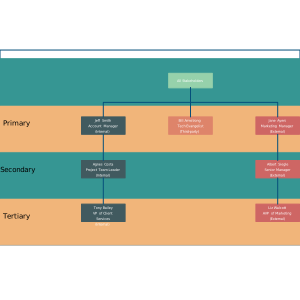
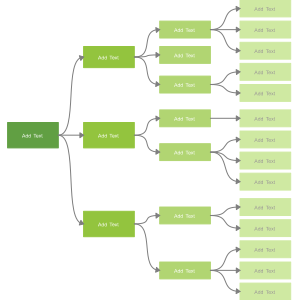
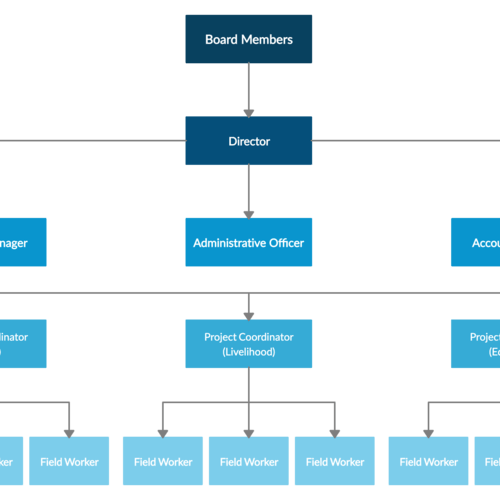
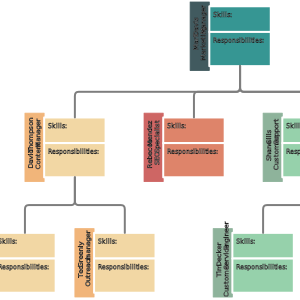
Create Hierarchy Charts with These Pre-Made Templates

How to Make a Hierarchy Chart Using Creately
Instantly Map Complex Hierarchies
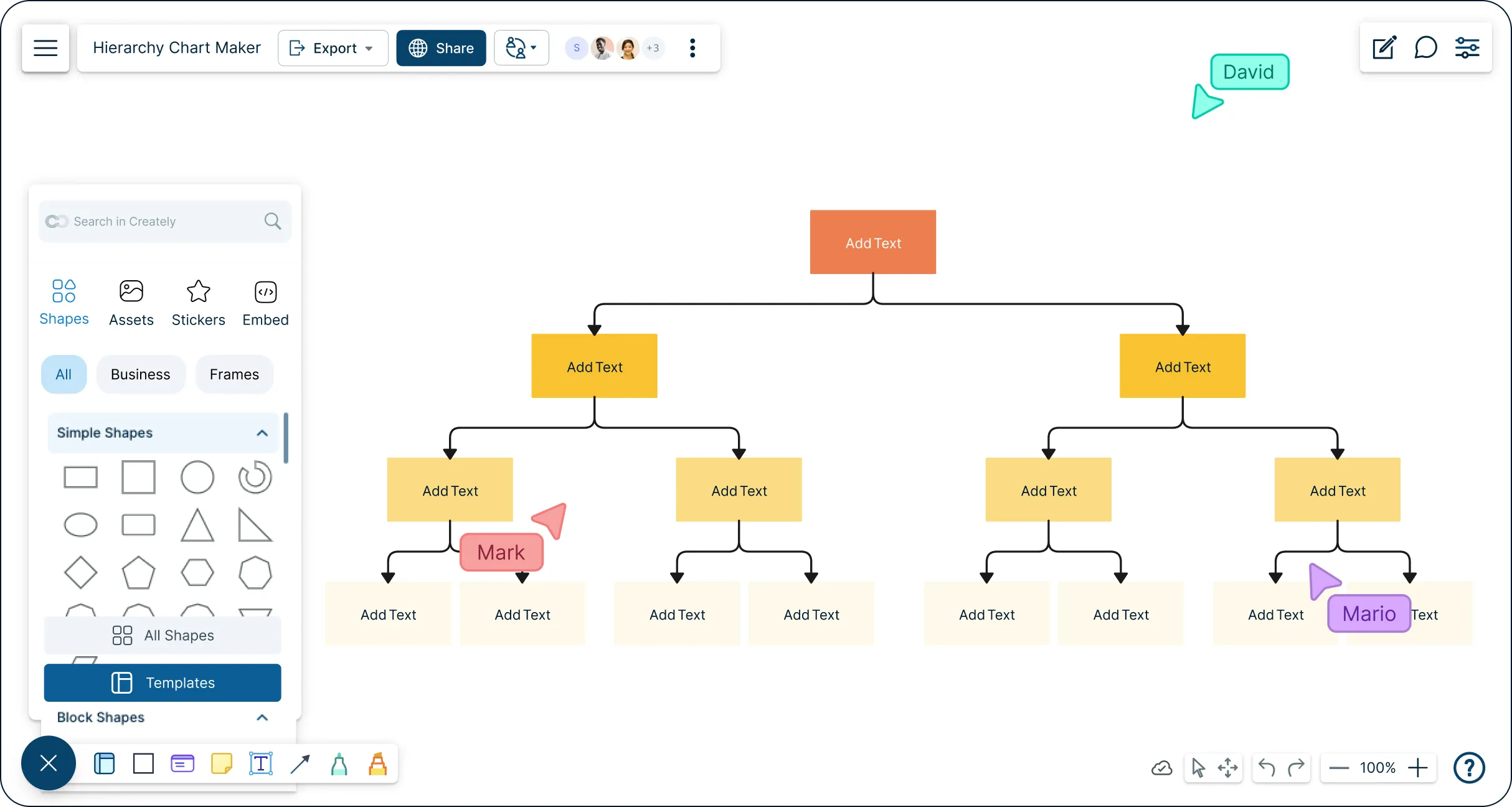
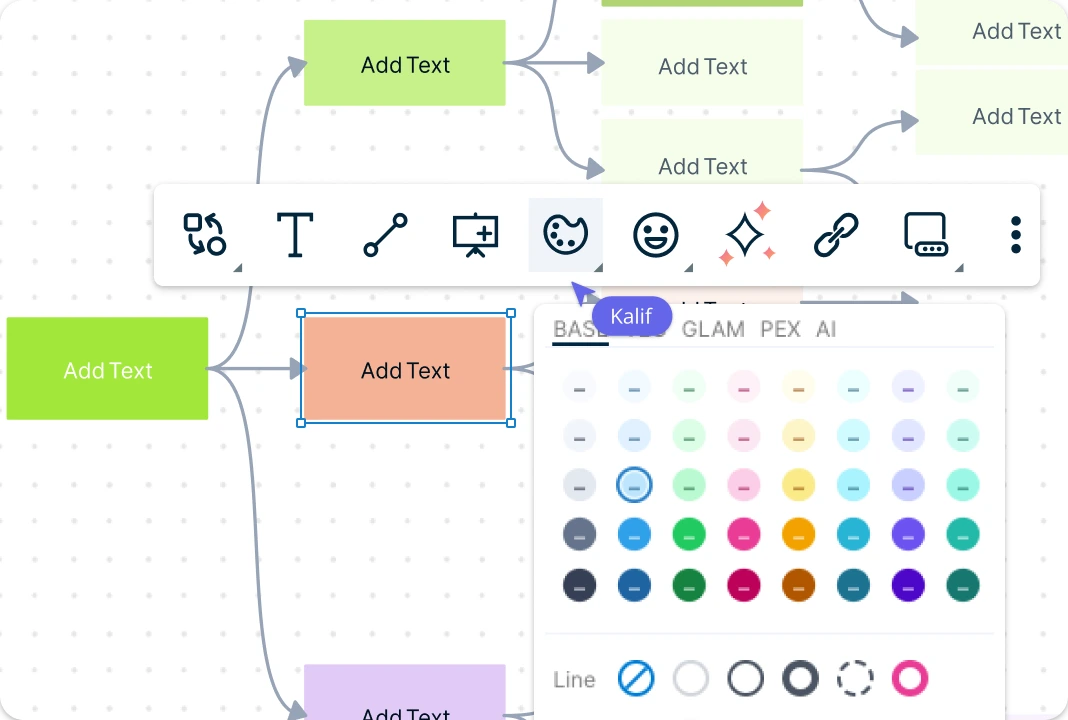
Transform your ideas into clear hierarchy diagrams with ease. Creately’s hierarchy chart creator comes with pre-designed templates and advanced styling options to represent reporting structures and management levels. Easily arrange and adjust elements of your hierarchy diagram with intuitive drag-and-drop tools and smart connectors and adaptable shapes that ensure your charts stay organized and accurate as you make changes.
Bring Everyone to the Same Canvas

Share your hierarchy charts in real-time and work together with your team directly within the same infinite canvas. Collaborators can leave comments, make edits, and view changes instantly, ensuring everyone stays aligned and up-to-date. Whether you’re brainstorming or refining your company hierarchy, Creately’ hierarchy chart software makes it easy to achieve collective clarity and efficiency.
Save Time with Instant Data Integration
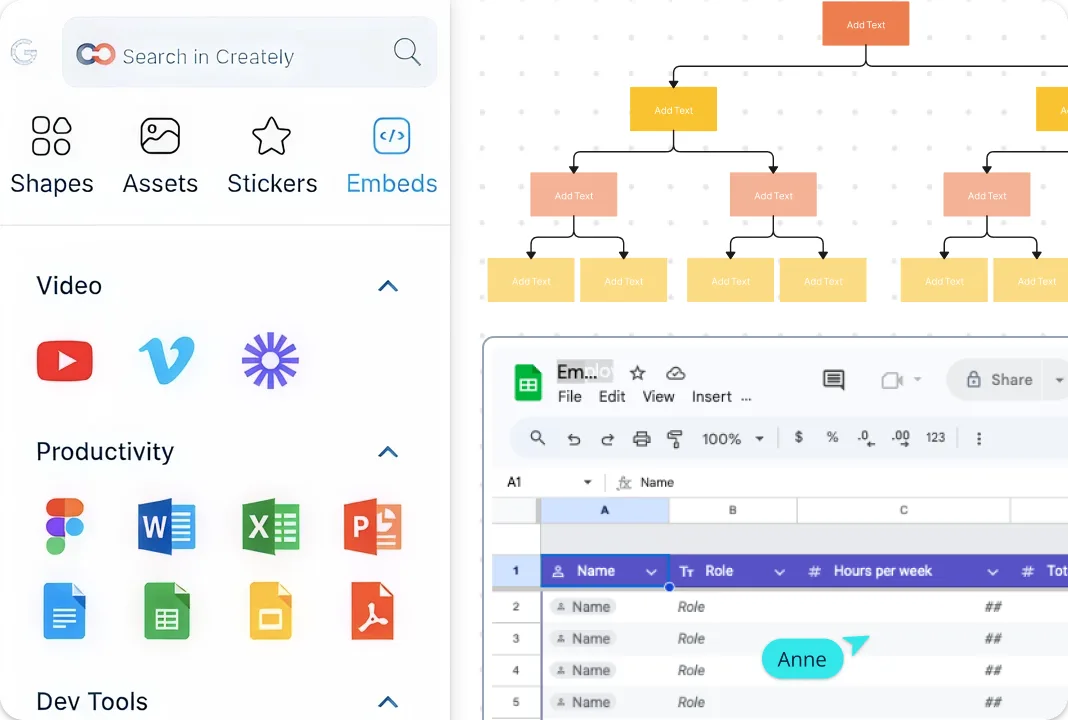
Effortlessly integrate data into your hierarchy diagram. Import information from various sources and automatically populate your charts, saving you time and ensuring accuracy. With seamless integration options, Creately’s hierarchy chart generator lets you connect data from spreadsheets, databases, and other tools, making it simple to visualize and update your hierarchies with real-time insights.
Keep Things Organized for Clarity
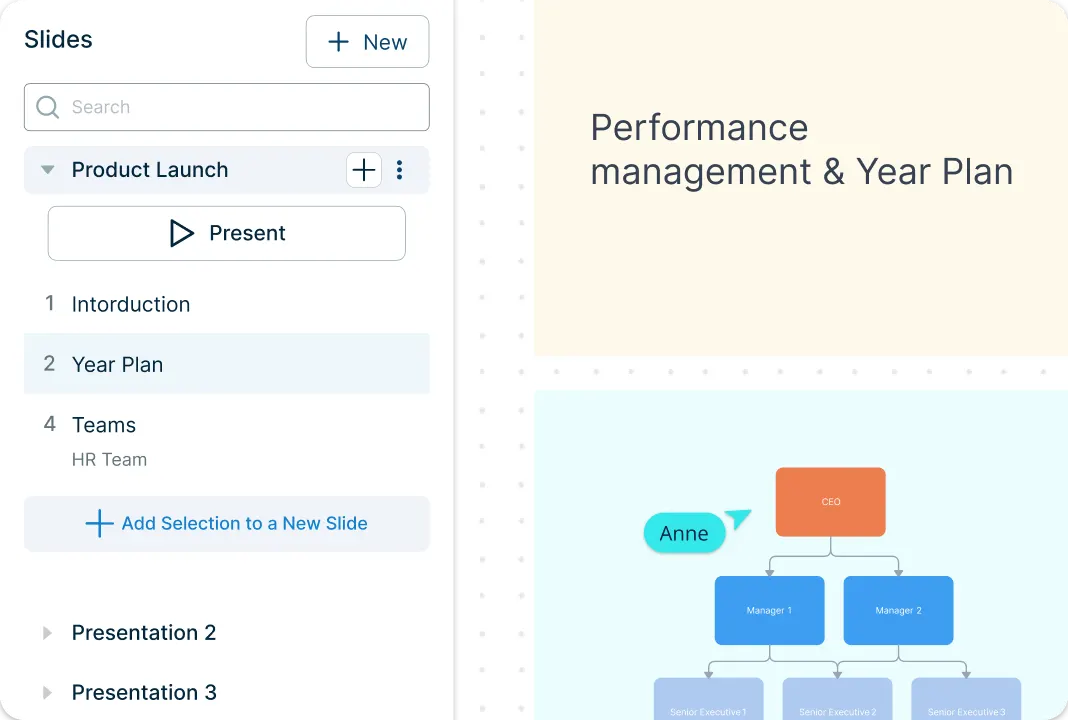
Arrange and refine your hierarchy chart online, while easily importing and embedding images to enrich your visuals. Export your charts in various formats such as PDF, PNG, or SVG for smooth sharing and integration into other documents. Plus, present your hierarchy charts directly within the platform to deliver polished, professional presentations that clearly convey your company structure to any audience.
What is a Hierarchy Chart?
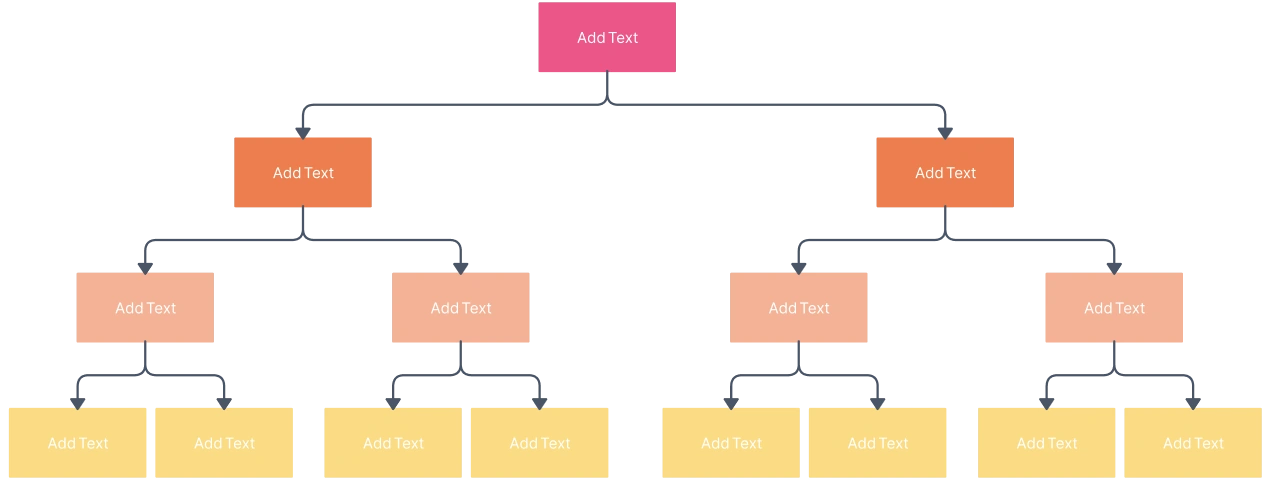
How to Create a Hierarchy Chart with Creately
Open a Hierarchy Chart Template:
Start by selecting one of Creately’s pre-designed hierarchy chart templates to get a clear structure in place. You can also create a new workspace and enable the relevant shape library to build a hierarchy chart from scratch within the Creately app.
Add Roles and Levels:
Use the hierarchy chart builder’s intuitive drag-and-drop feature to add roles, positions, or levels. Simply drag shapes onto the canvas and arrange them to represent reporting lines or relationships within the hierarchy.
Advanced Tip: Use Creately’s data import feature to automatically populate the hierarchy chart by uploading data from sources such as spreadsheets or CSV files, allowing you to quickly generate and update complex hierarchies without manual setup.
Customize and Add Details:
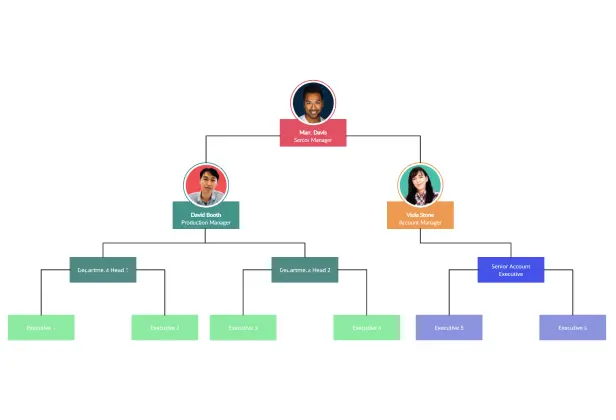
Customize your hierarchy chart by adjusting colors, shapes, and fonts to match your needs. Use notes panels, sticky notes, icons, or images to add context, responsibilities, or supporting information to each role, improving clarity and readability.
Connect, Align, and Collaborate:
Use smart connectors to link different parts of the hierarchy chart. These connectors automatically adjust as changes are made, keeping the structure organized. Share the chart with your team and collaborate in real time using live cursors, comments, and instant updates.
Review, Update, and Share:
Review the hierarchy chart, make updates as needed, and ensure accuracy. Once finalized, export the chart in formats such as PDF or PNG, or share it directly from Creately to present or collaborate with stakeholders.
Visualize Your Hierarchies with Precision
FAQs About the Hierarchy Chart Maker
Can I collaborate with others on my hierarchy chart?
Does the hierarchy chart generator come with ready-made templates?
Can I add photos to my hierarchy chart?
What data sources does Creately support to auto-populate hierarchy charts?