Logic Model Template
Manage Large-Scale Projects Effectively
Facilitate effective program planning, implementation, and evaluation with your team on a single collaborative, visual platform.
- Built-in intuitive visual tools for planning and brainstorming
- Real-time collaboration to work with stakeholders anywhere
- Multiple pre-made templates for developing logic models
Over 10 Million people and 1000s of teams already use Creately
How to make a Logic Model?
Free Logic Model Templates to Better Position Programs For Success

VISUALIZE
Easy-to-Use Visual Tools for Program Planning
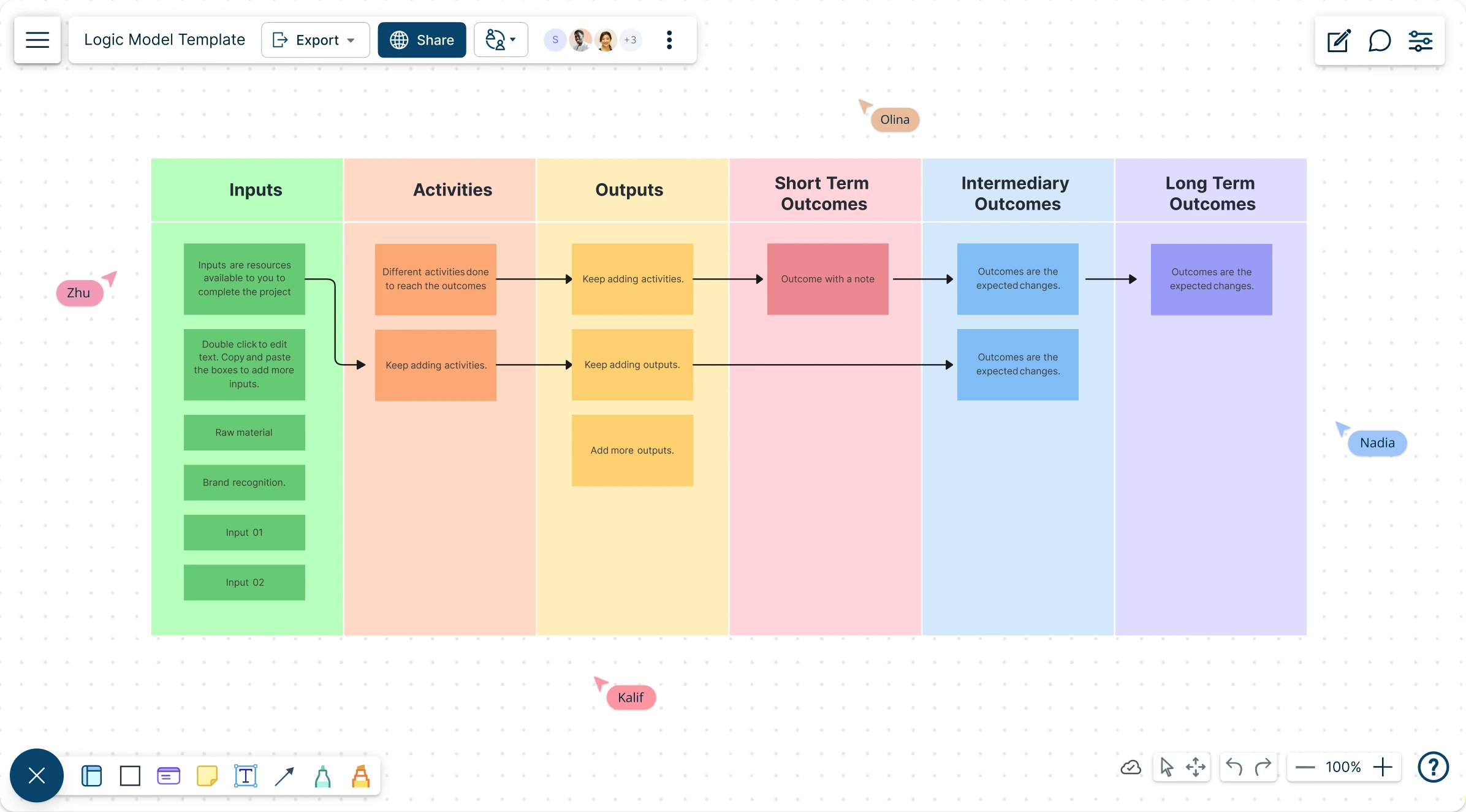
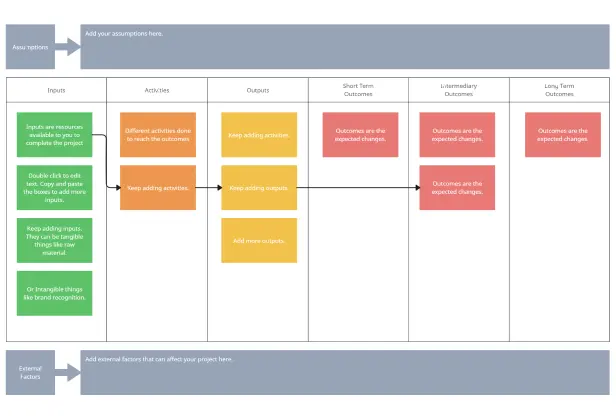
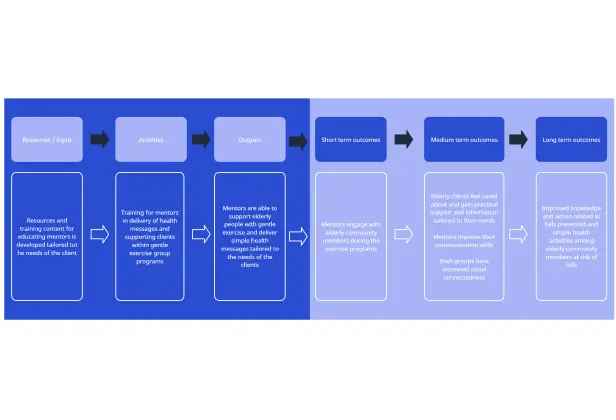
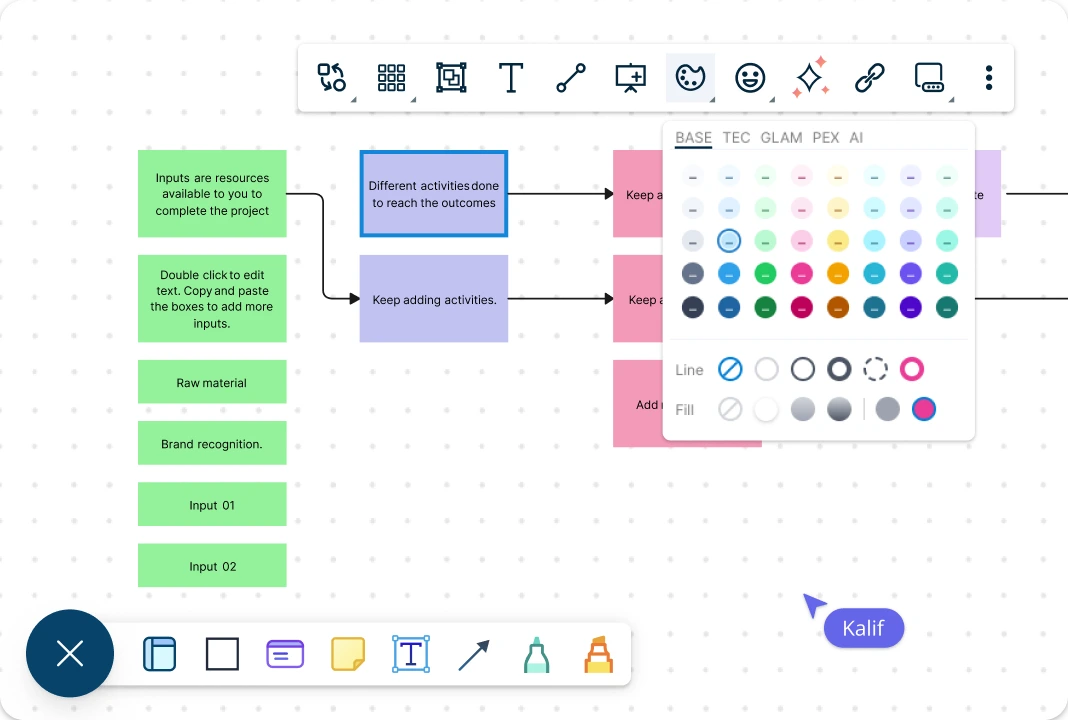
Intuitive visual and diagramming tools to map out basic program components and approach effectively. Get a head start on developing detailed management plans for your program with prebuilt logic model templates.
COLLABORATE
Co-Ordinate and Streamline Efforts
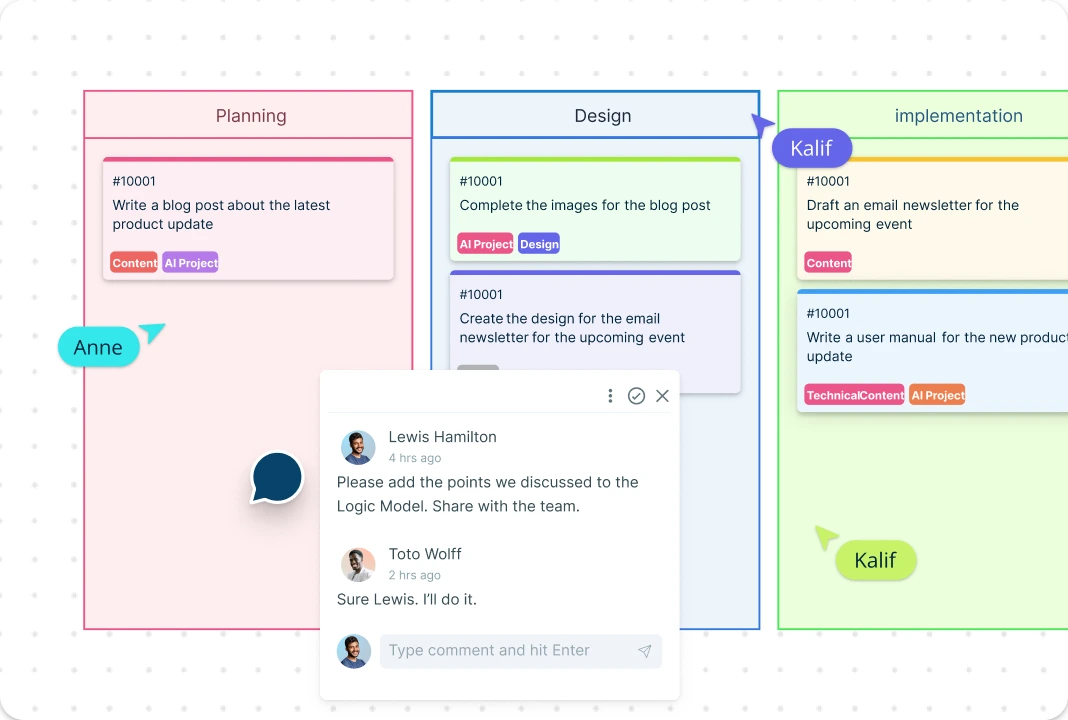
Streamline planning, design, implementation, analysis, and knowledge generation with your team on a single connected visual platform. Built-in brainstorming tools, in-line commenting, live moustracking and more for effective team collaboration.
ANALYZE & ORGANIZE
Monitor and Track Projects in a Single Place
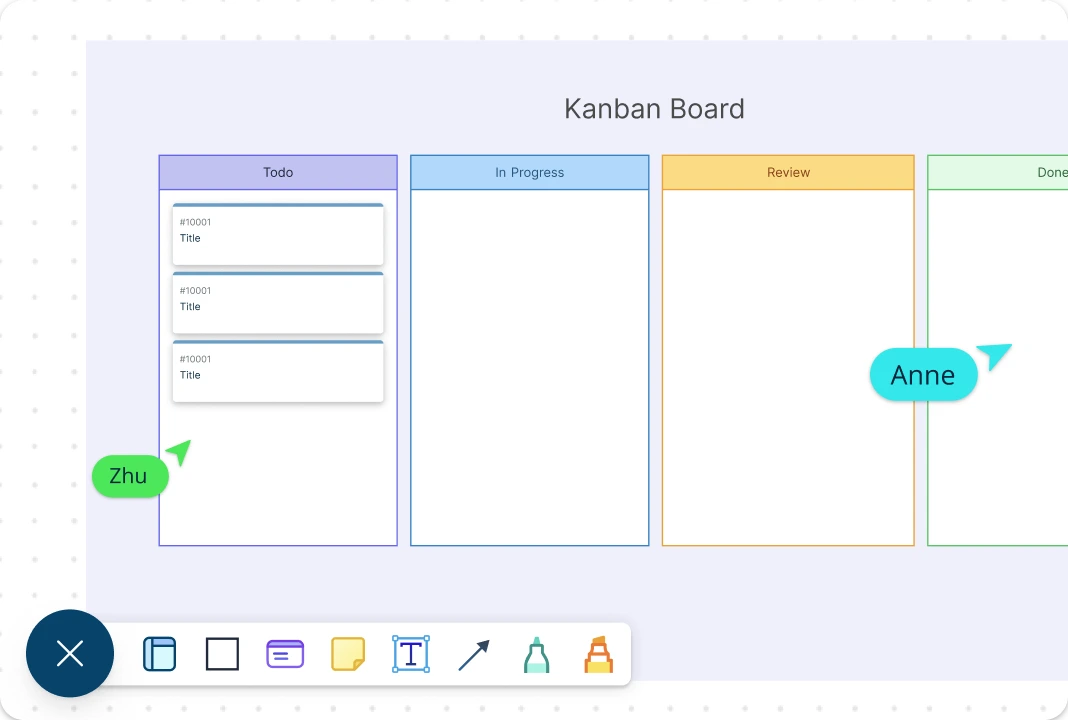
Monitor, manage, and track program outcomes effectively. Built-in visual project management tools to streamline team efforts throughout planning, development, and implementation.
What is a Logic Model?
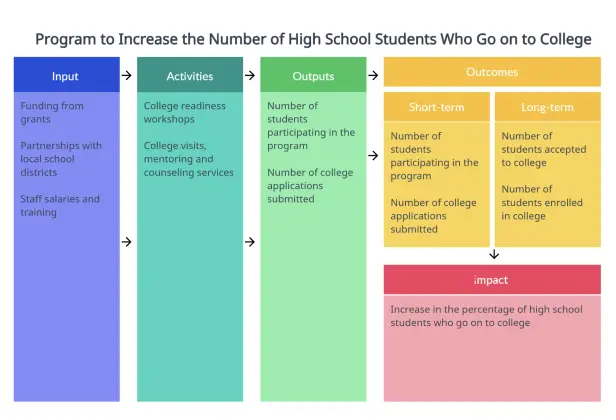
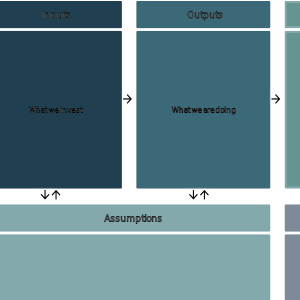
A logic model is a diagram that visually represents the logical relationships among the resources, activities, outputs, audiences, and outcomes of a program. It outlines the sequence of cause-and-effect relationships between the different elements in a program in order to explain the thinking behind its design and how it produces the desired results. It’s often used by program managers and evaluators to explain the effectiveness of their programs.
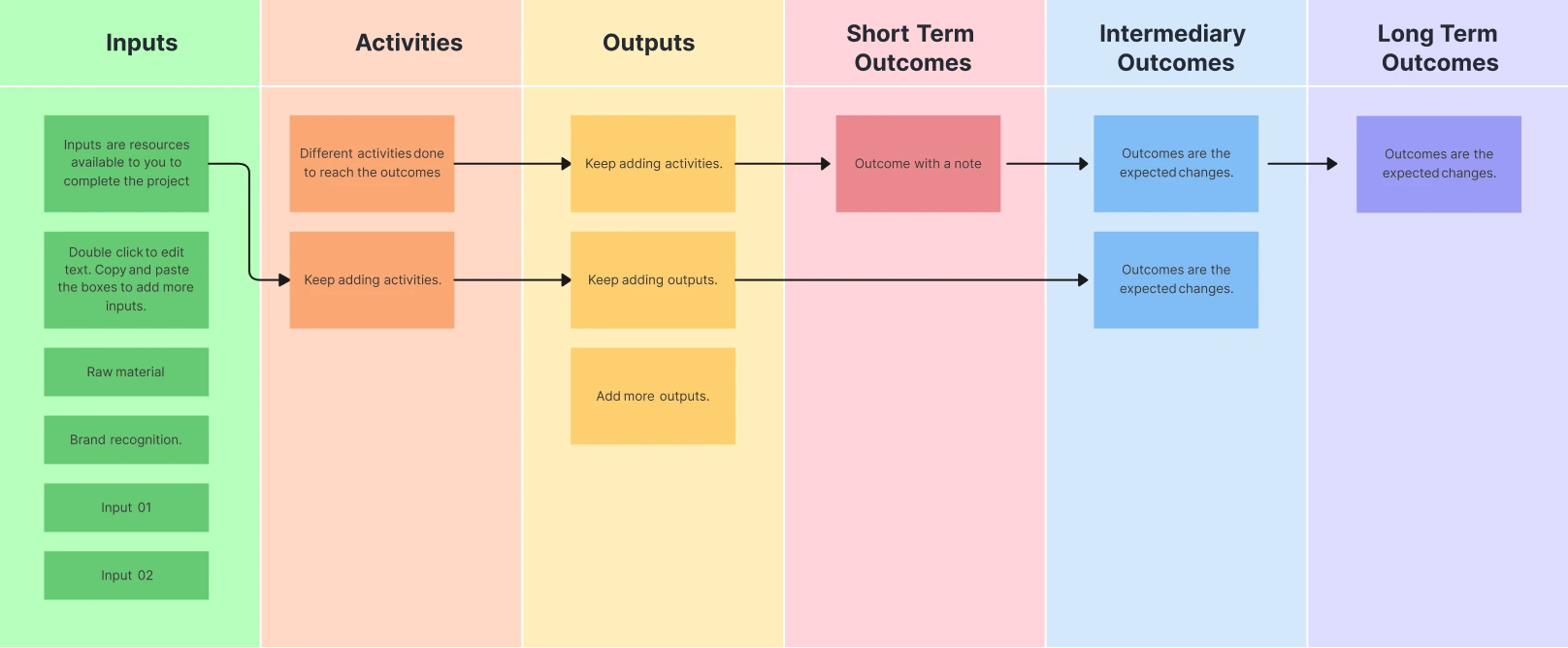
How to Create a Logic Model Collaboratively with Creately?
Open a Logic Model Template:
Select one of Creately’s ready-made logic model templates, add it to your workspace, and invite your team members to brainstorm the program requirements and the problem it addresses. Using Creately’s real-time collaboration, participants can work simultaneously to contribute ideas directly on the template using shapes, notes, or comments.Add Key Resources:
Identify key resources or program inputs such as human resources, office supplies, field resources, investments, and contributions. Group required resources separately from optional but helpful resources using color coding, icons, or shape grouping to improve clarity and shared understanding.Add Key Outputs and Program Outcomes:
Identify the key outputs, including actions team members must take, services delivered, or products created to achieve program objectives. Then determine the program outcomes or desired goals. Map outputs and outcomes visually and categorize outcomes as short-term, mid-term, or long-term using lanes, columns, or connected shapes.Add External Factors:
Add external factors that may hinder or reinforce program progress, such as environmental obstacles, contextual constraints, or complementary programs you can collaborate with. Visually link these external factors to affected areas of the logic model to quickly assess risks, dependencies, and reinforcing conditions.Add Program Indicators:
Identify program indicators that support reporting and evaluation of results. Attach process indicators to specific program activities and outcome indicators to the defined goals on the template. Notes, data fields, or linked documentation can be added directly to elements, ensuring indicators remain connected to the logic model as it evolves.Test and Share Logic Model :
Test the logic model with a small group of stakeholders to gather feedback and make revisions. Creately’s comment threads and @mentions allow teams to discuss specific elements directly on the diagram and assign follow-up actions. Once finalized, the logic model can be easily shared via link or exported, ensuring alignment and transparency across all stakeholders.
What are the Different Types of Logic Models?
Theory of Change Logic Models:
Focuses on the underlying assumptions and beliefs that shape the design and plan for a program. These models offer a comprehensive explanation of the rationale behind the initiation of a particular program idea.Outcomes Logic Models:
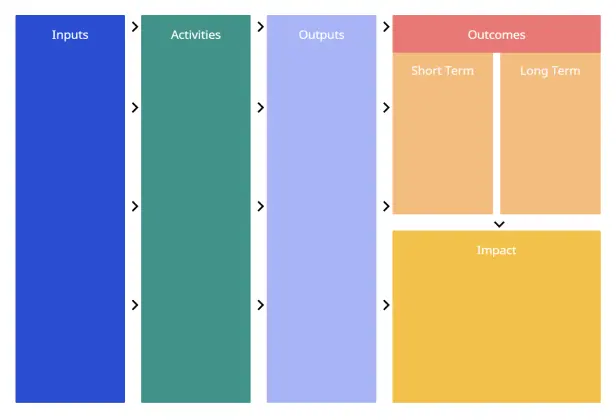
Concentrates on the initial stages of program planning and aims to link resources and activities to the intended outcomes of the program. These models often categorize outcomes and impact over time to describe short-term (1 to 3 years), long-term (4 to 6 years), and impact (7 to 10 years) that may result from a given set of activities.Process Logic Models:
Focuses heavily on the detailed steps of program implementation. They connect the various planned activities in a way that illustrates the progression of program execution. These models outline what a program intends to accomplish and are particularly useful for monitoring and managing the program.
More templates and frameworks to improve strategic planning and program evaluation
FAQs about the Logic Model
How to use the Creately logic model template?
Once you select the preferred logic model template and open it in the editor of Creately’s logic model creator, you can use the contextual toolbar for each shape to add or modify text, color, shapes, etc. You can also drag and drop images from your device, and use the shape data panel to add notes and data fields to capture additional information.
Who can use the logic model template?
Logic models can be used by a variety of stakeholders including program managers and staff, funders and donors, policymakers, evaluation experts, and researchers. In general, logic models are a useful tool for any person or group that is involved in program planning, implementation, evaluation, or research.
What are the uses of a Logic Model?
- Clarify program goals and objectives.
- Identify key program components.
- Communicate program design to stakeholders.
- Identify necessary resources.
- Develop a plan for measuring program outcomes.
- Evaluate the program’s effectiveness over time.
When is the best time to develop a logic model?
The best time to develop a logic model is typically at the beginning of the program planning process. Developing a logic model early on can help to ensure that the program is well-designed and that all key stakeholders have a clear understanding of the program’s goals, activities, and expected outcomes.
What is the best logic model software?
Creately is considered one of the best logic model software for creating, collaborating on, and sharing logic models. Suitable for both simple and complex programs, it is used by program managers, monitoring and evaluation (M&E) specialists, researchers, and consultants who need a clear, professional way to plan, communicate, and evaluate programs.
Streamline Your Workflows by Integrating with the Tools You Love
Creately integrates with the tools your teams use every day and supports your team’s workflow seamlessly.







Why Creately is the Best for Logic Model Templates?
Creately is the intelligent visual platform enabling visual collaboration, knowledge management and project execution.