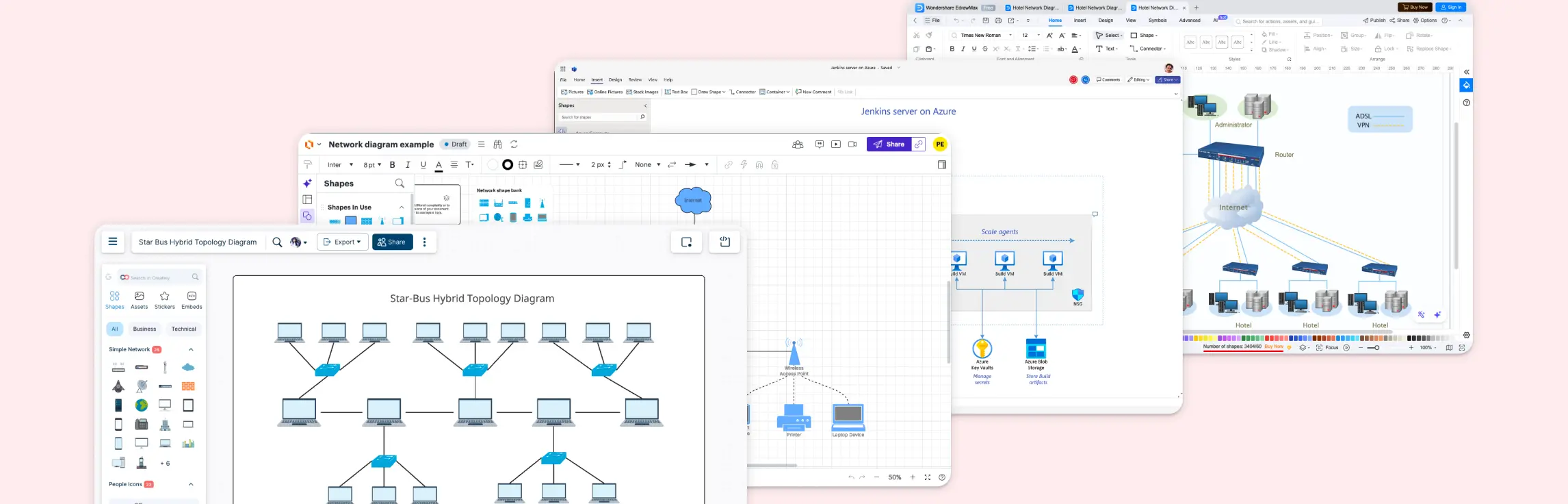
Creating network diagrams doesn’t have to be complicated. With the right network diagram examples, templates, and shapes, designing clear and effective network layouts becomes quick and easy. Whether you’re a network designer, administrator, or just looking to visualize a network, these examples will help you get started fast.
A network diagram is a visual representation of a computer network, showing how devices like computers, servers, routers, and switches connect and how data flows between them. Network diagrams are essential for planning, designing, troubleshooting, and documenting networks, helping teams identify bottlenecks, optimize performance, and train new administrators efficiently.
Examples of Different Network Diagrams
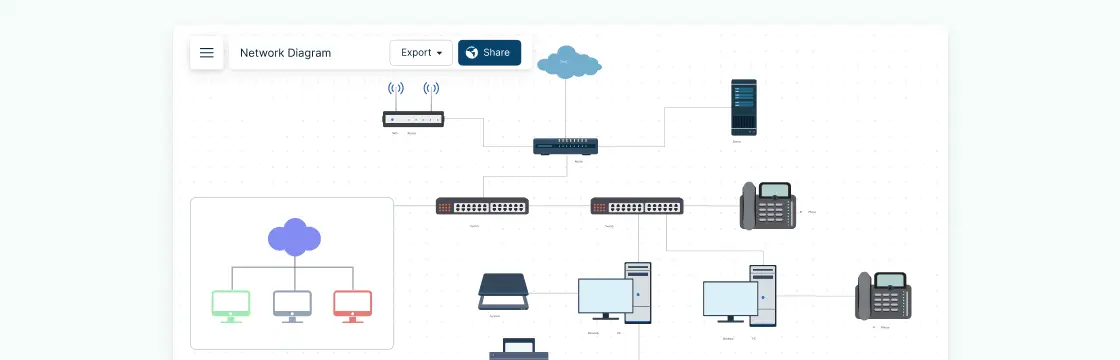
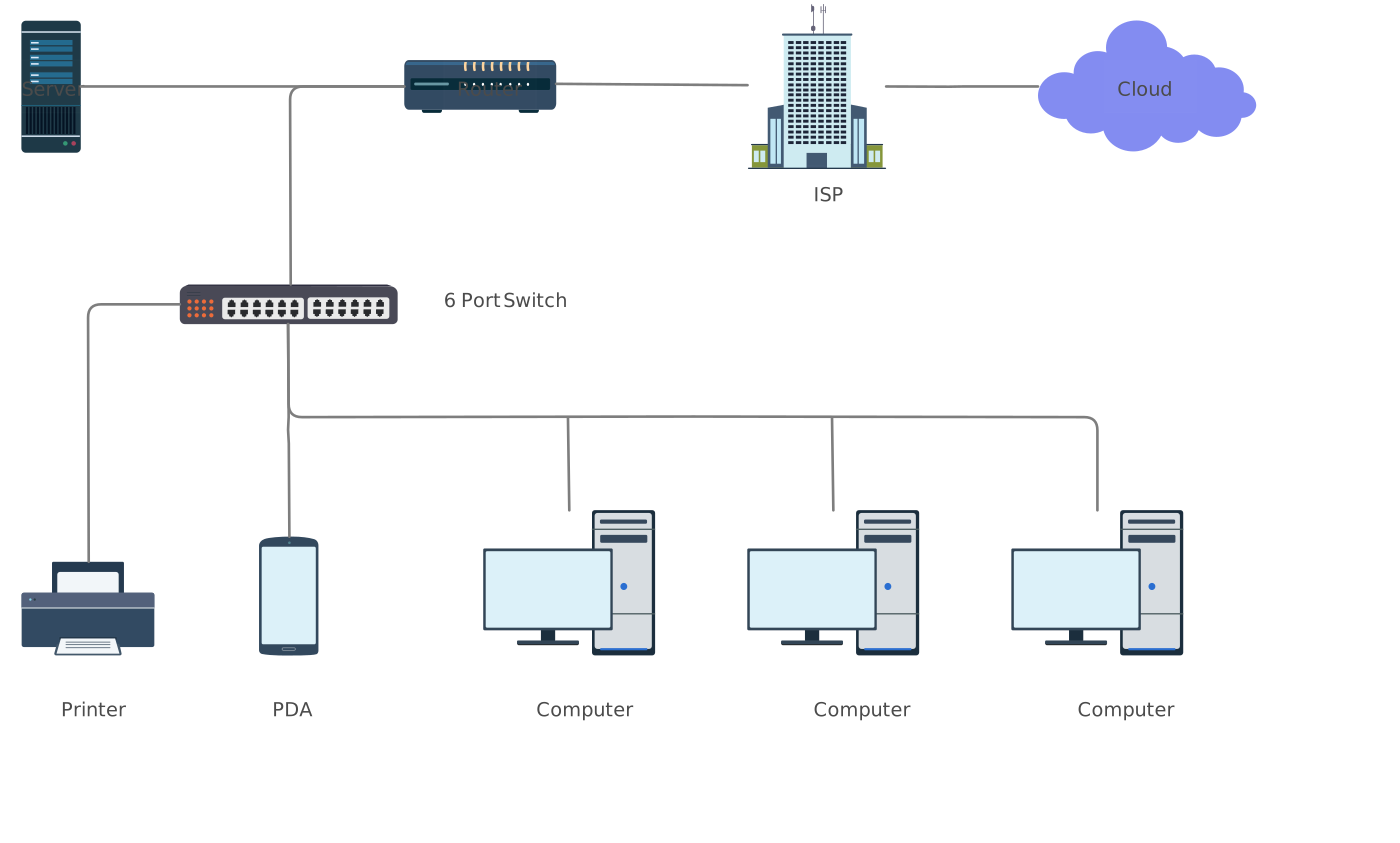
Basic Network Diagram
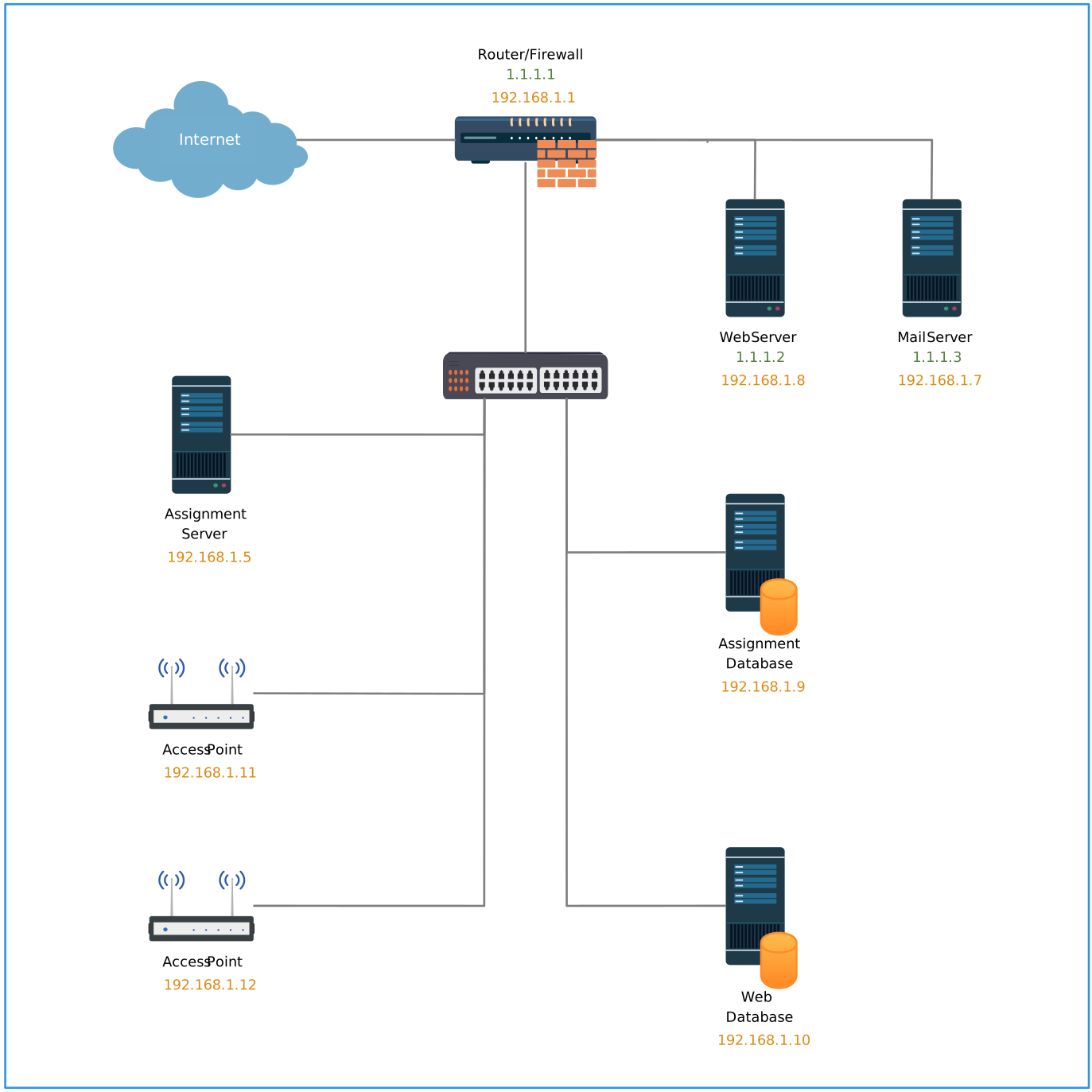
This is a very simple diagram template that shows the structure of a basic network. You can use this template as a good starting point to begin drawing your own network diagram for your office.

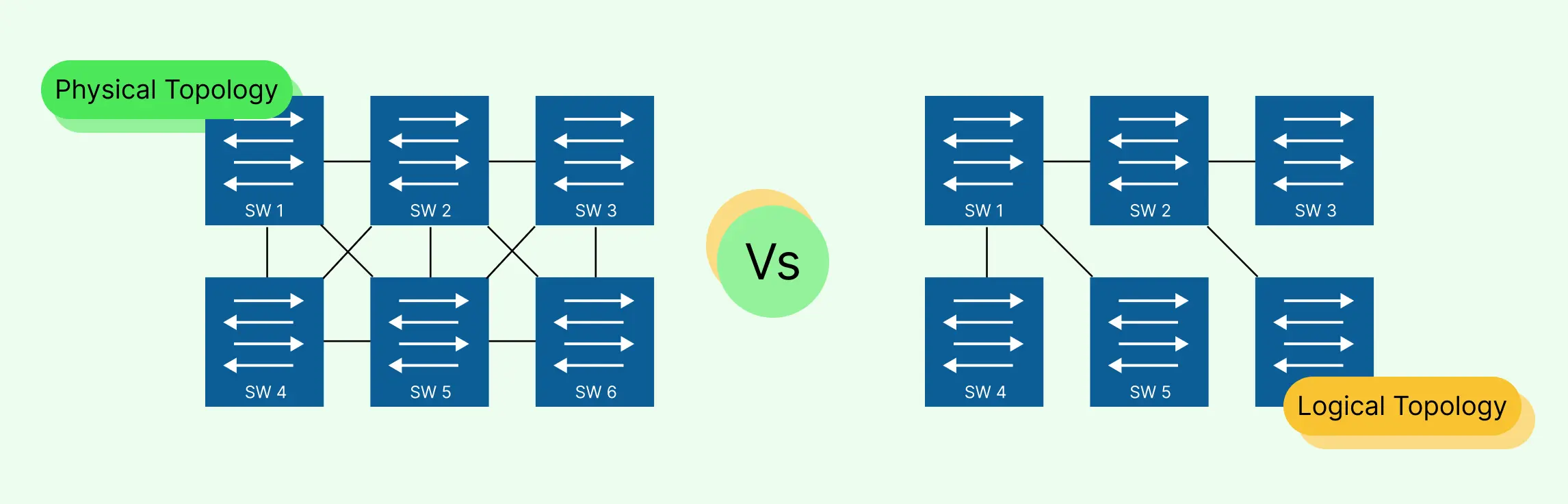
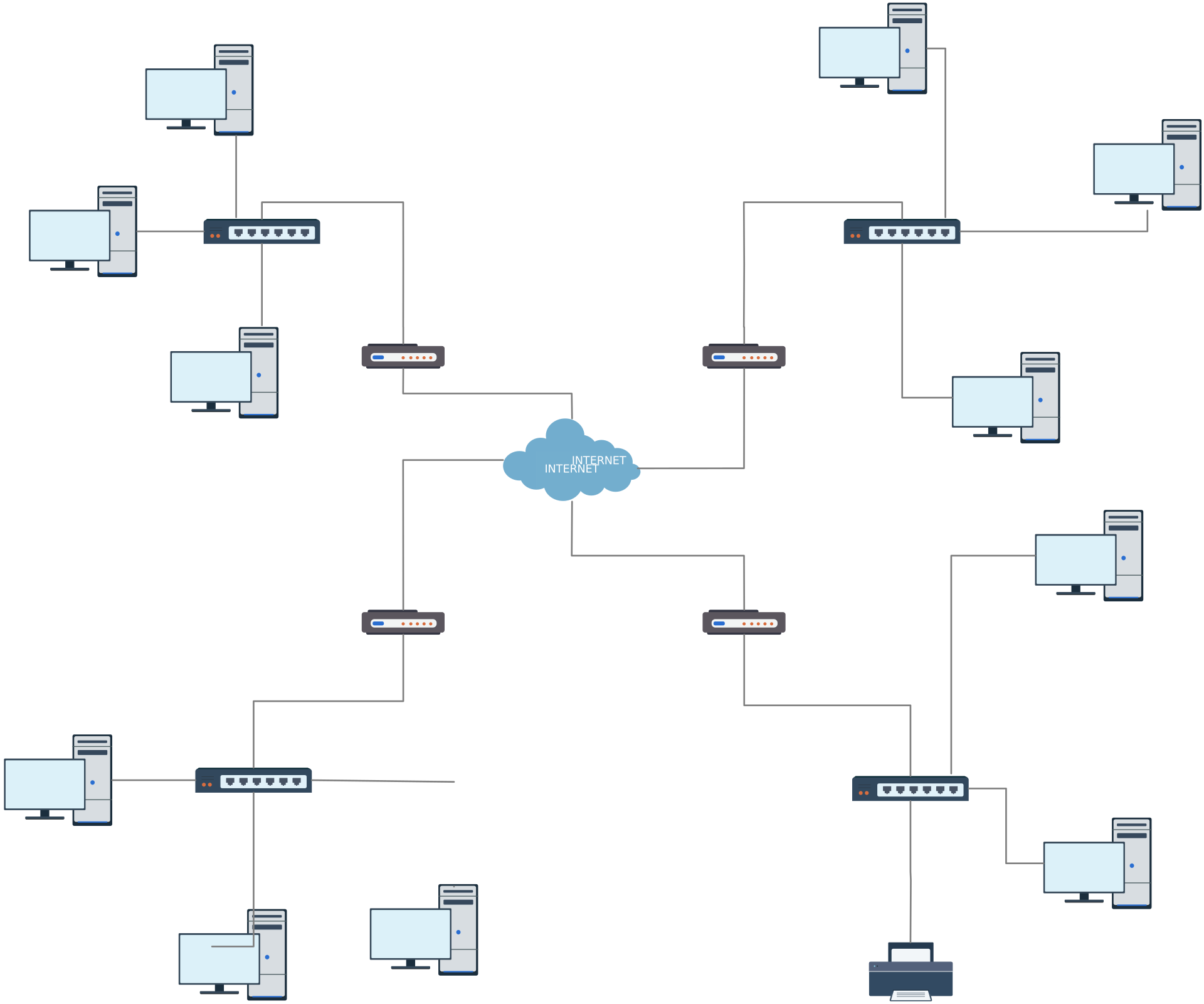
Network Topology Diagram
Network topology diagrams are frequently drawn by network administrators and network designers and the below topology diagram template makes it super easy to get started.
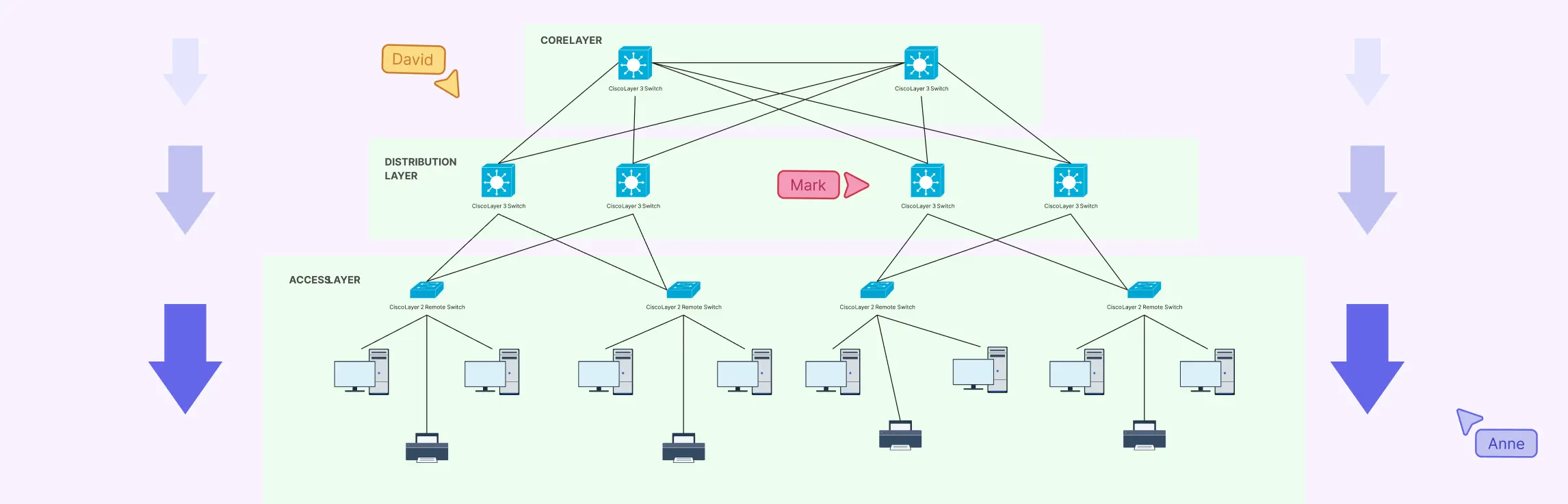
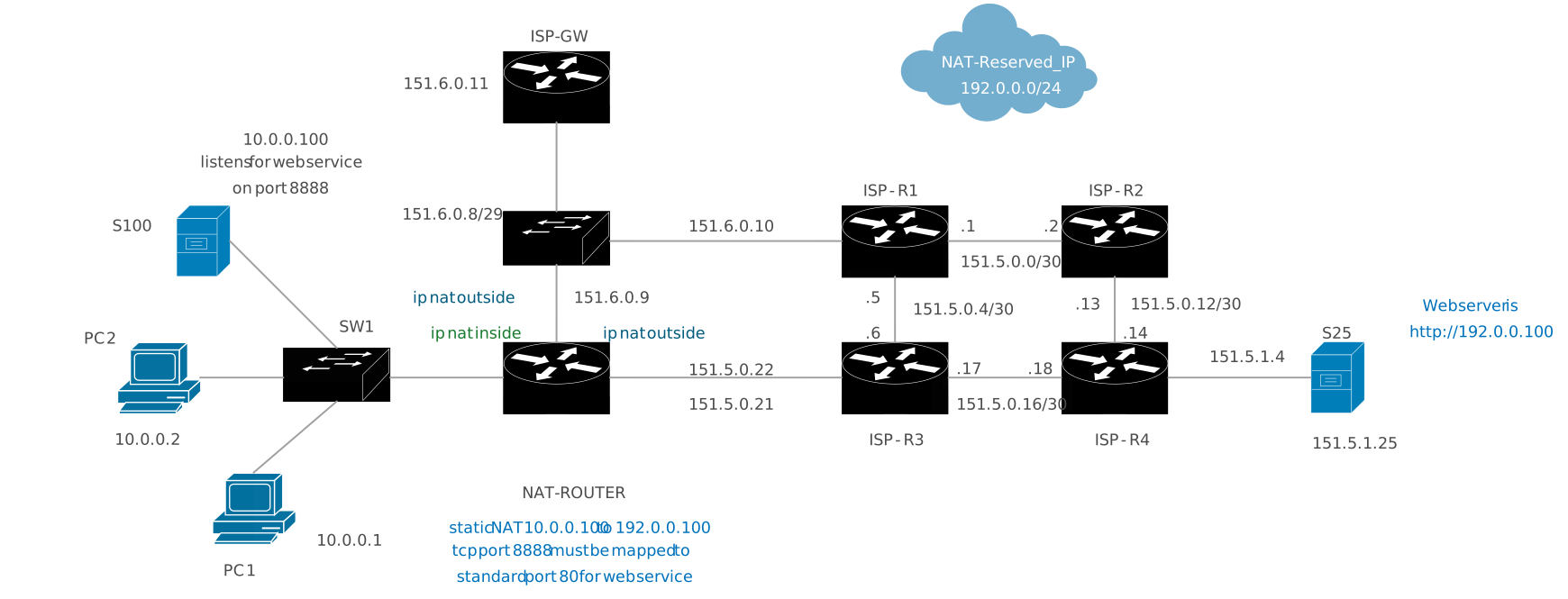
Cisco Network Diagram
We have added a large number of Standard Cisco diagram objects for network administrators and network designers who prefer drawing network diagrams using Cisco objects. Below is a simple Cisco network diagram template which includes a few Cisco objects, but you can find plenty more Cisco objects at our library. Click here to create your Cisco network diagram.
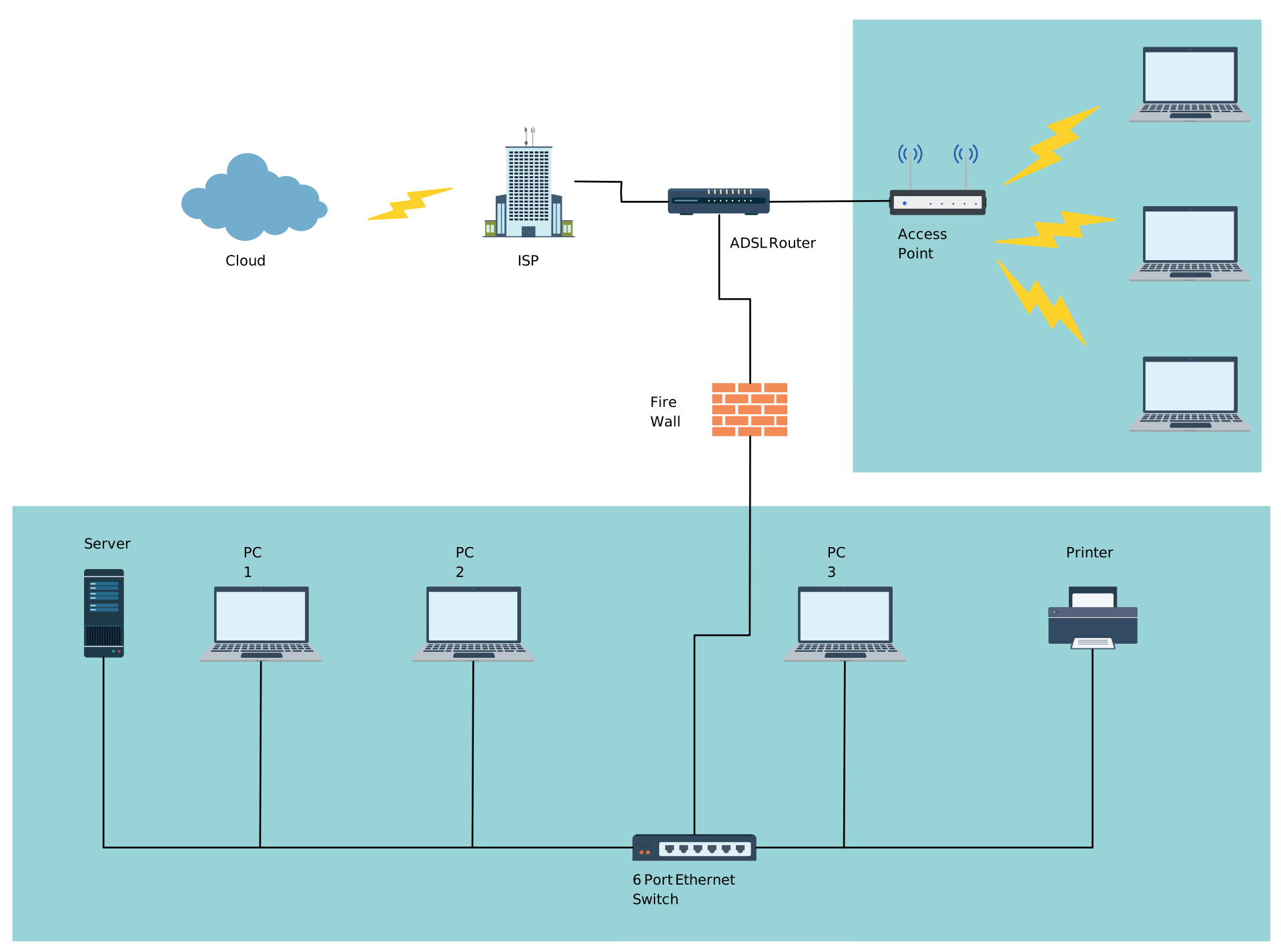
Office Network Diagram
An office network diagram example that makes use of grouping and some other network diagram objects available in Creately libraries.
Rack Space Diagram
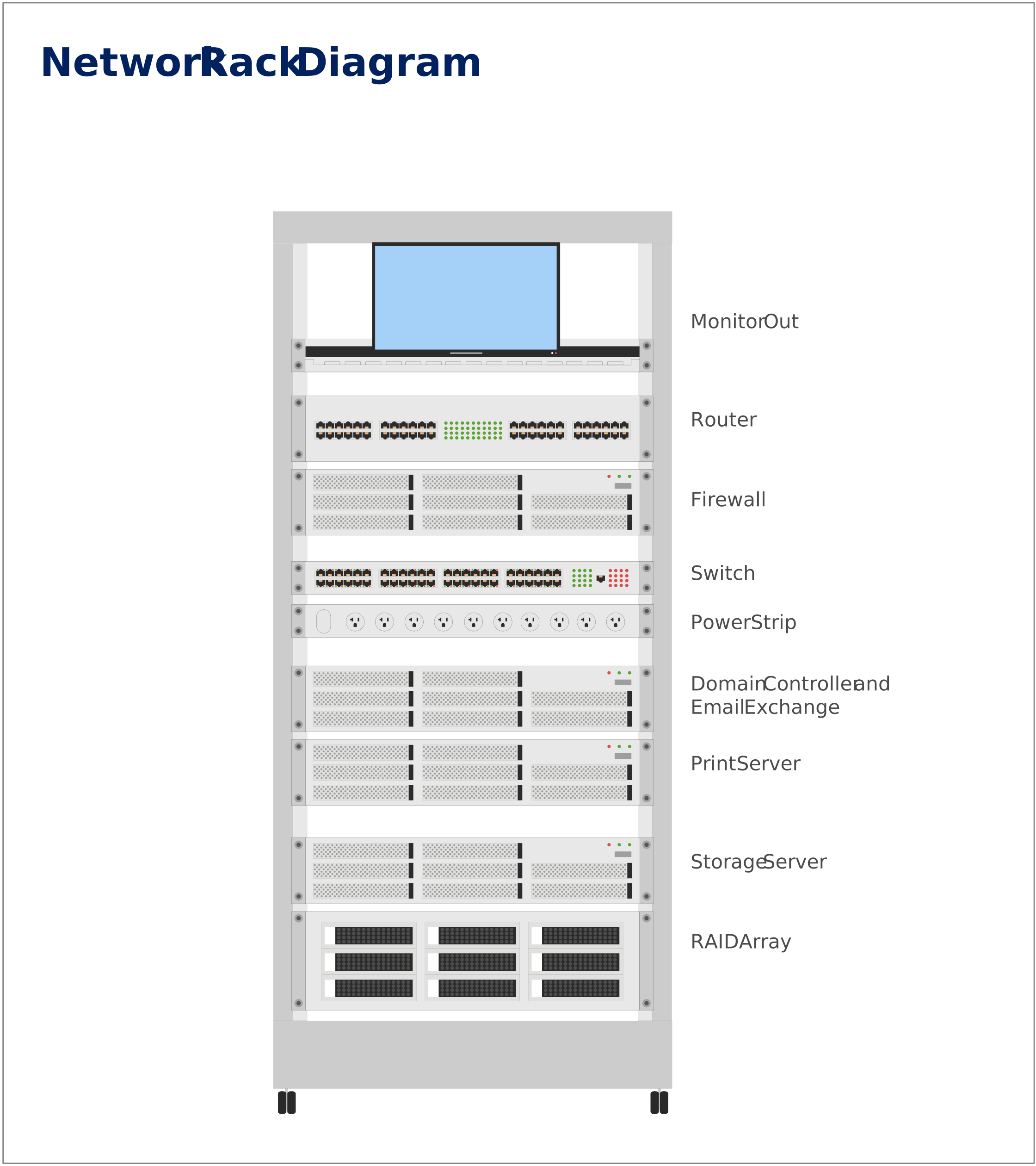
Rack diagrams are another important diagram type when it comes to drawing network diagrams. At Creately, we have quite a few rack diagram templates so you can get started quickly. Shown below is a rack diagram template which has some rack diagram objects, and there’s plenty more in our rack diagram objects library.
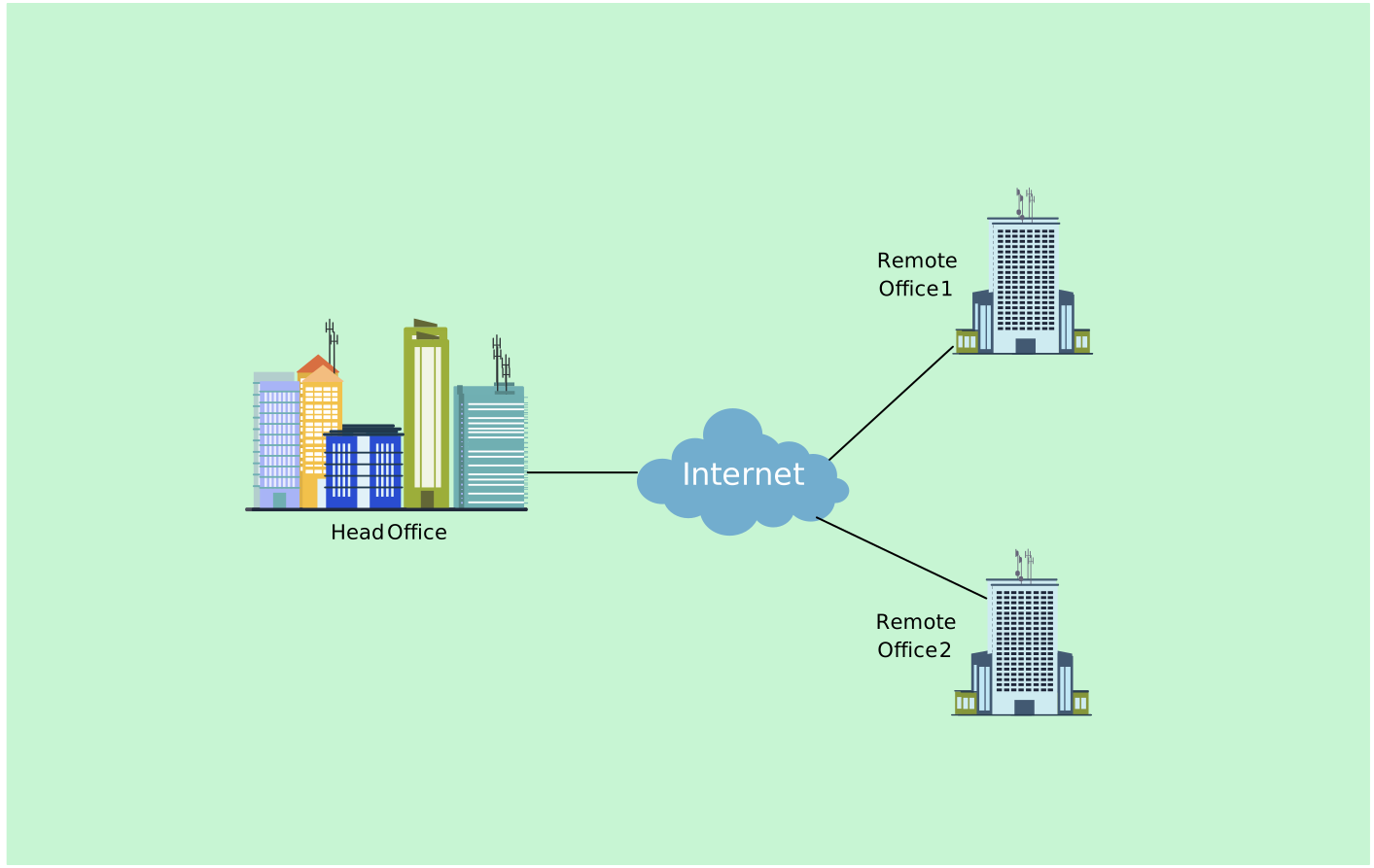
High-Level Office Branch Network Diagram
The following network diagram example shows the network architecture between a head office and two of its branches. There could be more than one office branch that is connected; you can click on the image and expand this high-level office branch diagram to suit your organization.
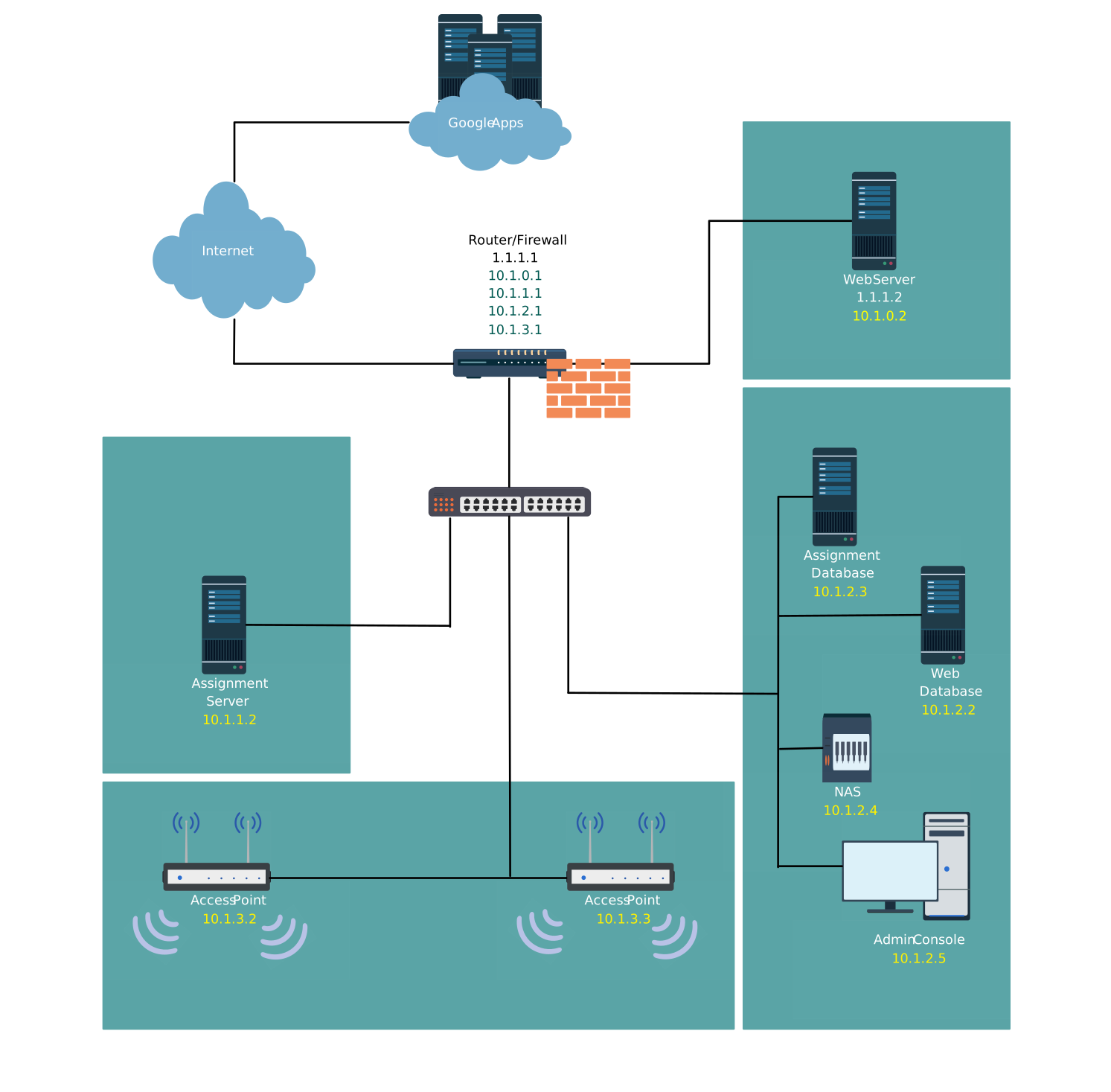
Zone Segmentation in an Office (LAN) Network Diagram
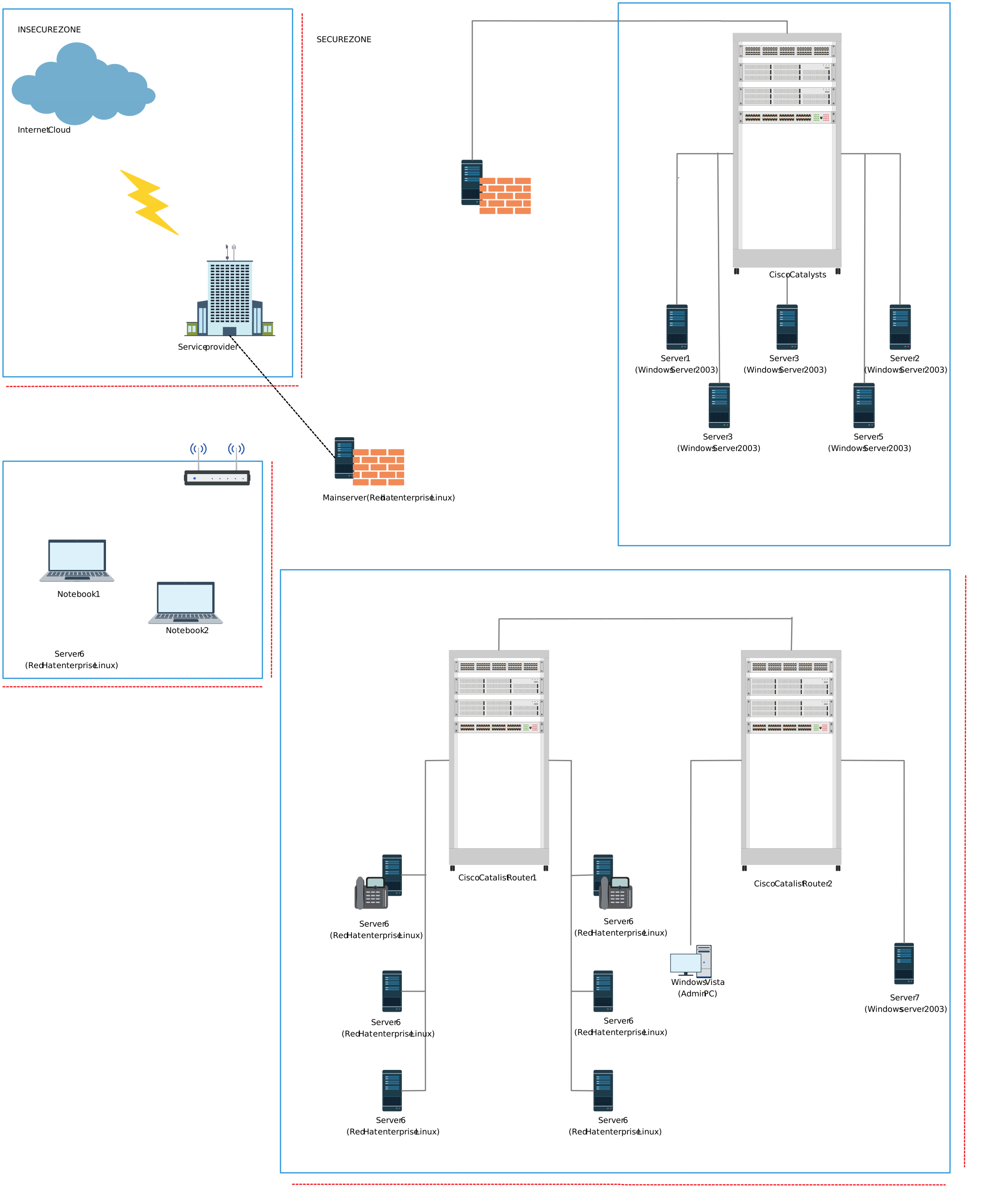
An office network should be segmented into different zones to increase security against attacks to the system. The network diagram example below illustrates how your local network can be divided into different zones. You can use this diagram as a template to create a network diagram representing the zone segmentation of your office network.
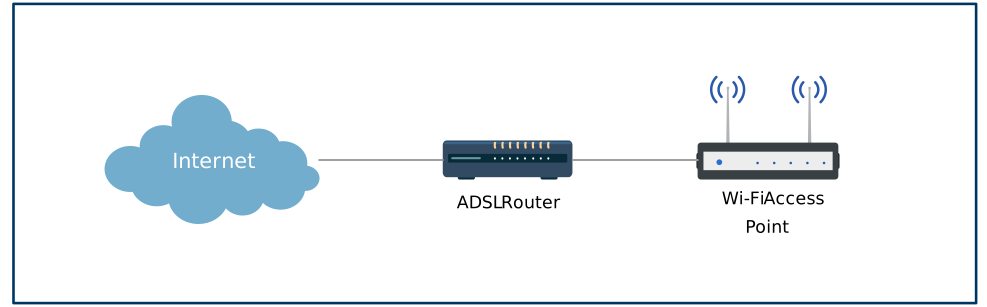
Network Diagram of Access Point for Home/Office
This simple network diagram example shows a network access point representation for your home or office. Click on the image to expand the diagram using our network diagram objects.
Network Diagram of L2L VPN on Office Branch with Cisco 800 Series
The following network diagram template represents a Virtual Private Network (VPN) between three branches of an organization, and it has used diagram objects of the Cisco 800 series. You can click on the image and make changes using the Creately diagram editor.

Network Diagram of an Office Network on a Single Subnet
This network diagram example is that of a small office network on a single subnet.
VLAN Network Diagram
The following diagram template shows the architecture of a Virtual Local Area Network.
Hundreds More Network Diagram Examples and Templates
Shown above are a few of the network diagram examples and templates available on Creately. Make sure to check out more network diagram templates. Want a more specific network diagrams template? Contact us at support or simply leave a comment below.