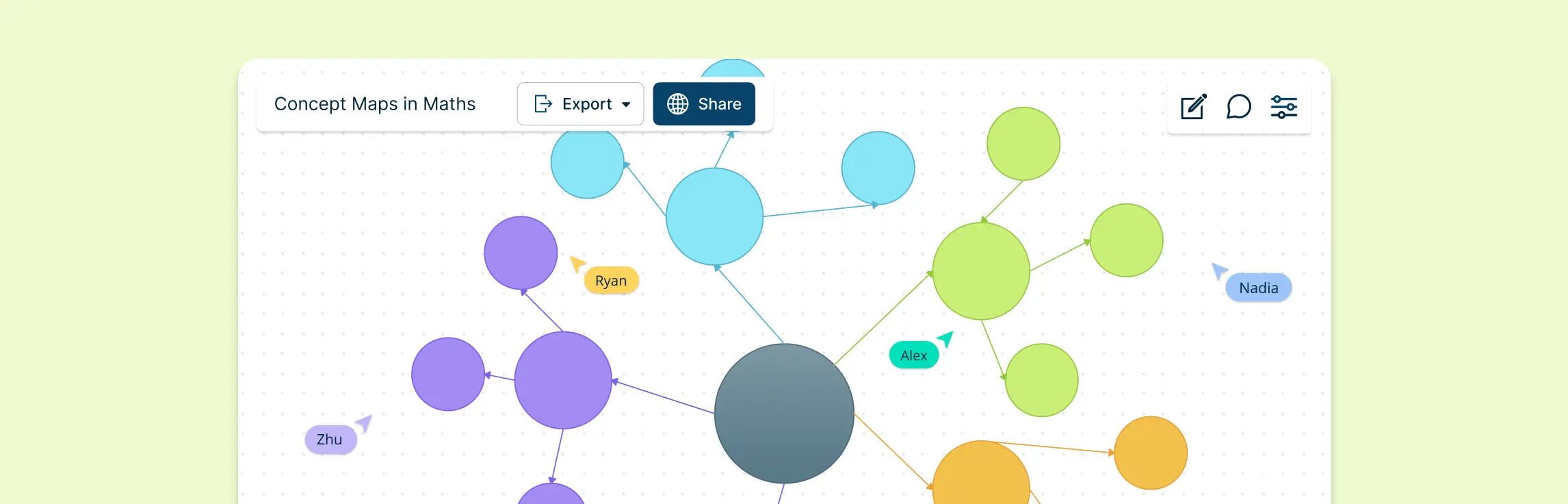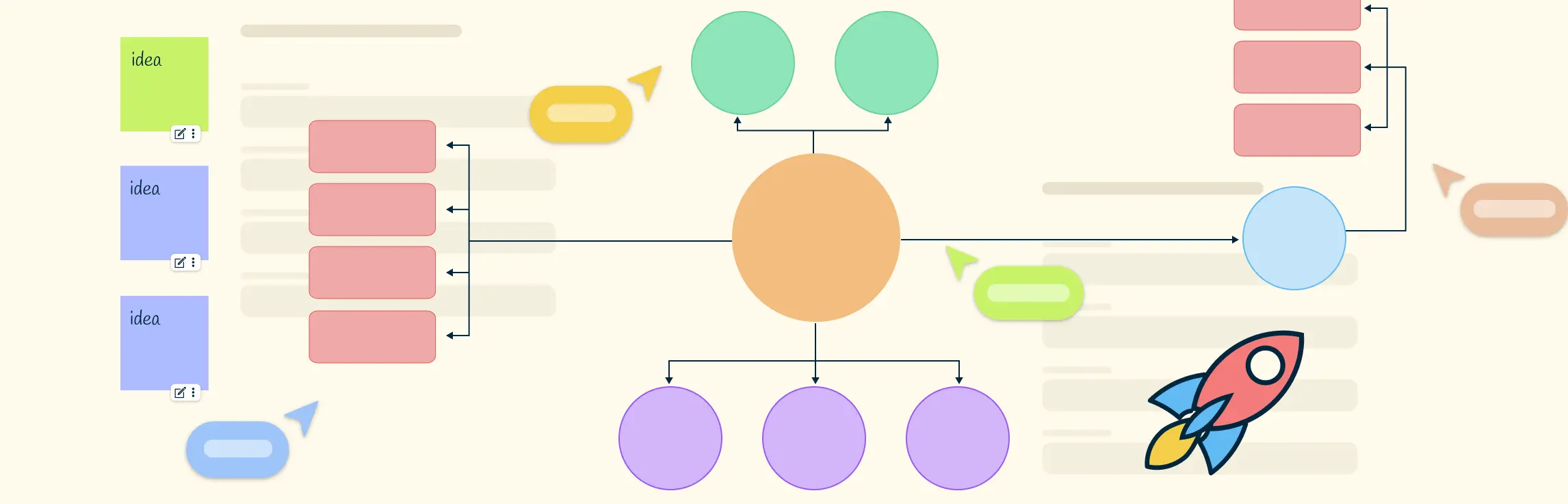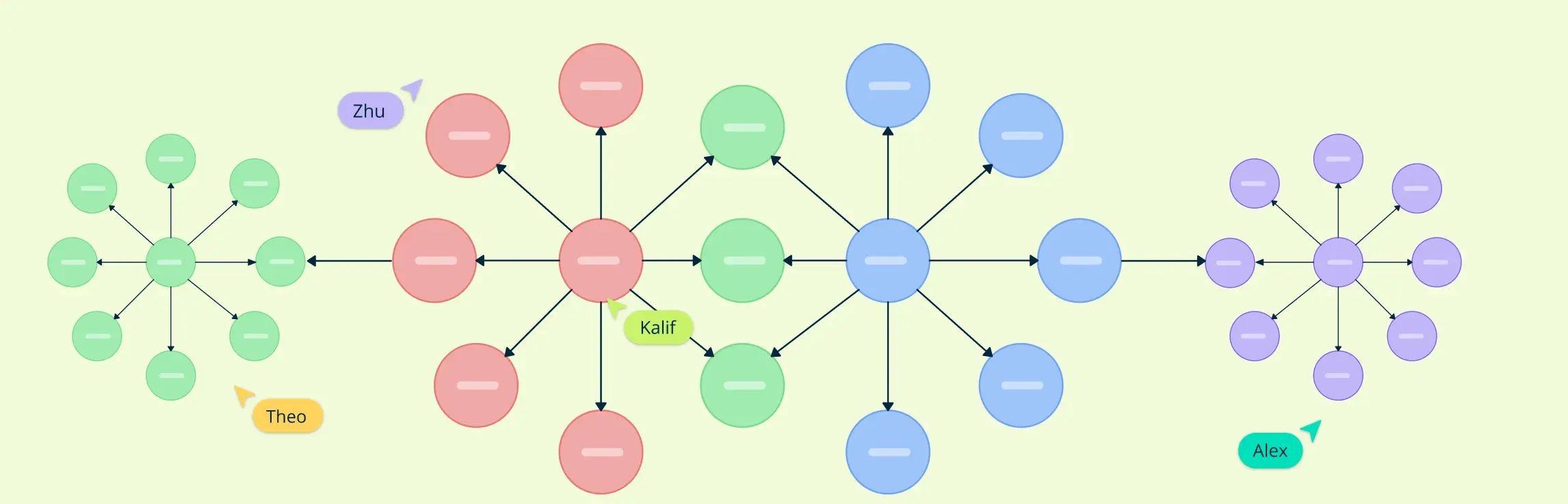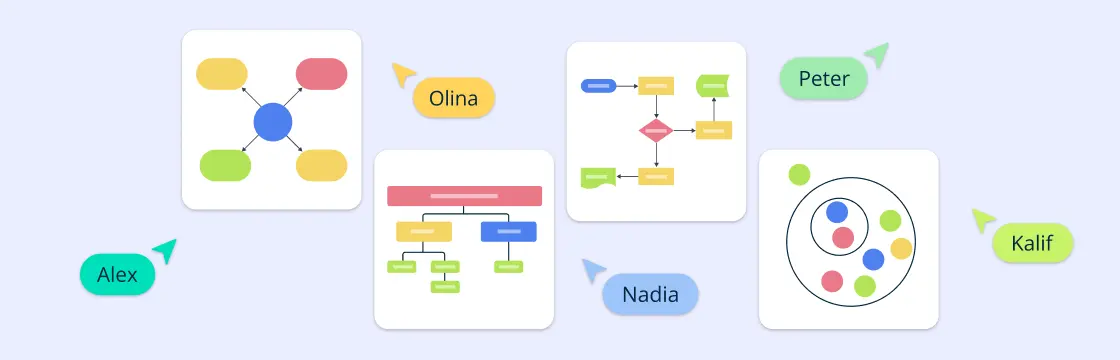
To create a concept map, start with one clear focus topic, list the most important related concepts, arrange them from broad to specific, and connect them with labeled links that explain each relationship. The best concept maps are easy to scan, include cross-links where ideas overlap, and can be refined as your understanding improves.
Before you begin, it helps to know what a concept map is and which type of concept map best fits your task.
What Makes a Good Concept Map
A useful concept map usually includes:
- One clear central topic or focus question
- A logical structure from general ideas to specific ones
- Linking words that explain each connection
- Cross-links that show relationships across branches
If your map has those four pieces, it will be much easier to understand and update.
How to Create a Concept Map in 8 Steps
Step 1: Define Your Central Topic
Start with one clear topic or focus question. A broad topic like “climate change” may be too large, while a focused question like “How does climate change affect coastal communities?” gives the map a clearer direction. The more specific your starting point is, the easier it will be to choose relevant concepts and connections.
In Creately, you can start by placing the topic on the canvas yourself, choosing a concept map template, or using Creately AI to generate an initial concept map from a short prompt. Treat the AI-generated version as a first draft, then review the concepts, remove anything that does not fit, and refine the structure before moving on.
Step 2: Brainstorm and List Key Concepts
Next, start brainstorming related ideas, concepts, facts, and questions that come to mind when you think about your topic. Write down everything that seems relevant, keeping your ideas as concise as possible.
If you are working with a class or team, Creately lets you brainstorm on a shared canvas using shapes, sticky notes, comments, and real-time collaboration.
Step 3: Organize and Group Related Ideas
Once you have your list of ideas, it’s time to organize them into categories or groups. Look for patterns or connections between concepts and group them together. This step will help you structure your map logically and identify the relationships between different concepts.
In Creately, you can move concepts around freely, group related nodes, and use colors or shapes to separate different categories without redrawing the whole map.
Step 4: Start Drawing the Map
Now, it’s time to start drawing your concept map. Begin with your central topic in the middle (or at the top if you’re using a hierarchical structure). To make the central topic stand out, you can use a larger node or a different color.
In Creately, you can use the dedicated concept map shape library, drag-and-drop shapes, and connectors to add ideas and show relationships without building every element from scratch.
Step 5: Connect Concepts Using Arrows and Linking Words
Draw lines or arrows between related concepts, then add linking words or phrases to explain the relationship. For example, instead of connecting “plants” and “photosynthesis” with a blank line, label the connection so it reads as “plants use photosynthesis” or “plants depend on photosynthesis.”
Common linking phrases include “causes,” “leads to,” “is part of,” “depends on,” “is an example of,” “requires,” “supports,” and “results in.” In Creately, you can label connectors directly so each relationship is easy to understand.
Step 6: Identify Cross-Links
After making the direct connections, it’s time to identify cross-links. These are connections that link ideas from different areas of your concept map. Cross-links are especially useful for showing how concepts from different domains or categories are related to each other.
Creately’s AI-powered concept map features can help suggest related ideas, missing links, or possible connections, but review any suggestions yourself before adding them to the final map.
Step 7: Review and Refine Your Concept Map
Once you’ve completed your map, it’s time to review and refine it. Check if all the key concepts are included and verify that the relationships between them make sense. Are there any missing ideas? Have you placed everything in a logical order?
In Creately, you can use comments, notes, and @mentions to get feedback from others. You can also attach files, links, or supporting information to concepts when the map needs more context.
Step 8: Finalize and Customize Your Map
Finally, once you’ve reviewed your map, you can finalize it by adding finishing touches. If you’re using concept mapping software, customize the colors, fonts, and layout for visual appeal. If you’ve drawn the map by hand, consider using colored pens or markers to make different areas stand out.
When the map is ready, Creately’s concept map maker lets you share it with a link, present it in presentation mode, or export it as PDF, PNG, SVG, or JPEG. The video below shows how to build and customize a concept map in Creately.
Free and Editable Concept Map Templates
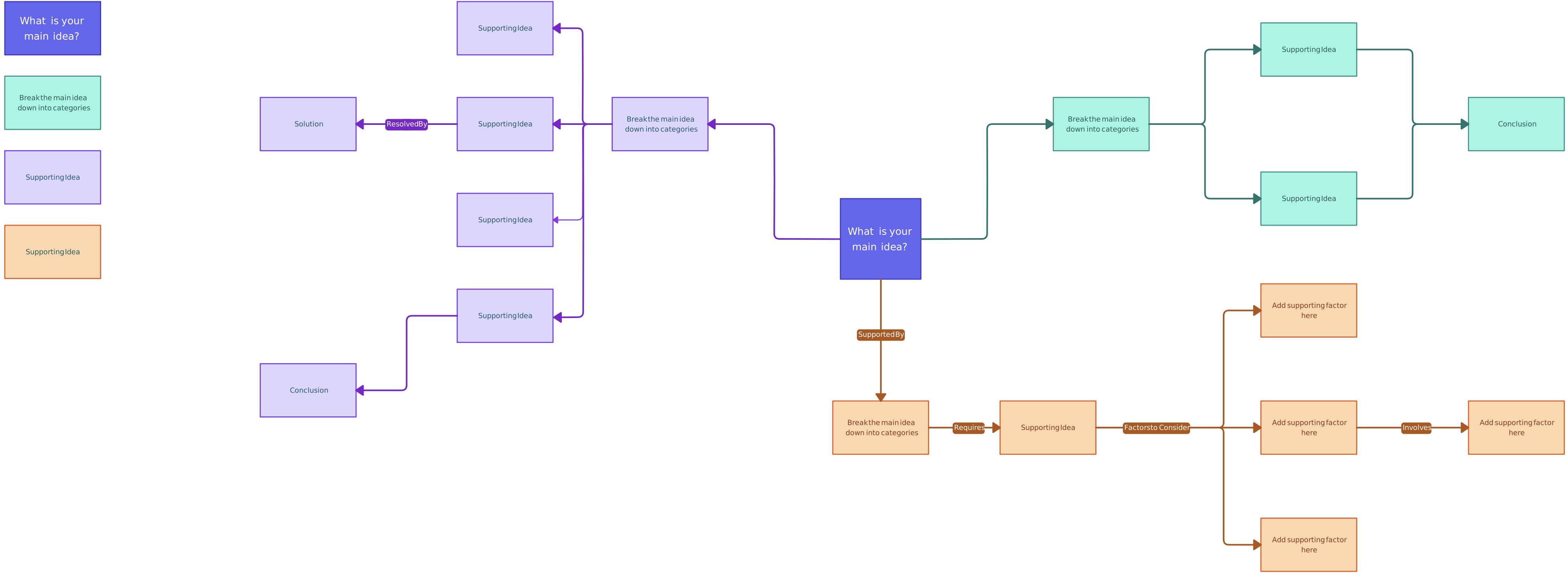
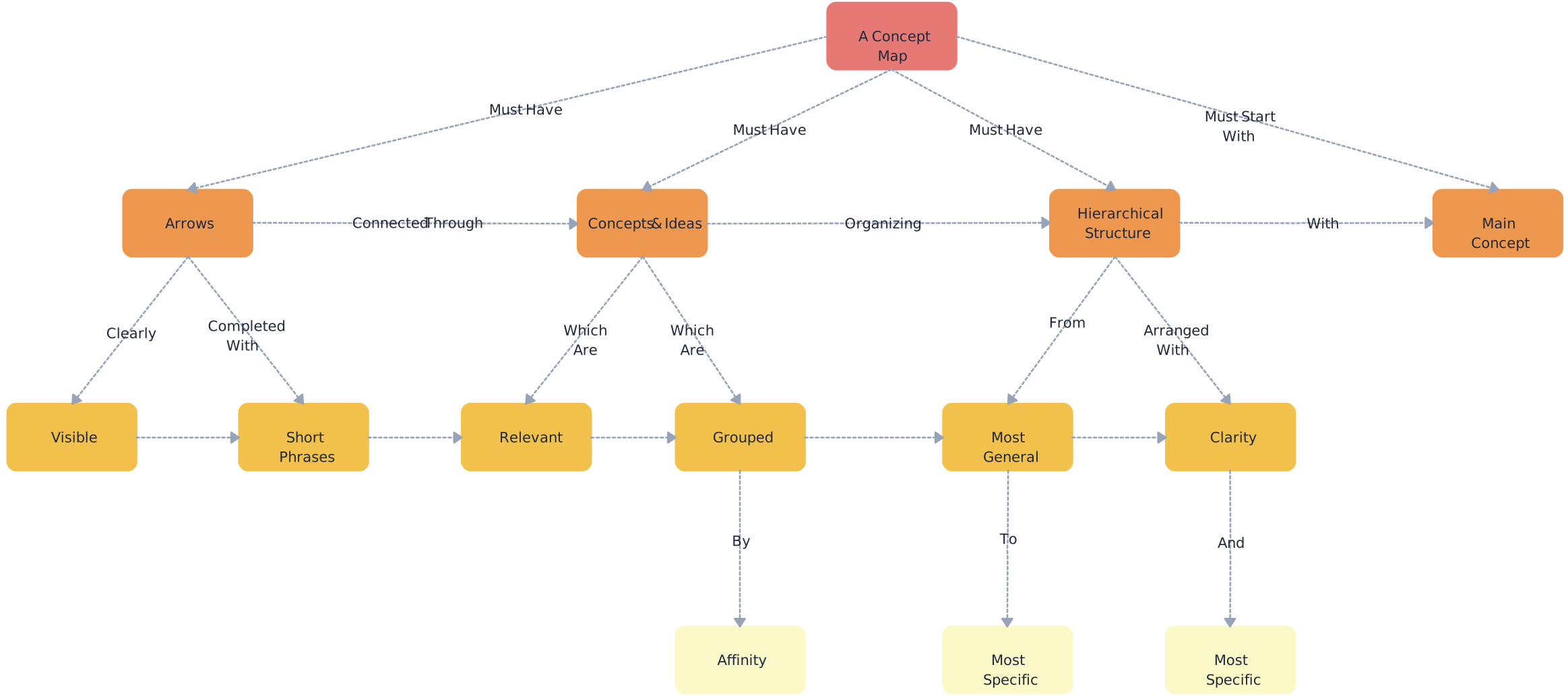
Concept Maps for Ideation
Use these templates to collect loose ideas, group related thoughts, and turn early brainstorming into a clearer structure.

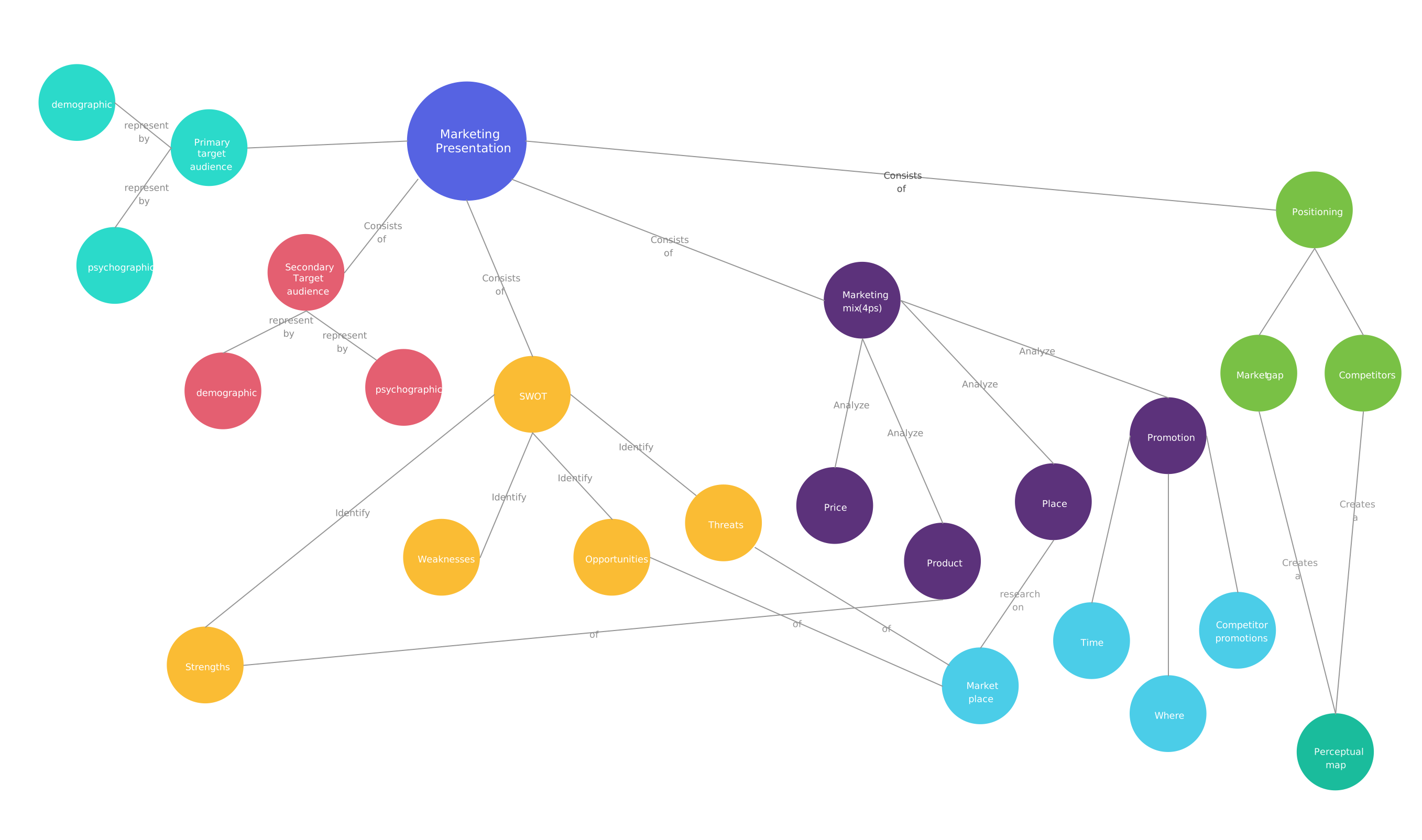
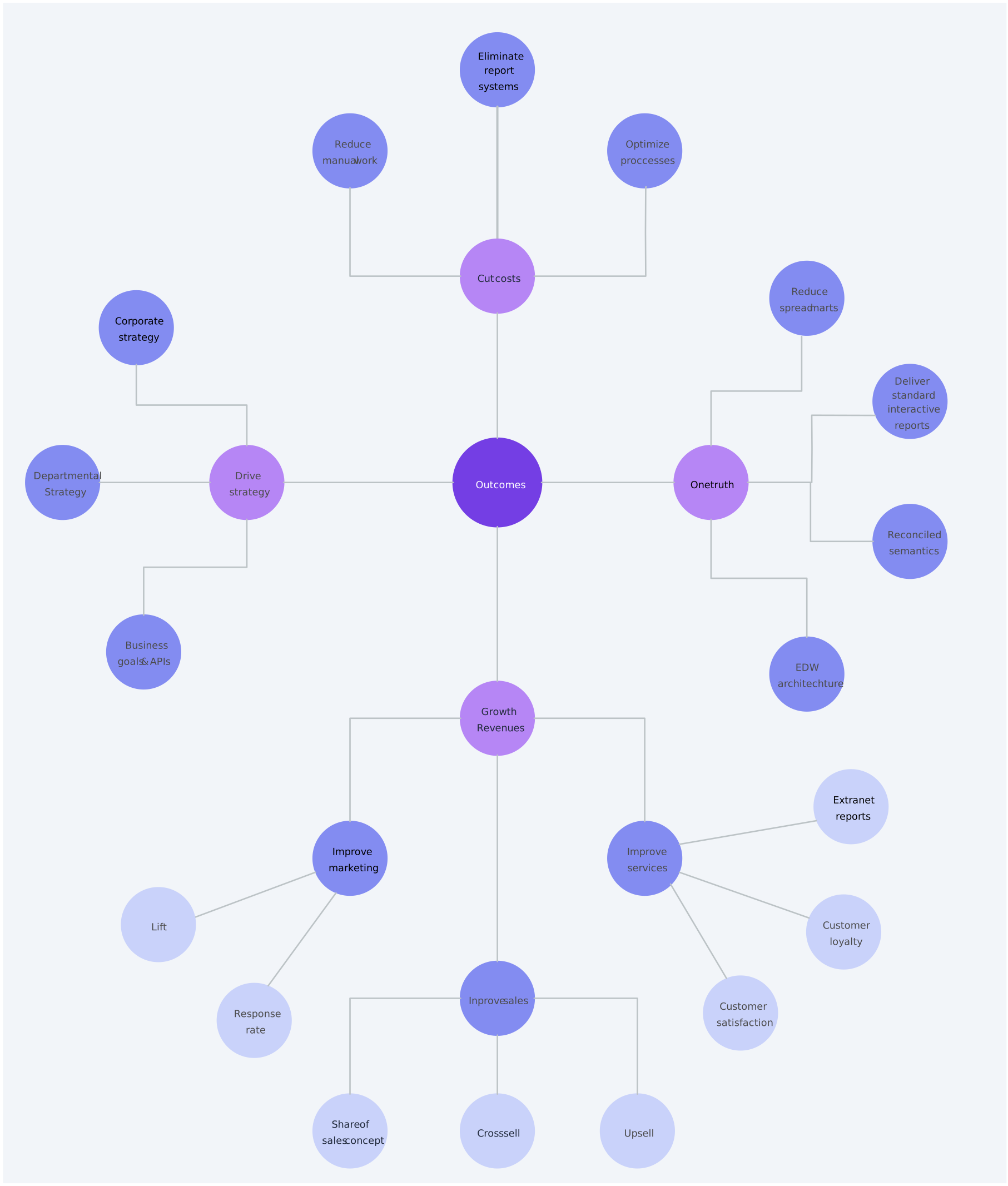
Concept Maps for Business
Use these templates to map business goals, outcomes, strategies, customer needs, or project relationships.
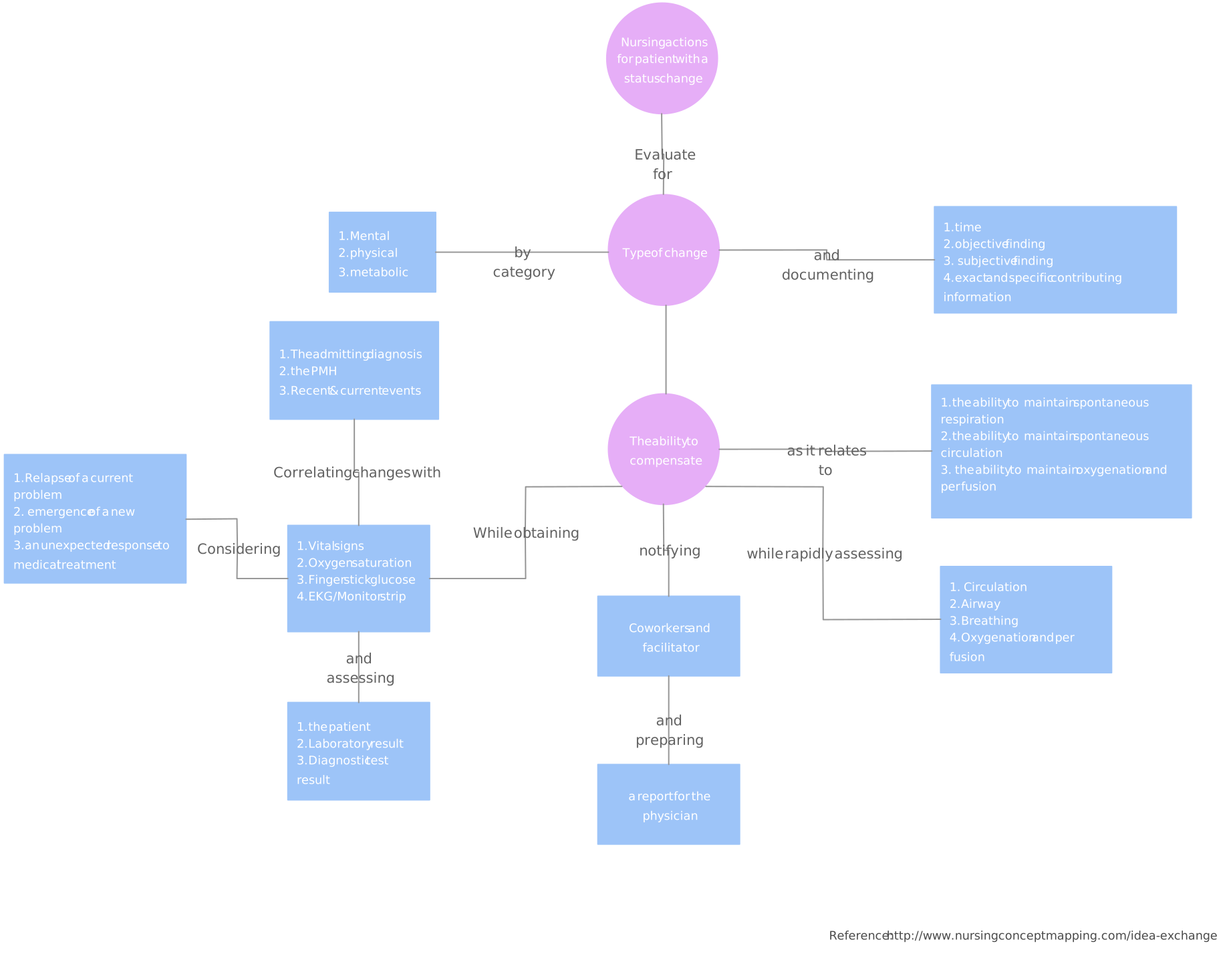
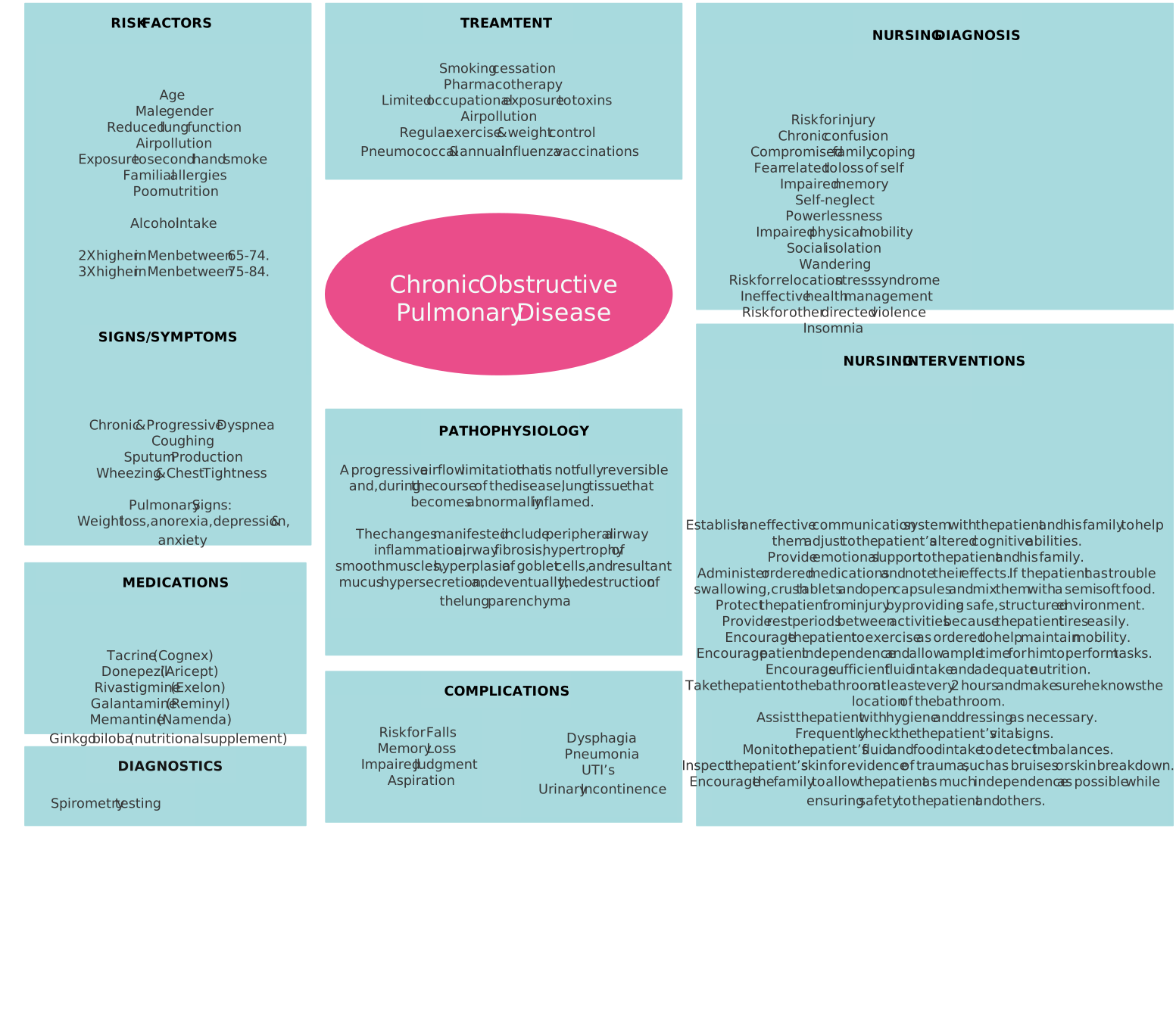
Concept Maps for Nursing
Use these templates to connect patient conditions, symptoms, interventions, care plans, and related clinical concepts.
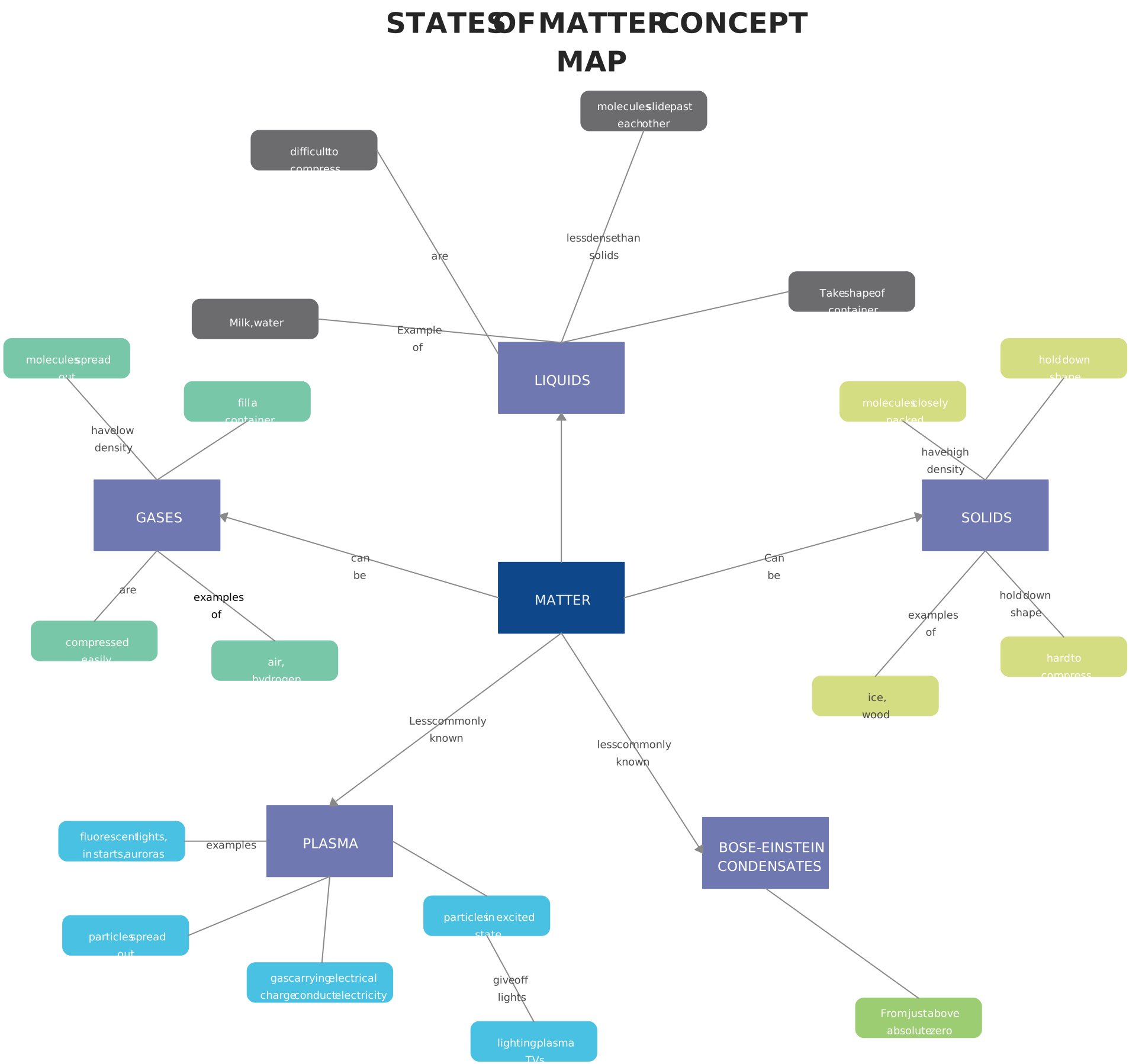
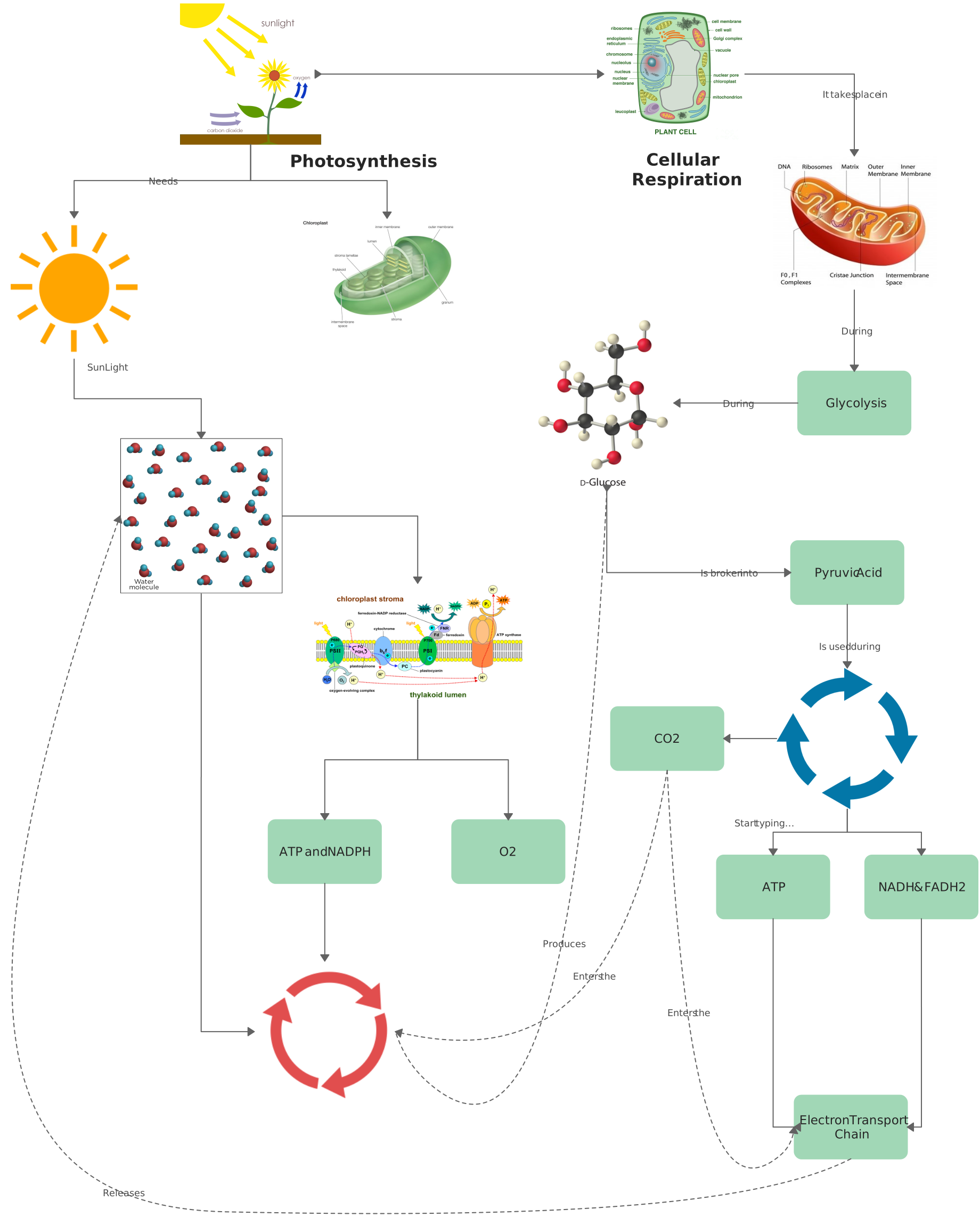
Concept Maps for Education
Use these templates to help students understand relationships between topics, processes, definitions, and examples.
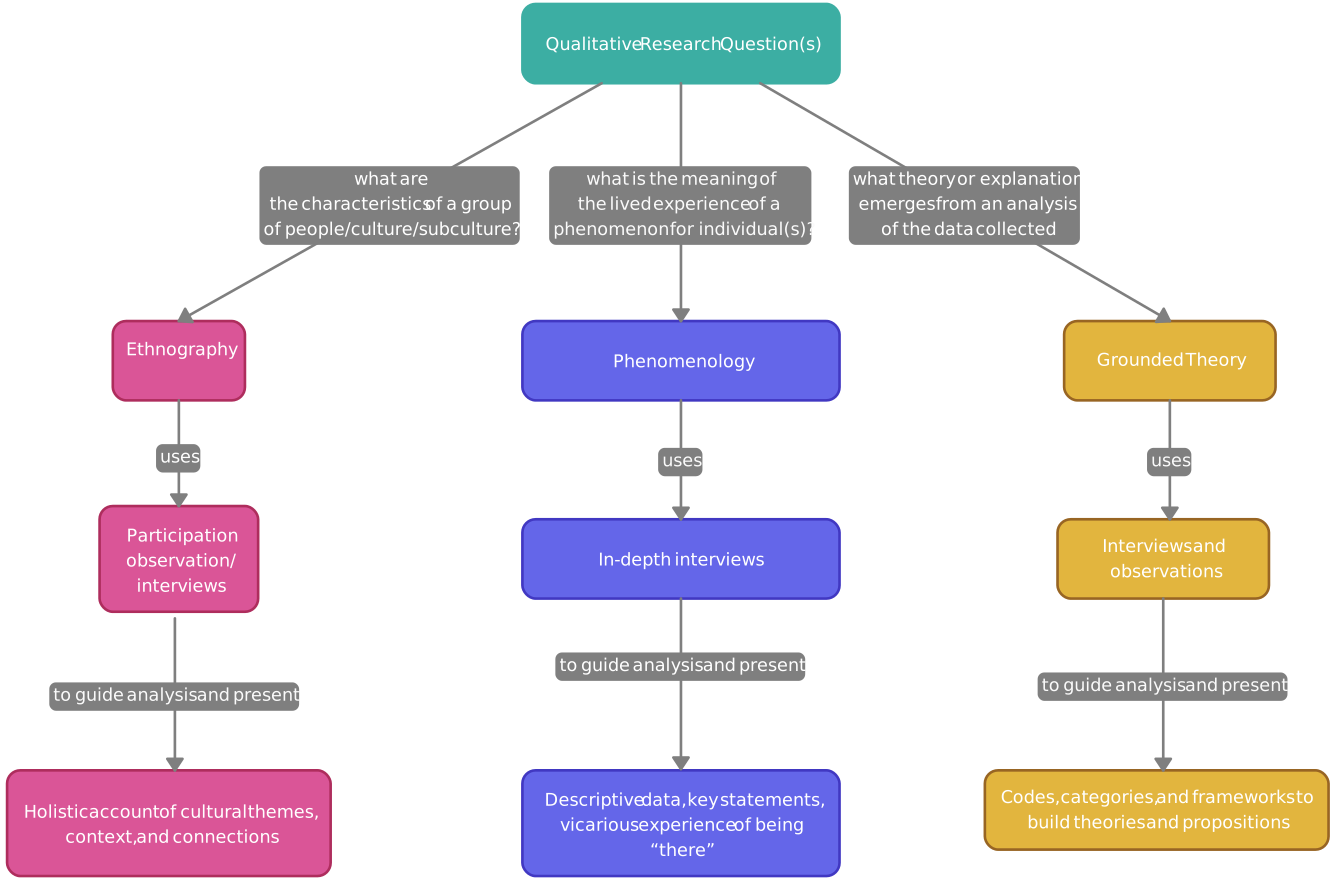
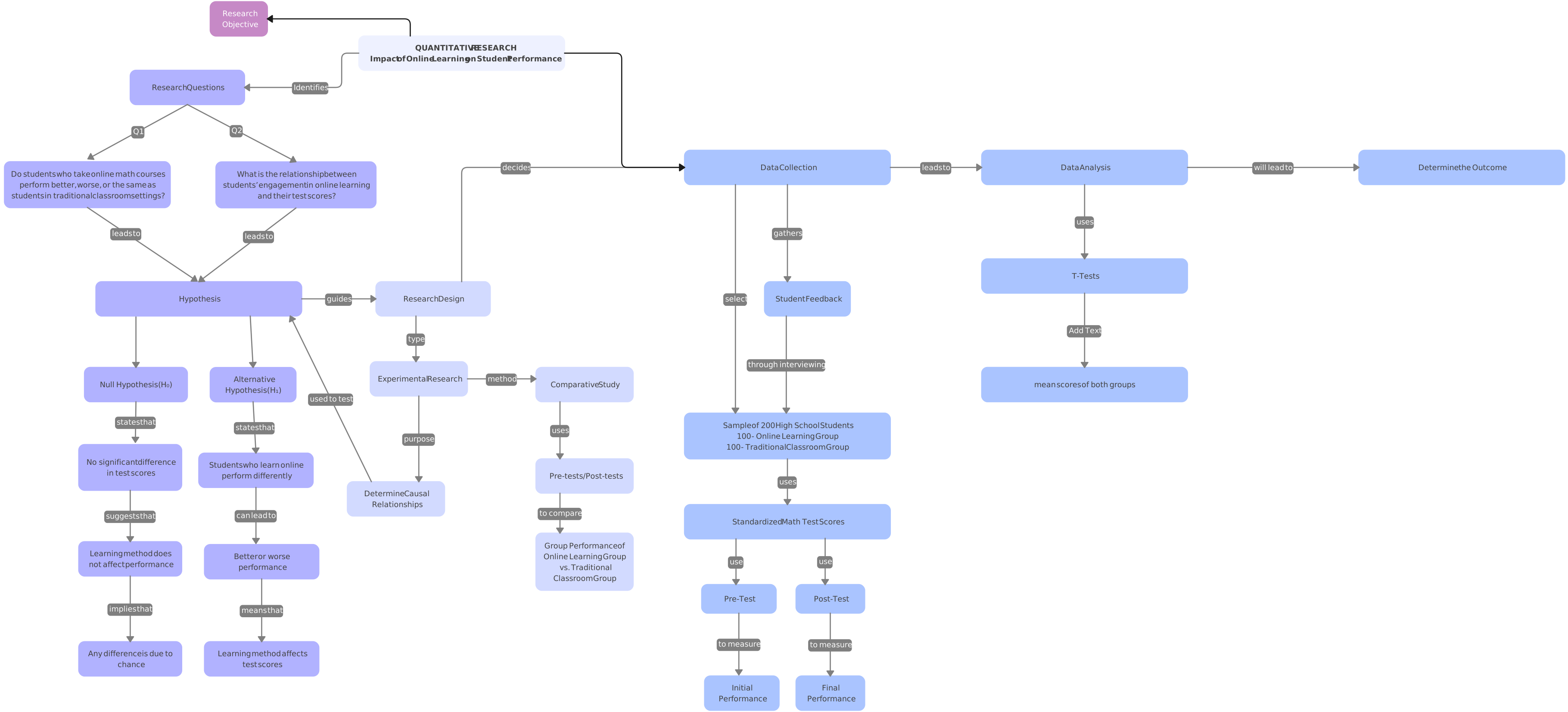
Concept Maps for Research
Use these templates to organize research questions, variables, themes, methods, and relationships between findings.
Discover more concept map templates by exploring our community’s collection of versatile, ready-to-use templates.
Conclusion: Create Clearer Concept Maps
A good concept map does more than place ideas on a page. It shows how those ideas relate, where they overlap, and what the bigger picture looks like. Start with a clear focus topic, choose only the most relevant concepts, label your connections, and review the map until the relationships are easy to understand.
Whether you are using concept maps for learning, brainstorming, research, or business planning, the goal is the same: make complex information easier to see, explain, and improve.
FAQs on How to Make a Concept Map
What is a Concept Map
What are the 7 Key Characteristics of a Concept Map
- Nodes (Concepts)
- Cross-Links
- Linking Words or Phrases
- Hierarchical Structure
- Propositional Structure
- Focus Question
- Theoretical Foundation
Can I create a concept map by hand, or should I use software?
What are linking phrases in a concept map, and why are they important?
How do I organize my concept map effectively?
Can concept maps be used for brainstorming?
Concept Mapping Tips and Best Practices
Resources:
Conceicao, S.C.O., Samuel, A. and Yelich Biniecki, S.M. (2017). Using concept mapping as a tool for conducting research: An analysis of three approaches. Cogent Social Sciences, 3(1). doi:https://doi.org/10.1080/23311886.2017.1404753.
Edmondson, K.M. (1995). Concept mapping for the development of medical curricula. Journal of Research in Science Teaching, 32(7), pp.777-793. doi:https://doi.org/10.1002/tea.3660320709.
Tseng, S.-S., Sue, P.-C., Su, J.-M., Weng, J.-F. and Tsai, W.-N. (2007). A new approach for constructing the concept map. Computers & Education, 49(3), pp.691-707. doi:https://doi.org/10.1016/j.compedu.2005.11.020.