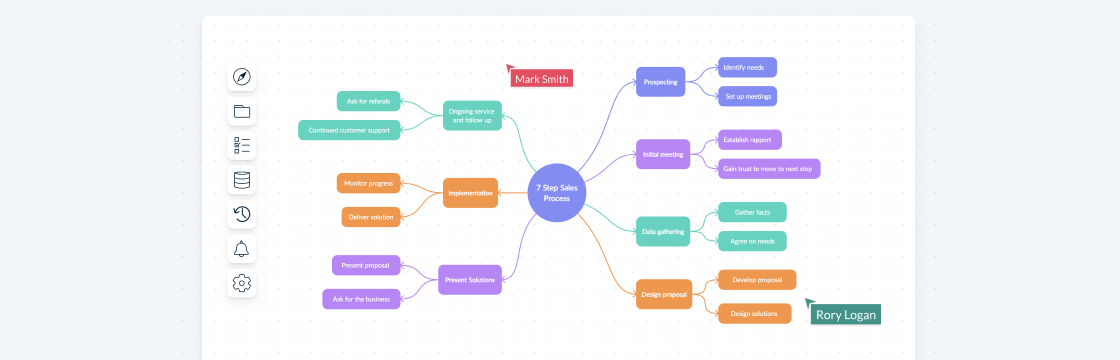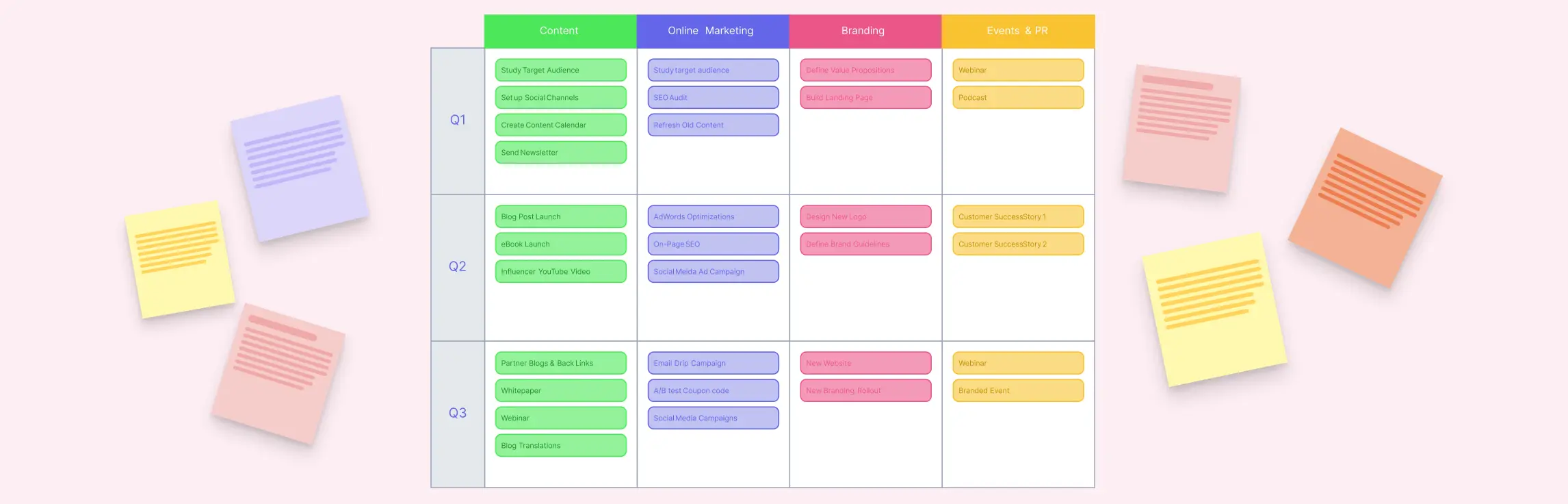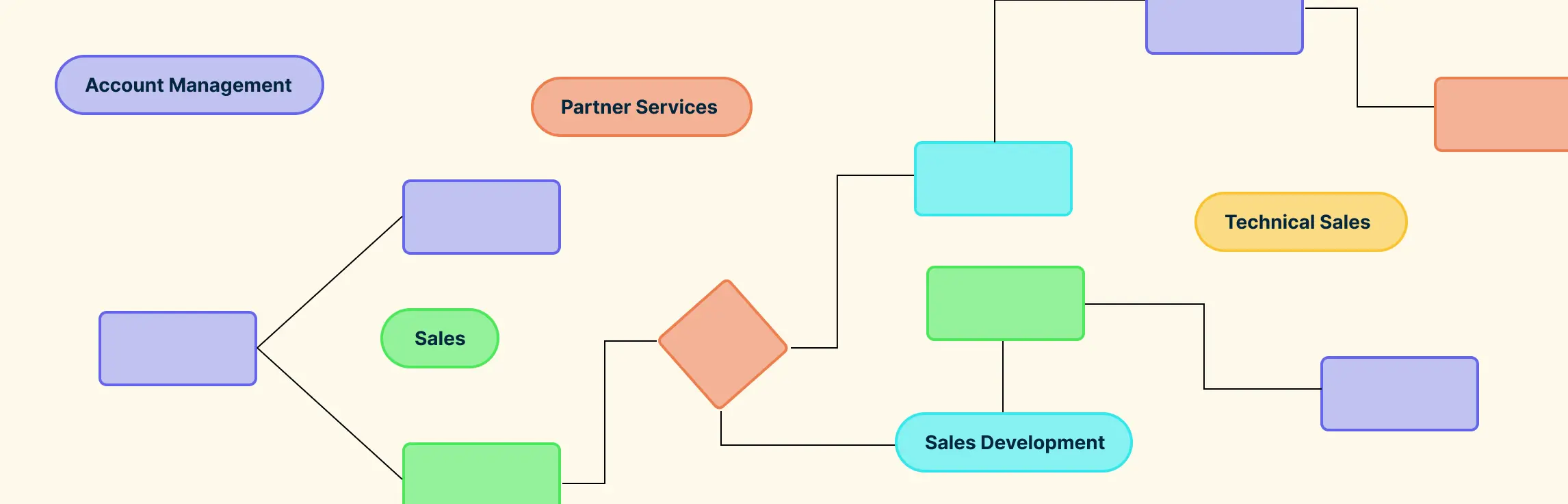
If your sales team feels like it’s constantly chasing leads, juggling scattered workflows, or struggling with slow deal cycles, you’re not alone. Many teams lose valuable time and revenue simply because there’s no clear, shared roadmap for the sales process. That’s where sales process mapping comes in. By visually outlining every step—from lead generation to closing—you can eliminate confusion, align your team, and make your sales workflows faster, clearer, and more effective. In this guide, we’ll walk you through what sales process mapping is, its key components, practical examples, ready-to-use templates, and actionable tips to optimize your sales process for maximum results.
What Is Sales Process Mapping?
A sales process map is a visual representation of every step your sales team takes to turn a lead into a customer. Unlike a simple list of sales steps, a sales process map shows how each stage connects, the decision points along the way, and the roles responsible for each task. It’s like a blueprint for your sales workflow—clear, structured, and easy to follow.
The difference between documenting sales steps and sales process mapping is all about perspective. While a checklist tells you what needs to be done, a sales process map reveals how everything flows together, highlighting bottlenecks, inefficiencies, and opportunities for improvement.
How Can a Sales Process Map Help?
A sales process map is more than just a diagram. It’s a strategic tool that brings clarity, efficiency, and alignment to your sales team. By visualizing your entire sales workflow, you can see how leads move through each stage, spot bottlenecks, and identify opportunities for improvement.
- Clarity and understanding: Teams instantly know the steps, roles, and touchpoints involved in closing a deal.
- Faster onboarding: New hires can quickly grasp your workflow without relying solely on verbal instructions or manuals.
- Consistency and standardization: A documented sales process ensures every team member follows the same procedures, reducing errors and missed opportunities.
- Improved forecasting: With a clear view of stages and decision points, predicting deal outcomes becomes easier and more accurate.
- Process optimization: Visual maps make it simple to identify inefficiencies, redundancies, or gaps in your workflow.
- Enhanced collaboration: Everyone can see who is responsible for each step, encouraging accountability and teamwork.
By creating a sales process map, teams gain a visual, actionable blueprint that not only organizes their workflow but also empowers them to sell smarter, faster, and more effectively. Tools like Creately make this process intuitive, interactive, and easy to update as your sales strategy evolves.
Key Components of an Effective Sales Process Map
To create a sales process map that truly drives results, focus on these critical elements:
Clearly Defined Sales Stages: Outline your main sales funnel stages—lead generation, prospecting, qualification, proposal, negotiation, and closing. Visual mapping of stages helps teams track deals and spot bottlenecks.
Key Activities and Tasks: List critical tasks within each stage, like outreach, follow-ups, or lead research. A sales process map shows how steps flow together, ensuring nothing is missed.
Roles and Responsibilities: Assign ownership for every step. Visualizing roles increases accountability and reduces confusion, empowering teams to act confidently.
Decision Points and Approvals: Highlight points where decisions are needed, such as lead qualification or managerial approval, to speed up workflows and reduce delays.
Metrics and KPIs: Include indicators like conversion rates or average deal time. Metrics make your map actionable, helping teams optimize stages and improve results.
Tools and Systems: Show where CRMs, automation, or collaboration platforms fit into the workflow. Mapping tools reduces errors, streamlines processes, and integrates your sales workflow seamlessly.
How to Map a Sales Process
Creating a sales process map doesn’t have to be complicated. By breaking your workflow into clear, actionable steps, you can design a map that brings clarity, efficiency, and alignment to your sales team.
Step 1. Identify the Stages of Your Sales Process
Start by outlining the key stages in your sales funnel, such as:
- Lead generation: Attracting potential customers
- Lead qualification: Determining which leads are worth pursuing
- Initial contact: Reaching out to leads for the first time
- Proposal: Presenting your solution or offer
- Negotiation: Addressing objections and finalizing terms
- Closing: Converting the lead into a customer
Defining these stages visually helps your team track deals and spot bottlenecks quickly.
Step 2. Define Key Decision Points
Identify critical decisions that guide the flow of your sales process, including:
- Is the lead qualified? – Decide whether to continue pursuing the lead
- Did the prospect agree to the proposal? – Determine if the deal moves forward or requires follow-up
Mapping decision points ensures faster, data-driven choices and reduces workflow delays.
Step 3. Map Your Customer Journey
Visualize the steps your customer takes from first contact to purchase. Include all touchpoints, interactions, and possible paths. This helps your team understand the customer experience and tailor communications effectively.
Step 4. Create a Basic Sales Process
Combine stages, tasks, roles, and decision points into a simple visual map. Keep it readable and focused on key elements. A basic map serves as the foundation for optimization and team alignment.
Step 5. Set Your Performance Metrics
Determine measurable indicators, like conversion rates, deal stage duration, and lead tracking efficiency. Metrics make your sales process map actionable, allowing continuous improvement.
Step 6. Document Everything
Ensure all processes, stages, roles, and decisions are recorded. Documentation standardizes workflows, improves onboarding, and makes it easy to update your map as your sales process evolves.
Tips for Optimizing Your Sales Process Map
A sales process map is only as effective as the effort you put into refining it. Here are actionable tips to make your maps work harder for your team:
Keep it simple and readable: Avoid clutter by focusing on key stages, touchpoints, and decision points. A clean, easy-to-follow sales process map ensures your team can quickly understand and act on the workflow.
Update regularly based on metrics: Track performance indicators like conversion rates, deal stages, and lead tracking. Use these insights to refine your map and remove bottlenecks for continuous improvement
Make it collaborative: Share your map with the team and encourage feedback. Collaboration ensures alignment, accountability, and smoother sales workflow execution.
Experiment and iterate: Every sales process evolves. Test new approaches, tweak stages, and refine touchpoints in Creately. Iteration keeps your process dynamic, efficient, and tailored to real-world results.
By following these tips, your sales process map becomes a living tool that drives clarity, efficiency, and higher conversion rates—helping your team close deals faster and smarter.
Sales Process Mapping Methods (with Examples)
There’s no single “right” way to do sales process mapping. The best method depends on what you’re trying to improve, conversion rates, speed, ownership, or customer experience. Below are the most effective sales process mapping examples and when to use each.
1. Sales Funnel & Pipeline Visualizations
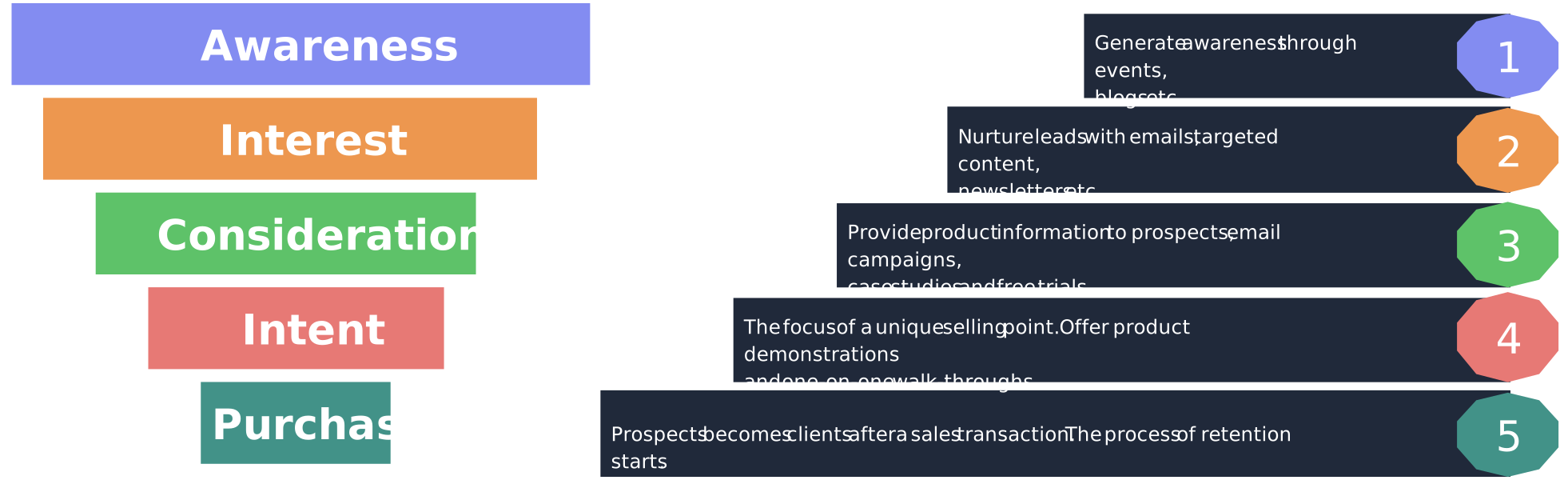
These visuals instantly highlight where deals leak between stages and which transitions need attention (for example, demo → proposal).
Best for: Conversion analysis, stage drop-offs, and forecasting
What it looks like:
- Funnel diagrams (Lead → MQL → SQL → Closed)
- Pipeline stage bars or stacked columns
- Win–loss waterfall views

How to optimize with them:
- Compare funnels by segment, channel, or sales rep
- Overlay conversion rates and average cycle time per stage
This method is ideal when you want a high-level sales process map focused on performance and outcomes.
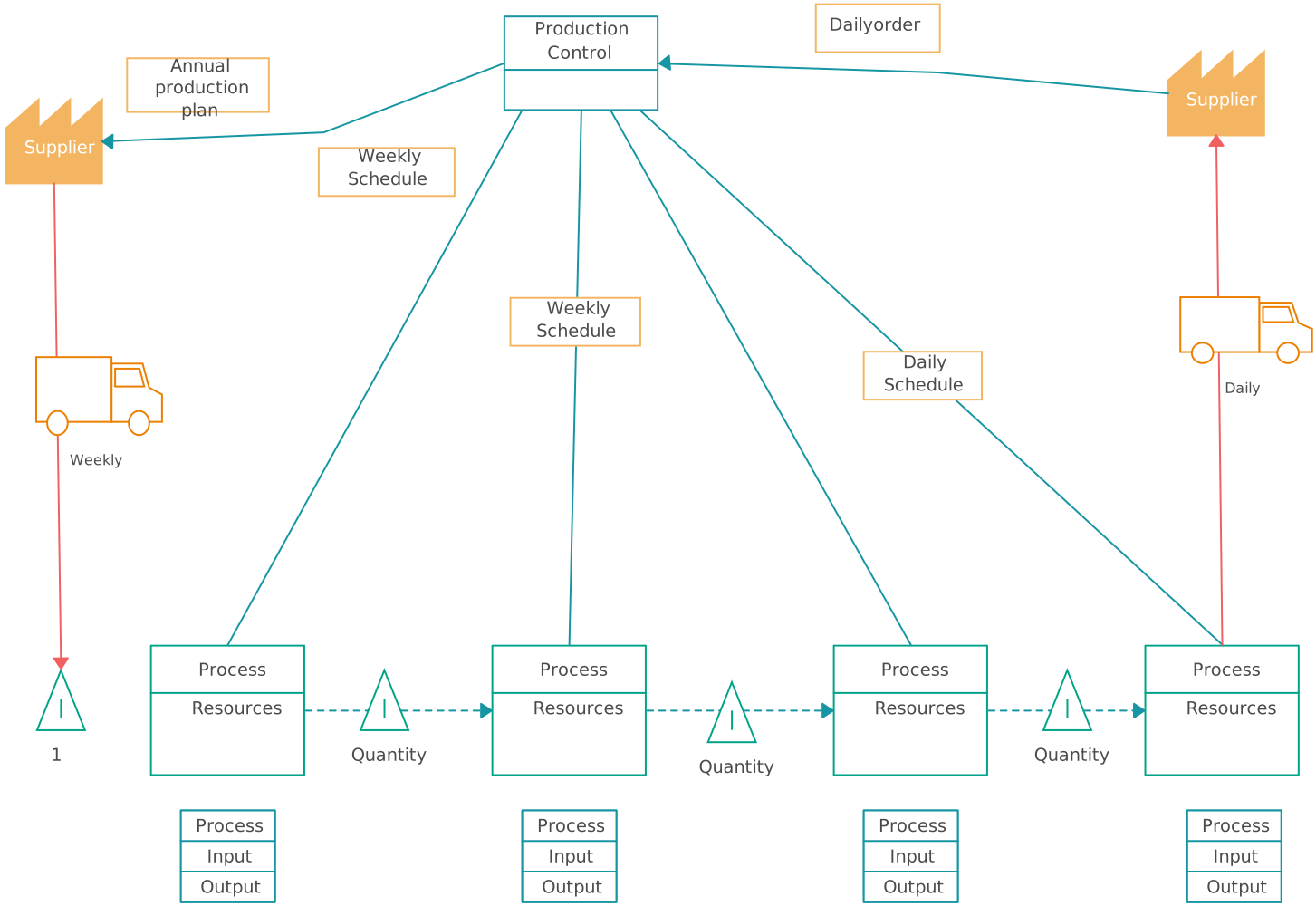
2. Value Stream Maps (VSM)
Borrowed from Lean methodology, VSM exposes hidden delays, like pricing approvals or legal reviews, that quietly slow deals down.
Best for: Eliminating waste and delays in the sales cycle
What it shows:
- Every step from lead creation to deal closure
- Wait times, approvals, handoffs, and rework loops
How to optimize with it:
- Reduce time-to-close
- Remove non-value-adding steps
This approach is perfect when speed and efficiency are your biggest challenges.
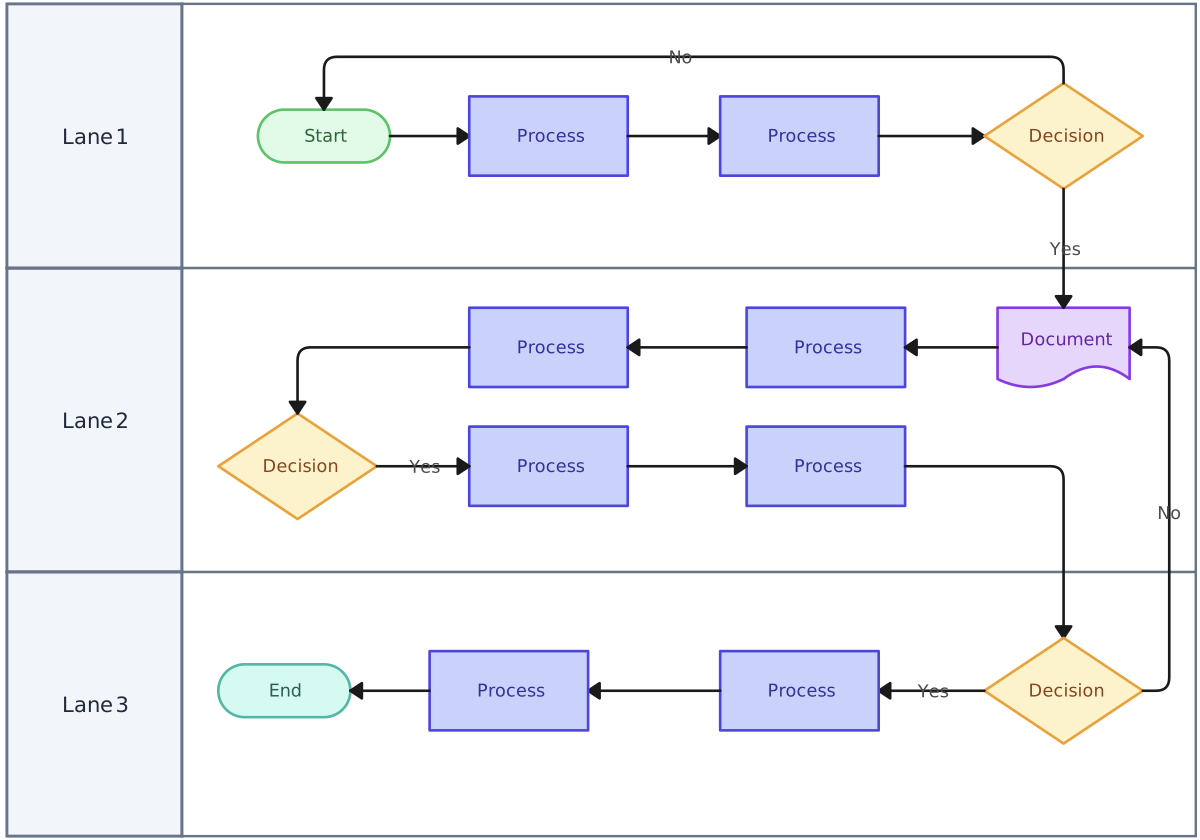
3. Swimlane Diagrams
Swimlanes reveal responsibility gaps, overlaps, and handoff friction that traditional diagrams miss.
Best for: Role clarity and cross-team handoffs
What it shows:
- Separate lanes for Sales, Marketing, SDRs, RevOps, Legal, and Finance
- Clear ownership of every step in the sales workflow
How to optimize with it:
- Fix SLA issues between Marketing and Sales
- Clarify ownership in complex or enterprise sales processes
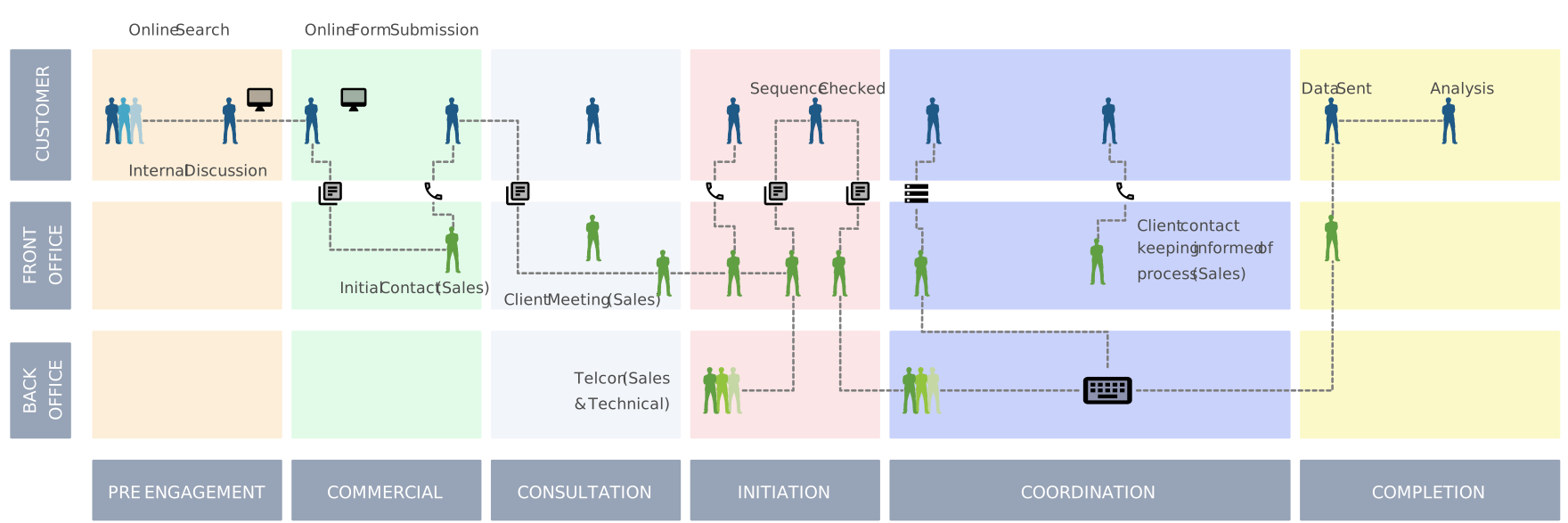
4. Customer Journey Maps (Sales-Focused)
This method optimizes the buyer experience—not just internal efficiency—reducing drop-offs caused by poorly timed or misaligned outreach.
Best for: Aligning sales actions with buyer behavior
What it shows:
- Buyer stages (Awareness → Consideration → Decision)
- Buyer emotions, objections, and questions
- Sales touchpoints mapped to each stage
How to optimize with it:
- Improve messaging at each stage
- Anticipate objections before they stall deals
5. Sankey Diagrams
Sankey diagrams make complex, multi-channel sales flows instantly readable.
Best for: Visualizing deal flow and lead movement
What it shows:
- Flow of leads from sources → stages → outcomes
- Line thickness representing volume or revenue

How to optimize with it:
- Identify lead sources that produce high-quality deals
- Spot unexpected leakage paths in the sales process
6. RACI / Responsibility Matrices
RACI Matrix dramatically reduces friction, escalations, and delays—especially in complex B2B or enterprise sales environments.
Best for: Governance and decision clarity
What it shows:
- Who is Responsible, Accountable, Consulted, and Informed at each step
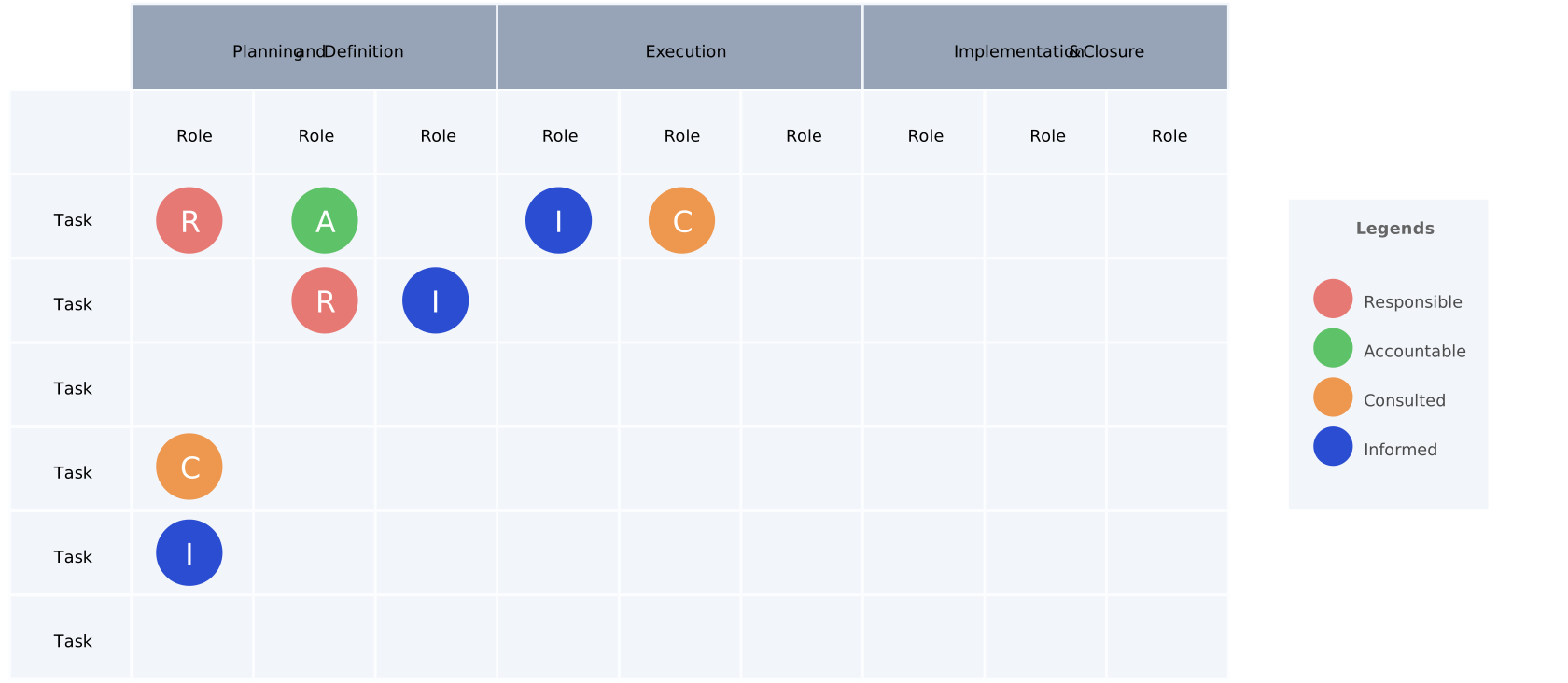
This method pairs well with a sales process mapping template focused on compliance and accountability.
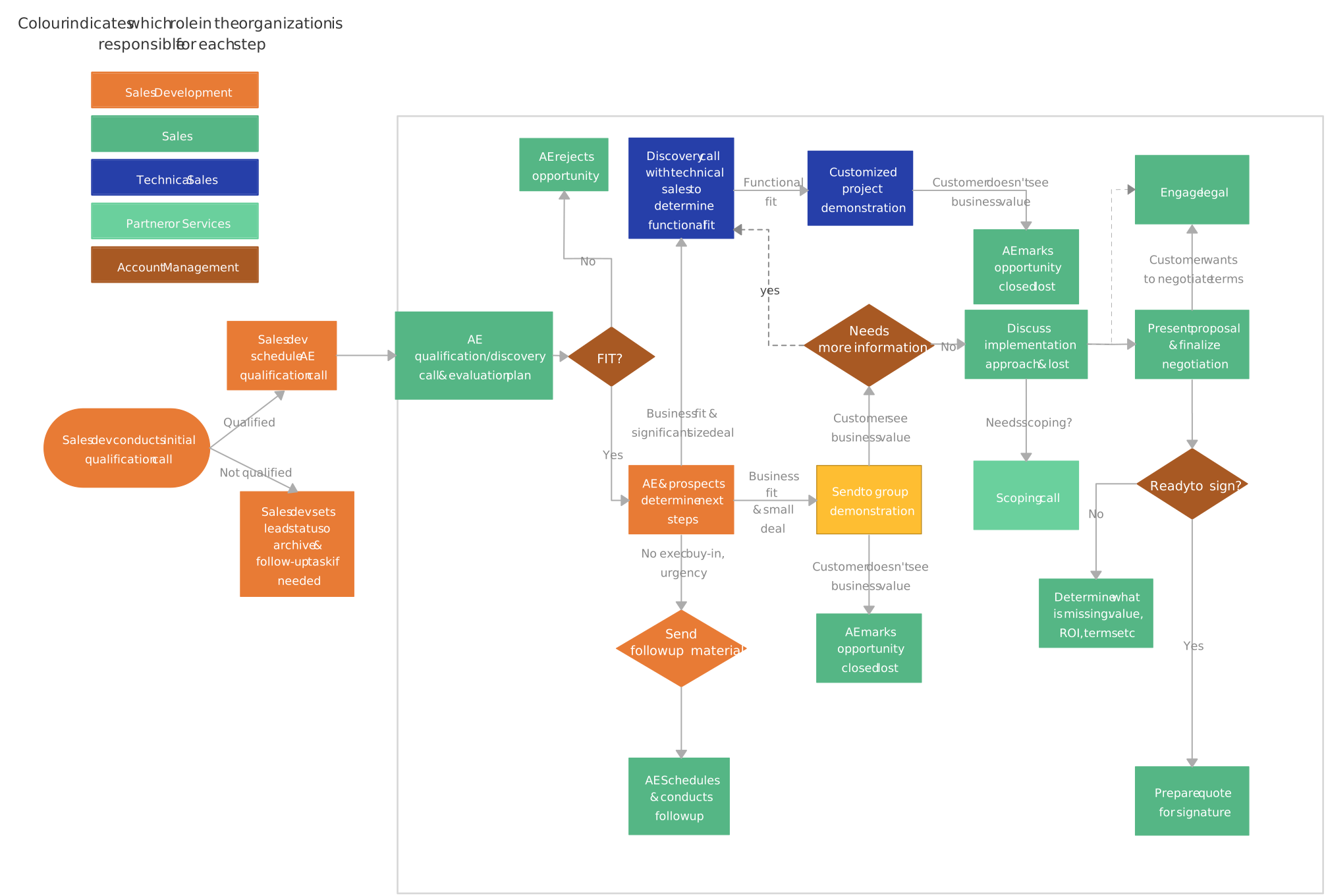
7. Flowcharts
Business Process Flowcharts are ideal for documenting a basic sales process map, onboarding new reps, or standardizing workflows quickly.
Best for: Simple, end-to-end process documentation
What it shows:
- Step-by-step progression of the sales process
- Clear paths from lead to close
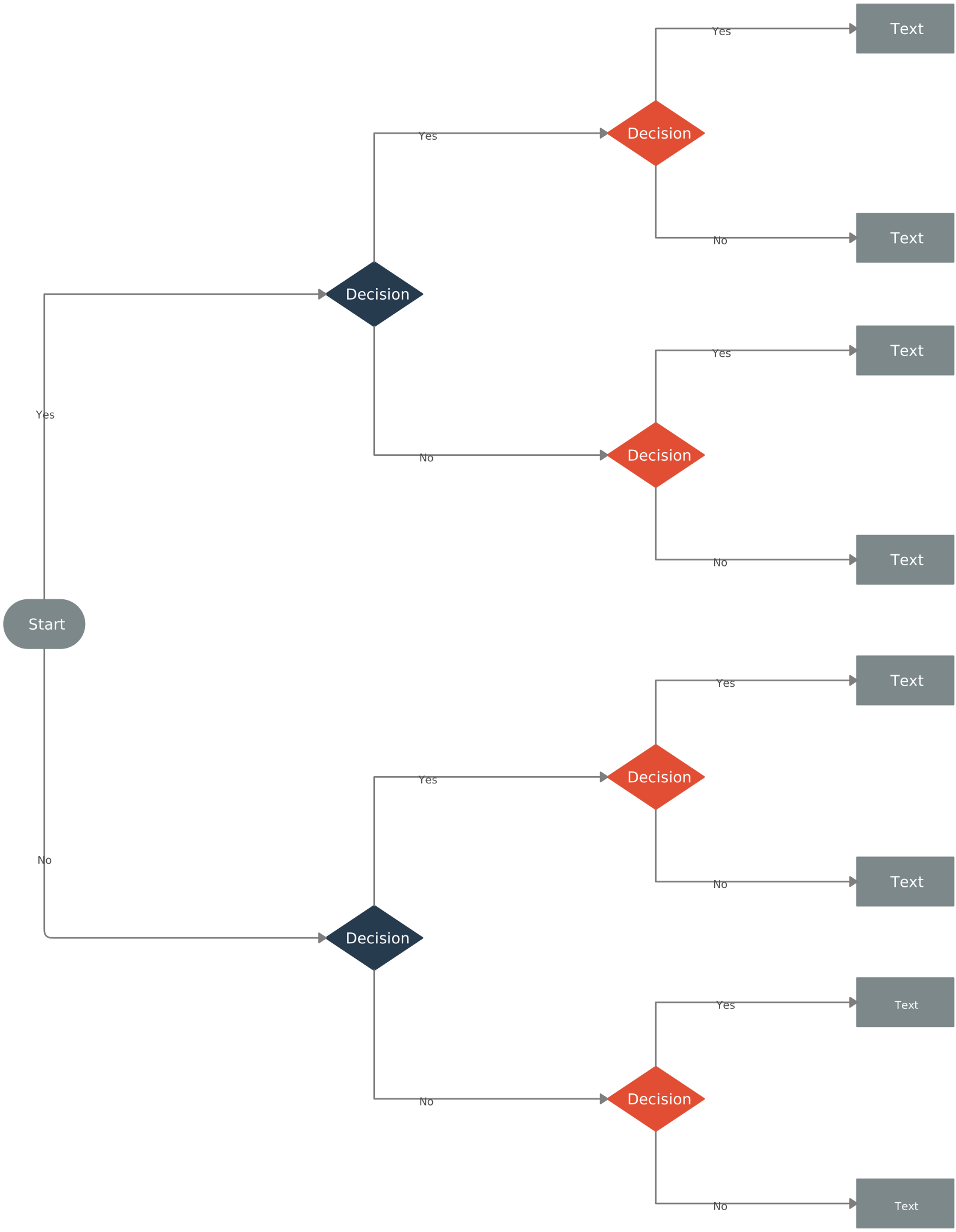
8. Decision Trees
Best for: Deal qualification and next-best-action guidance
What it shows:
- If/then paths based on deal attributes, budget, authority, or readiness
How to optimize with it:
- Improve qualification frameworks (BANT, MEDDICC)
- Guide junior reps to make consistent decisions
Decision trees reduce guesswork and improve deal quality across the pipeline.
✨ Pro tip: In Creately, you can combine multiple methods—like swimlanes with decision points or funnels with metrics—to build a powerful, flexible sales process mapping template that evolves with your team.
Why Does Sales Process Mapping Matter?
Sales teams often struggle with scattered workflows, missed follow-ups, and slow-moving deals. When every team member has their own way of doing things, it’s easy for leads to slip through the cracks, opportunities to be delayed, and overall performance to suffer. That’s where a sales process map becomes a game-changer.
By visualizing your entire sales workflow, a sales process map brings clarity and alignment to your team. Instead of guessing what comes next, everyone can see the steps, responsibilities, and decision points at a glance.
Eliminates confusion and inconsistency: A clear sales process map ensures everyone follows the same workflow instead of relying on individual approaches or guesswork.
Improves efficiency and speed: When each step is documented and visualized, teams waste less time figuring out what to do next and move deals forward faster.
Makes performance easier to evaluate: Mapping the sales process highlights where deals stall, drop off, or slow down, making optimization more data-driven.
Strengthens collaboration across teams: Clear handoffs between Sales, Marketing, and other teams reduce friction and keep workflows running smoothly.
Supports better forecasting and planning: With visible stages and decision points, leaders gain a high-level view of pipeline health and revenue trends.
Enhances the customer experience: Sales reps engage prospects with the right message at the right time by understanding where they are in the buying journey.
Creates scalable, repeatable growth: Successful teams rely on structured sales processes, and sales process mapping provides the foundation for consistent results.
Using a tool like Creately, teams can create, share, and update their sales process maps easily, turning a previously chaotic workflow into a smooth, visual experience that drives results and keeps everyone motivated.
Benefits of Sales Process Mapping
Sales process mapping brings structure and visibility to what is often a complex, fast-moving workflow. By turning your sales activities into a clear visual system, teams gain confidence, alignment, and momentum.
Makes the sales process transparent: A visual sales process map shows every stage, handoff, and decision point, eliminating guesswork and hidden gaps.
Serves as a blueprint for the entire sales team: Everyone follows the same roadmap, ensuring consistency across reps, regions, and channels.
Gives leadership a high-level overview: Managers can quickly understand pipeline health, identify bottlenecks, and make informed strategic decisions.
Eases onboarding for new sales reps: New hires can grasp the sales workflow faster, reducing ramp-up time and dependence on tribal knowledge.
Supports evaluation and improvement: A documented sales process makes it easier to review performance, assess deal stages, and optimize what’s not working.
Increases sales confidence and ingenuity: When reps know the process and trust it, they spend less time guessing and more time selling creatively and effectively.
Ultimately, sales process mapping transforms selling from a reactive activity into a confident, repeatable system that helps teams close deals faster and smarter.
A well-designed sales process map transforms chaos into clarity. From clearly defined stages and roles to decision points and touchpoints, mapping your sales workflow helps teams collaborate efficiently, track performance, and close deals faster. Using sales process mapping templates in Creately takes the guesswork out of the process, letting you create visual, interactive maps that are easy to understand and update. Start mapping your sales process today and empower your team to work smarter, stay aligned, and achieve better results—try these templates in Creately now and see the difference a clear sales process can make.